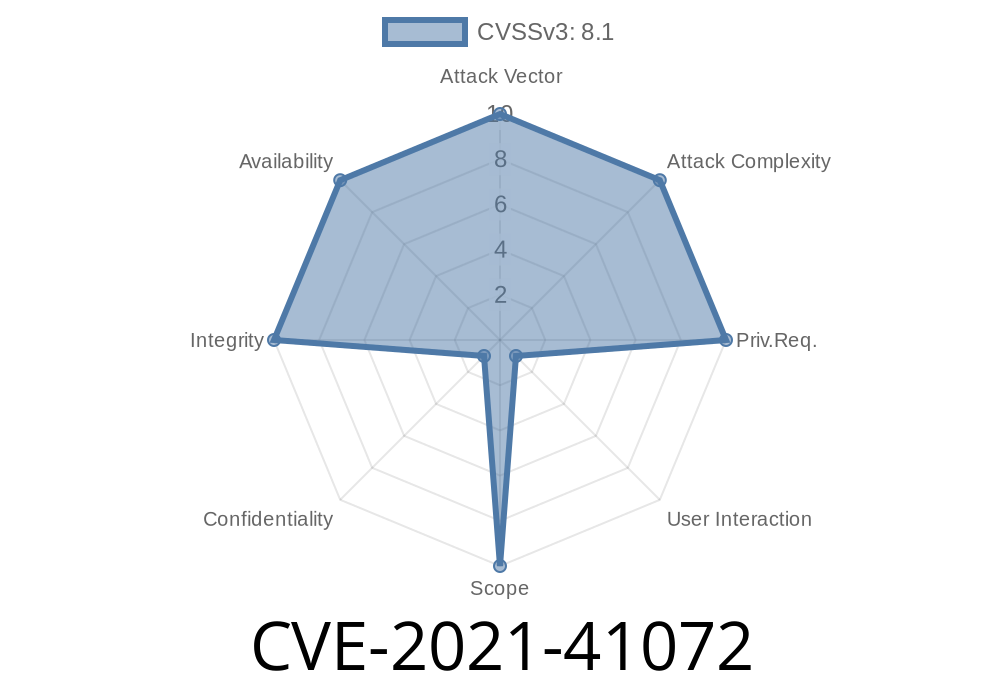
If you’ve ever handled compressed Linux filesystem images, you’ve probably run into Squashfs and its core utilities, mksquashfs and unsquashfs. The unsquashfs utility is supposed to extract files from a .squashfs image safely, but in 2021, a serious directory traversal vulnerability was discovered in version 4.5: CVE-2021-41072.
This bug can let a maliciously crafted squashfs image overwrite arbitrary files—outside the extraction directory—anywhere the extract user can write. Let’s look at how this works, walk through a proof-of-concept, and see how you can keep your machines safe.
The Squashfs Directory Traversal Problem
unsquashfs is meant to recreate files and folders from a compressed Squashfs image. The bug affects squashfs_opendir() in unsquash-2.c, which handles opening directories as it extracts the image.
The image contains a symbolic link (symlink) with a given name, like foo.
- Later in the same image, the same file name (foo) appears again, this time as a regular file (or hardlink).
- The symlink is crafted to point outside the intended extraction directory (using something like ../../ in its target).
unsquashfs will
1. First: Create the symlink (foo) in the output directory, which points to, say, /etc/passwd or any user-chosen path.
2. Second: Extract the regular file to the name foo, following the symlink, and actually writing data to the outside path the symlink points to.
Why does this happen? Because unsquashfs doesn’t sufficiently check whether foo is a symlink, and just opens it for writing.
It’s Different from CVE-2021-40153
It’s easy to confuse this with CVE-2021-40153 (another Squashfs-Tools bug). But in CVE-2021-41072, the attack hinges on the image containing conflicting file entries — a symlink and then a file — for the same directory entry.
You’ll need to prepare a folder where
- The file foo is a symlink pointing somewhere outside your extraction folder, for example /tmp/realfile.
You can create such an image with the following commands
# Prepare directories
mkdir attackdir
ln -s /tmp/realfile attackdir/foo   # Create a symlink named foo

# -- This step is just illustration.
# -- Normally, a malicious image would abuse the squashfs file format internals
#    to include both a symlink and a file entry with the same name in a single image,
#    using low-level tools or direct manipulation.

# Build squashfs image
mksquashfs attackdir malicious.squashfs
Now here’s the kicker: legitimate tools like mksquashfs typically refuse duplicate entries. A real attacker would manually craft the image, or patch the source, to include both. For the sake of a practical demo, let’s focus on what happens if you run into such a crafted image.
If you now run
unsquashfs -d extracted malicious.squashfs
During extraction, unsquashfs
- Creates extracted/foo as a symlink to /tmp/realfile.
- Then, when it tries to write the file content for foo, it dereferences the symlink and writes directly to /tmp/realfile — even though you wanted to keep all files inside the extracted directory!
If unsquashfs is run as root, this could allow destructive writes anywhere on the system.
Here’s a sketch of what goes wrong in the code (unsquash-2.c)
// Pseudocode, not the real source:
int unsquash_file(char *path, ...) {
    if (S_ISLNK(statbuf.st_mode)) {
        // Create symlink
        symlink(link_target, path);
    } else {
        // Open filename for writing (possibly through a symlink!)
        fd = open(path, O_WRONLY | O_CREAT, statbuf.st_mode);
        write(fd, ...);
    }
}
The program does not confirm that path is _not_ a symlink before writing. Once a symlink exists, a subsequent write to the same path will dereference it.
Proof of Concept (Python)
A full-blown malicious image might be tricky without low-level manipulation, but you could simulate this locally.
Suppose someone ships you an image you trust and you extract it.
Dangerous System Files Overwrite Example
Suppose the crafted symlink points to /etc/ssh/sshd_config. Someone includes that in a Squashfs image, followed by a file with the data they want. If you extracted as root:
unsquashfs overwrites your SSH config file.
This is why unpacking images as root, or even as a privileged user, is risky!
Links to the Original References
- Squashfs-Tools on Sourceforge (official)
- CVE-2021-41072 on NVD
- Original Patch Commit (GitHub)
- Security Advisory (Debian)
How Do I Protect Myself?
- Upgrade Squashfs-Tools: Make sure you’re on a version after this commit, which cleans up this logic.
Extract in a safe, isolated workspace to limit damage.
Bottom line:
If you unpack images built by someone else, even for testing, don’t do it as root or with important system files at risk. Make sure your Squashfs-Tools version is up-to-date.
Final Thoughts
CVE-2021-41072 is another reminder: archive and extraction utilities must be paranoid about symlinks and duplicate entries. Attackers love to smuggle dangerous interactions into compressed images. If you rely on any tool like this, always keep it updated and follow safe extraction practices.
If you want to dig deeper into the vuln or the patch, check out
- Source code & patch on GitHub
- More CVE details at cve.mitre.org
- Squashfs forum discussions
Timeline
Published on: 09/14/2021 01:15:00 UTC
Last modified on: 05/30/2023 06:15:00 UTC