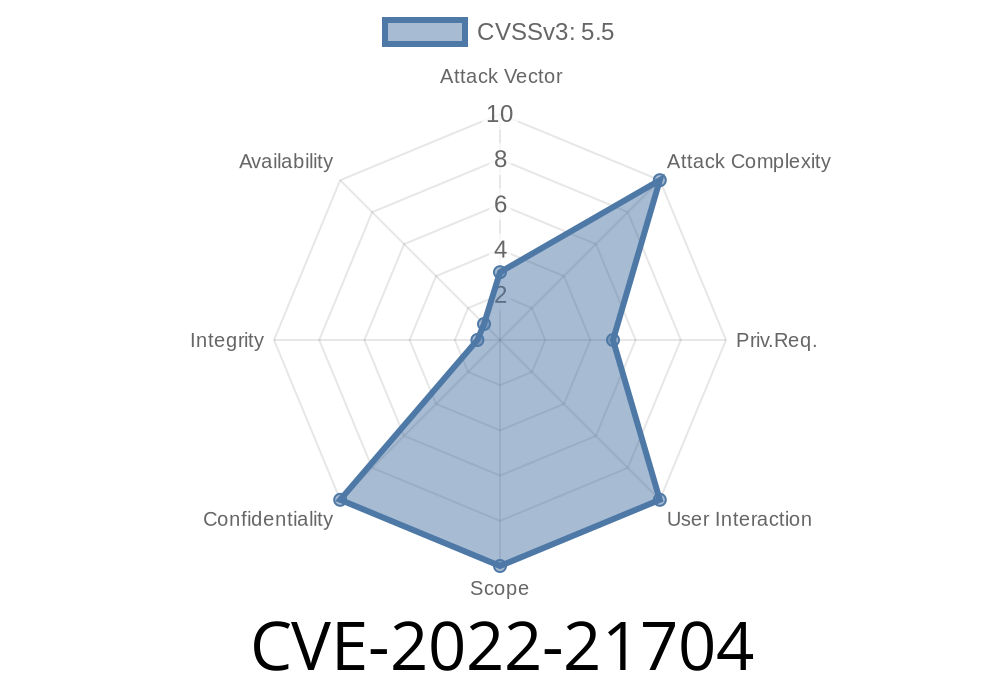
When you trust a logging library like log4js-node to keep track of what happens in your application, the last thing you want is that very log file showing up for virtually anyone on your server to read. But that's exactly what happened with CVE-2022-21704.
Let’s break down the details, see how the vulnerability works, check out some code, and figure out how to stay safe.
What is log4js-node?
log4js-node is a very popular Node.js port of the logging framework log4js. It’s used to write application events, errors, and other debug info to log files or other outputs.
Developers around the world depend on it to keep records of what’s happening—sometimes including sensitive info such as:
What is CVE-2022-21704?
CVE-2022-21704 describes a security problem in log4js-node. The issue is simple, but dangerous:
By default, log files created using popular appenders are world-readable on Unix-like systems.
Which appenders are affected?
dateFile
Whenever these appenders create a new log file, the default permissions set on the file (mode) are too permissive: anyone on the system could read your log file!
If your application logs sensitive data, that info could be compromised.
Why Did This Happen?
Unix-like operating systems associate permissions with every file.
Typical permissions are written as three sets: owner/group/others — each can read (r), write (w), or execute (x).
By default, files created by log4js-node appenders were 0644
- Owner: read/write
Others: read
That means anyone logged into the system could read your logs!
A typical log4js-node configuration
const log4js = require('log4js');

log4js.configure({
  appenders: {
    everything: { type: 'file', filename: 'app.log' }
  },
  categories: {
    default: { appenders: ['everything'], level: 'debug' }
  }
});

const logger = log4js.getLogger();
logger.info('Sensitive startup info...');
This code will create a file called app.log.
If you check its permissions
ls -l app.log
-rw-r--r-- 1 user user 12345 Feb 23 11:00 app.log
Who can read the file (the last three bits):
Why Is This Bad?
If your server has multiple users (even containerized systems can have noisy neighbors), anyone can see what’s in your logs—API tokens, errors, stack traces, user data, configuration info… you name it.
Even in a simple web hosting environment, this can be a risk. Developers often put secrets in logs (accidentally or for debugging), and this file permission problem means other users could snoop on your info!
1. Update log4js-node
The best fix is to update to the newest version of log4js-node, where this practice has been improved.
Advisory and Patch Details
If you’re still using an older log4js-node, specify the file mode yourself in the config
const log4js = require('log4js');

log4js.configure({
  appenders: {
    everything: {
      type: 'file',
      filename: 'app.log',
      mode: o600 // Owner read + write, no permissions for group or others
    }
  },
  categories: {
    default: { appenders: ['everything'], level: 'debug' }
  }
});
Now when you run
ls -l app.log
-rw------- 1 user user 12345 Feb 23 11:00 app.log
Already running in production? Run this to see world-readable log files
find /path/to/logs -type f -perm -o=r
You can restrict them using
chmod 600 /path/to/logs/*.log
Links and References
- Official Advisory: log4js-node GHSA-3whf-52p6-8hwx
- NPM package page
- CVE-2022-21704 - NVD
- Upgrading node packages for security
Summary
CVE-2022-21704 is a reminder:
Even the tools you use to “watch" your app can accidentally leak information, if not configured securely. Always check file permissions, especially for logs!
> Are you using log4js-node? Update now, or check your config to set mode: o600, and keep your sensitive data safe from prying eyes.
If you found this useful, share with your dev team and make sure everyone’s logs are locked down tight!
Timeline
Published on: 01/19/2022 23:15:00 UTC
Last modified on: 01/27/2022 16:50:00 UTC