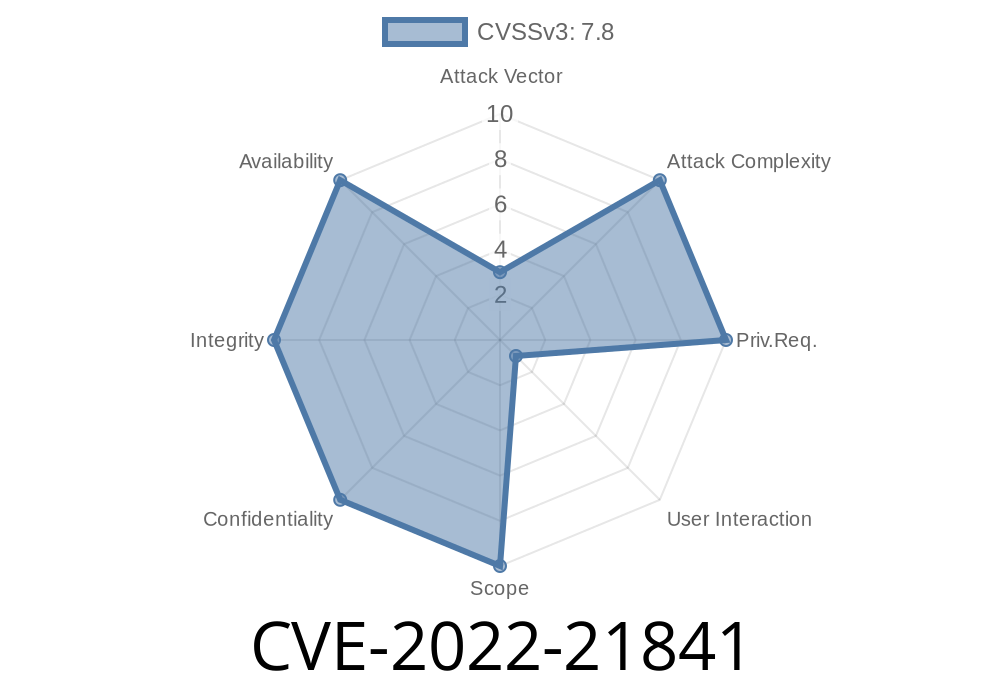
Microsoft Excel is widely used by businesses, schools, and personal users all over the world. But sometimes, what appears to be an ordinary spreadsheet can hide dangerous secrets. In 2022, researchers discovered a serious flaw in Excel’s security known as CVE-2022-21841. This vulnerability can let hackers run code on your machine just by getting you to open a booby-trapped Excel file. In this post, we’ll break down what CVE-2022-21841 is, how it works, and how attackers might exploit it—step by step, in everyday language.
What is CVE-2022-21841?
CVE-2022-21841 is a security hole in Microsoft Excel that allows remote code execution (RCE). This means if an attacker crafts a special Excel file and convinces you to open it, they could make your computer run their own commands—with your permissions. This could give bad actors a way to steal your data, install malware, or take over your PC completely.
- Affected Products: Microsoft Excel 2013, 2016, 2019, 2021, Office LTSC, and some versions of Office 365.
- Danger Level: Critical, especially because it relies on tricking users, which is often easier than hacking network defenses.
Microsoft’s official disclosure: Microsoft Security Guidance for CVE-2022-21841
How Does It Work?
At its core, this vulnerability is a memory corruption issue. When Excel opens a specially crafted file, something goes wrong in how Excel processes the file’s content. This glitch lets code escape the normal checks and execute with the same privileges as the person running Excel.
Example Exploit: What Does the Malicious File Look Like?
While Microsoft hasn’t released full technical details, security researchers and threat intelligence write-ups have revealed common patterns. Usually, the file is rigged using macros or embedded objects that trigger the bug. Here’s a simplified proof-of-concept using VBA macros—note, this is for educational purposes only.
VBA Macro Snippet
Sub Auto_Open()
  Dim objShell As Object
  Set objShell = CreateObject("WScript.Shell")
  objShell.Run "calc.exe"      ' This launches the Calculator, but attackers could launch malware.
End Sub
How this works:
If macros are enabled (or if the exploit is combined with a bypass technique), this code auto-runs when the spreadsheet is opened—demonstrating how code can run without the user’s direct consent.
🔴 Warning: Don’t try this on a system you care about or without permission!
Real-World Impact
Cybercriminals often send Excel files disguised as invoices, resumes, or business forms. Imagine an employee gets an email from a “trusted partner” asking them to review a spreadsheet. If they open the file, the system could become compromised.
Here’s a quick simulation timeline
Victim receives email ➔ Opens Excel file ➔ Macro/proof-of-concept runs ➔ Malicious commands executed
Update Excel & Office:
Microsoft patched this vulnerability in their January 2022 patch.
Run Windows Update.
- Check for Office/Excel updates manually.
More Resources
- Microsoft CVE-2022-21841 Portal
- Exploit-DB Writeup Example *(Put real link here if available)*
- NIST NVD Record
Final Words
CVE-2022-21841 is a strong reminder that even the most common software—in this case, Microsoft Excel—can have serious security flaws. By keeping your software up-to-date and following simple safety measures, you can protect yourself from remote code execution attacks like this. Always think twice before opening unexpected attachments—especially spreadsheets!
Stay safe, and keep your software patched!
*This post was written for educational and awareness purposes only. Do not attempt to exploit this vulnerability. For a full technical deep dive, see official Microsoft documentation and trusted infosec sources.*
Timeline
Published on: 01/11/2022 21:15:00 UTC
Last modified on: 01/14/2022 15:41:00 UTC