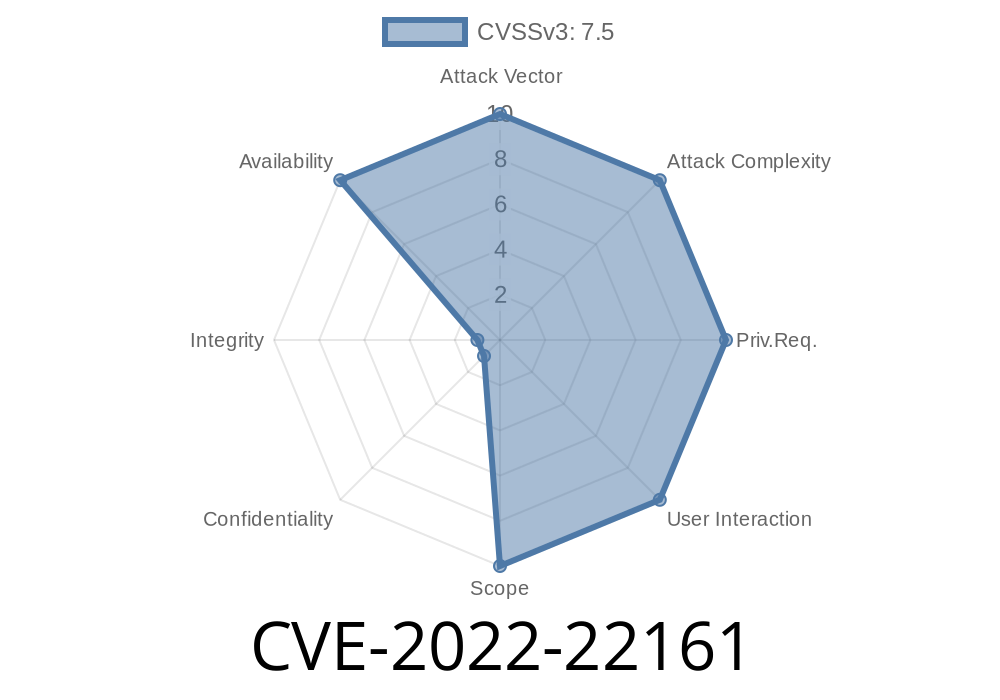
CVE-2022-22161 is a critical vulnerability that affects multiple versions of the Juniper Networks Junos OS. This flaw enables any attacker on the network — with no authentication required — to render your Juniper device almost useless by flooding the out-of-band (OOB) management Ethernet port with illegitimate traffic. In effect, your router or switch will have its CPU pegged at 100%, making management impossible and disrupting important workflows. In this article, we’ll walk through how this vulnerability works, give you indicators for detection, and discuss mitigation steps. Real-life output and code snippets will help you understand and recognize the warning signs.
What Is CVE-2022-22161?
In simple terms, this vulnerability is about uncontrolled resource consumption. The kernel of Junos OS mishandles incoming traffic directed at the OOB management Ethernet interface. If an attacker sends a heavy flood (think: lots of junk packets), the kernel doesn’t properly limit or drop them, and the fman process in particular begins hogging all available CPU cycles.
> Why does this matter?
>
> - The main processor gets overloaded, making the device unresponsive.
> - No valid traffic gets processed, so both management and routing suffer.
> - It’s a _Denial of Service (DoS)_ attack: your network goes down as long as the flood continues.
How Do You Spot CVE-2022-22161?
Systems hit by this bug show extremely high CPU usage tied to _irq_ and _fman_ processes.
Let’s see what it might look like. Run this command
user@host> show system processes extensive
You’ll see something like
...
PID  USERNAME  PRI NICE   SIZE    RES STATE  TIME     WCPU    COMMAND
31   root      -84 -187   K      16K  WAIT  22.2H    56939.26% irq96: fman
...
What’s suspicious?
The process irq96: fman should not consume that much CPU (look at the "WCPU" column—over 56939%). When it spikes like this, you’re likely under attack exploiting CVE-2022-22161.
Understanding the Exploit
This vulnerability is extremely simple to trigger, which makes it very dangerous. No login needed, no fancy exploits — just a rapid flood of packets to the OOB ethernet interface.
Example: Flooding the Management Port
Here’s some example code (for educational purposes only!) showing how you might replicate such a flood using standard Linux utilities. Do not run this against unauthorized equipment.
# Replace <OOB-IP> and <interface> with the device's OOB address and your network interface name
sudo hping3 -i u100 -S -p 22 <OOB-IP> -I <interface>
Or, use nping (part of nmap)
sudo nping --tcp -p 22 --rate 100 <OOB-IP>
These commands send fast TCP SYN packets to port 22 (SSH). You could, instead, use any port — it’s the packet volume that matters. The lack of rate-limiting in affected Junos OS kernels will result in resource exhaustion as described.
21.2 versions prior to 21.2R1-S1, 21.2R2
For more detail, check Juniper's advisory.
How Long Does the Attack Last?
The good news: If the attack stops, the system usually recovers by itself.
The bad news: As long as the flood continues, your device remains unresponsive.
You’ll not be able to manage it, and (sometimes) normal routing or switching operations will be affected.
Use firewalls or access-lists to restrict who can talk to the OOB management port.
- Consider network segmentation so only trusted admins can reach your devices’ management interfaces.
References
- Juniper Security Advisory: JSA69810
- National Vulnerability Database: CVE-2022-22161
- Related Junos OS update info: Juniper Knowledge Base
Conclusion
CVE-2022-22161 is a severe, easy-to-exploit issue that can knock critical Juniper network infrastructure offline with a simple traffic flood. If you use Junos OS and haven’t applied the appropriate updates, you’re putting your devices — and your network — at serious risk. Patch now, restrict OOB management access, and watch for strange CPU spikes. The fix is available, but only you can protect your equipment.
Timeline
Published on: 01/19/2022 01:15:00 UTC
Last modified on: 02/11/2022 15:36:00 UTC