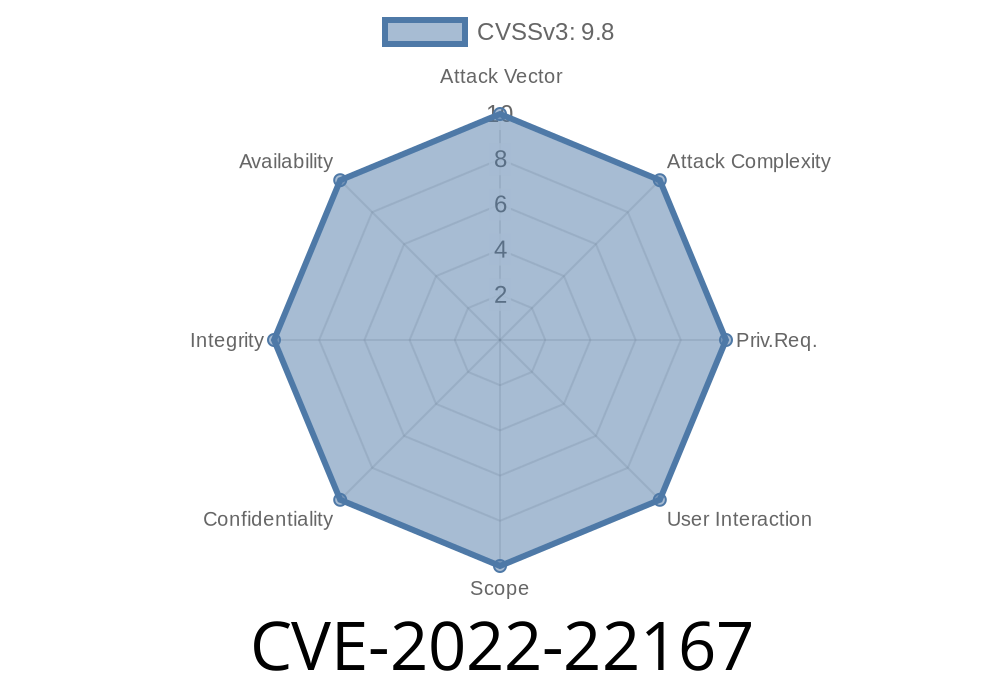
Firewalls keep networks safe by blocking unwanted traffic. But what happens when a single misconfiguration quietly opens a side door? In *CVE-2022-22167*, a detail in Juniper Networks’ Junos OS for SRX firewalls can accidentally allow malicious TCP connections through—even with Deep Packet Inspection (JDPI) enabled—if you’re using the no-syn-check setting. This long-read will break down this vulnerability, show you real-world code snippets, explain how attacks work, and guide you to detailed references.
What is CVE-2022-22167?
This vulnerability affects Juniper’s SRX Series firewalls using certain Junos OS versions when the “no-syn-check” feature is enabled (set security flow tcp-session no-syn-check). Attackers can send out-of-state TCP connections (e.g., asymmetric flows or flows where they fake a TCP handshake), which JDPI should label as “UNKNOWN.” But *because of a flaw*, that enforced classification isn't properly passed to the firewall rules (policy module).
So, instead of being blocked, this traffic is allowed by the *default* policy, which is often more permissive than intended.
You have set security flow tcp-session no-syn-check configured on your device.
If *all* these are true, attackers may bypass your firewall rules.
21.2: prior to 21.2R2
*Junos OS versions prior to 18.4R1 are not affected.*
Deep Dive: What is no-syn-check?
Normally, a firewall expects every TCP connection to start with a SYN packet. The SYN packet is part of the 3-way handshake that initiates a TCP session:
Client → SYN → Server
2. Server → SYN/ACK → Client
Client → ACK → Server
no-syn-check tells the firewall to *not* require a SYN to consider a new session legitimate. Why would people use this? Sometimes in complex network topologies (for example, asymmetric routing), legitimate connections might appear without a SYN at this device.
Attacker sends out-of-state TCP traffic (for example, a packet with just an ACK, not SYN).
2. SRX device, with no-syn-check, allows the connection tracking to create a session for this traffic.
3. JDPI correctly tags this as “dynamic-application UNKNOWN,” because the traffic is not symmetric or lacks a legitimate handshake.
4. Bug: This “UNKNOWN” classification is *not passed* to the policy module (rules engine). So, the traffic is not blocked even if your policy says to block unknown applications.
The traffic is forwarded—even if your rules would otherwise block it.
Result: Attackers can reach protected resources or networks, bypassing security policies and JDPI.
Here’s the problematic config line
set security flow tcp-session no-syn-check
This is set under the device’s security policies, typically for handling asymmetric routing or similar situations.
Example with hping3 (Linux utility)
hping3 -A -p 80 <victim_SRX_firewall_IP>
-p 80 targets port 80
If this firewall’s “pre-id-default-policy” is set to permit, and ‘no-syn-check’ is on, the traffic will pass right through—even though it should be flagged and blocked.
On the SRX
set security flow tcp-session no-syn-check
set security policies from-zone untrust to-zone trust policy any-any permit application any
On Attacker VM
sudo hping3 -A -p 22 <SRX_inside_IP>
On Inside Server
Watch for connections on port 22/80/etc. You should see the ACK arrive if the firewall passes it.
Do NOT enable set security flow tcp-session no-syn-check unless you absolutely must.
- If you already have it, upgrade Junos OS to a secure version (see “Affected Versions” list above).
Example to restrict pre-ID default
set security policies default-policy deny-all
Patch/Upgrade:
Follow Juniper’s official advisories and upgrade paths
- Juniper Networks Security Advisory JSA11244
- Juniper's Download Center (for OS updates)
References & Further Reading
- Juniper Security Advisory JSA11244
- CVE-2022-22167 at NIST (NVD)
- Junos OS Documentation
Stay up to date on Juniper security advisories and patches.
- Always test unusual settings for side effects, especially when they interact with deep inspection features like JDPI.
Stay safe!
Have questions or want real-world help with Juniper firewalls? Reach out to your vendor or a trusted security consultant.
*This post is original content researched for easy reading and clarity.*
Timeline
Published on: 01/19/2022 01:15:00 UTC
Last modified on: 01/28/2022 17:37:00 UTC