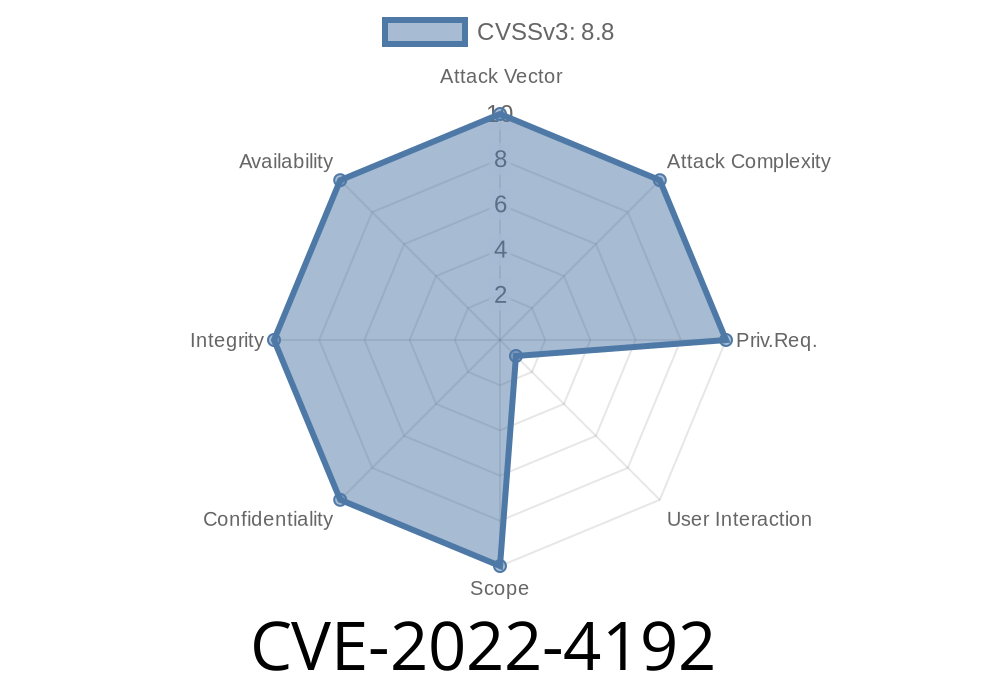
If you use Google Chrome, you likely enjoy its accessibility features—like Live Caption, which automatically generates captions for audio and video content. But did you know that, up until Chrome version 108..5359.71, Live Caption had a serious security hole? Let's break down CVE-2022-4192, a "use-after-free" vulnerability that could let attackers mess with your browser's memory through clever UI tricks.
This post will explain what happened, why it was dangerous, how it could be exploited, and what you should do to stay safe. I’ll keep things simple. Let’s dig in!
First off, here’s the official description (summarized)
> Use after free in Live Caption in Google Chrome prior to 108..5359.71 allowed a remote attacker who convinced a user to engage in specific UI interaction to potentially exploit heap corruption via UI interaction. (Chromium security severity: Medium)
A hacker could set up a fake website,
- If they convinced you to perform certain actions (UI interaction), your browser could get its memory corrupted,
What is "Use-After-Free"?
A "use-after-free" is a bug that happens when a program keeps using memory after it should have let go of it. Imagine your browser finishes displaying some captions, but a part of the code keeps talking to the memory where those captions lived—even after it’s been cleared out.
Attackers love "use-after-free" bugs because they can sometimes force the browser to do things it wasn’t supposed to, like running dangerous code.
Learn more:
- Google Project Zero: Use-After-Free
How Did the Chrome Bug Work?
Google’s Chrome browser uses something called the heap to manage memory for things like Live Caption. If a part of the code “frees” a chunk (lets it go), but something else keeps using it, bad things can happen.
With CVE-2022-4192, attackers could trick users into clicking or interacting with the Live Caption UI in a specific way. If successful, this could:
Or (in worst-case scenarios) run malicious code.
Here’s a simplified example of a use-after-free bug (not the exact Chrome code, but similar in concept):
// This is a basic illustration

LiveCaption* caption = new LiveCaption(audio_source);
delete caption;         // Free the memory

// Oops! We still have a pointer to the old memory
caption->Show();        // Use-after-free: using memory that's already freed!
If the browser tries to do something with a caption it already removed, it could go haywire. And if attackers are clever, they can slip their own data into that memory slot before it gets used, gaining some control.
Exploiting the Vulnerability
The good news: This wasn’t an “automatic” attack. The bad news: With the right setup, attackers could trick a user into interacting with Live Caption in a harmful way.
Browser’s Live Caption code gets confused and uses freed memory,
4. Memory becomes corrupted, browser may crash, data might be exposed, or malicious code could potentially run.
Exploiting this would require *convincing you* to do something very specific, so the risk was judged as “medium” by Google.
Official References
- Chromium release notes (108..5359.71)
- CVE Details Entry
- Google Chrome Security Page
Update your browser!
- Google patched the vulnerability in Chrome 108..5359.71. If you’re using anything older, update now.
Final Thoughts
CVE-2022-4192 is a great example of why security bugs matter, even in features you might not use every day. Use-after-free vulnerabilities are tricky, but Chrome’s rapid patching system keeps most users safe.
Stay smart:
Use features like Live Caption with care on untrusted sites.
The tech world moves fast, but taking just a moment to update your browser can keep you ahead of the bad guys.
Sources
- CVE-2022-4192 Detail
- Chromium Bugs List
- Chrome Stable Channel Update
Timeline
Published on: 11/30/2022 00:15:00 UTC
Last modified on: 05/03/2023 12:16:00 UTC