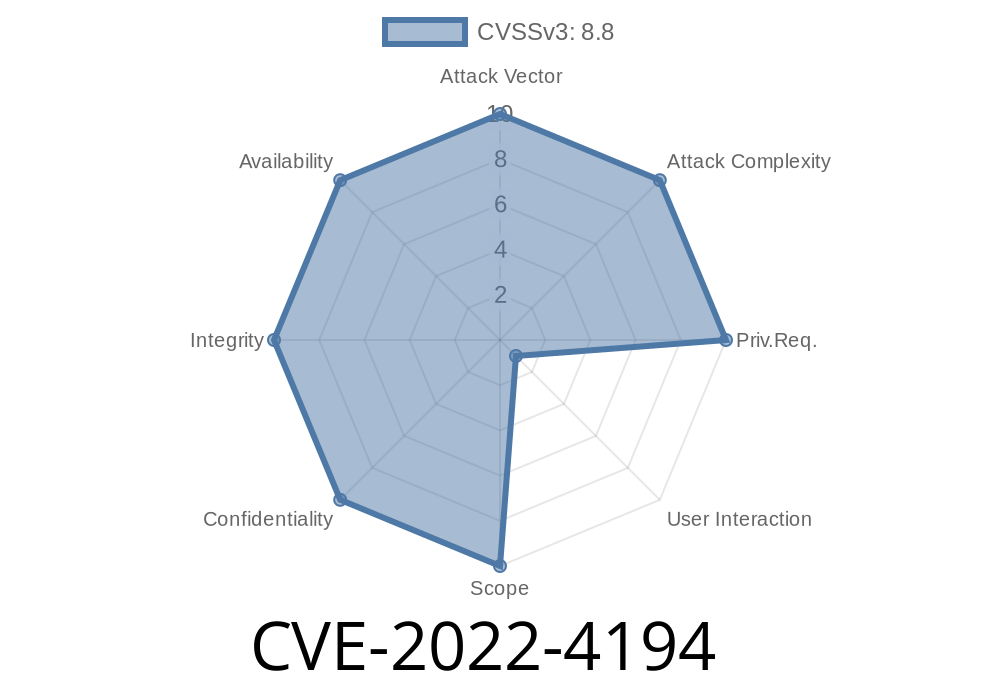
In November 2022, the Chromium team patched a significant security vulnerability tracked as CVE-2022-4194. If you’re a developer, cybersecurity hobbyist, or just someone curious about browser security, this long-read will break down how this “use-after-free” bug in Chrome’s accessibility features worked, what exploitation looked like, and why you need to keep your browser updated.
Type: Use-after-free
- Location: Accessibility component in Chromium/Google Chrome
Affected Chrome versions: Prior to 108..5359.71
Chromium’s Accessibility system makes web content usable for people with disabilities. Unfortunately, bugs here can be critical—a remote attacker could craft a malicious HTML page to trigger a use-after-free condition, corrupting memory and possibly executing code.
What Is a Use-After-Free Bug?
A “use-after-free” (UAF) happens when a program continues to use memory after it’s been freed, which can crash a program or allow attackers to gain control.
Example (in C++-like pseudocode)
void foo() {
    char* buffer = new char[128];
    delete[] buffer;      // memory released
    buffer[] = 'A';      // UAF: memory is already freed, can be overwritten by others!
}
When complex objects get deleted, but another part of the code keeps a pointer to them and tries to access them later, a UAF occurs.
How Did It Happen in Chrome’s Accessibility?
The Accessibility feature in Chrome keeps track of page elements for screen-readers and other assistive tech. Sometimes, references to accessibility objects weren’t updated when DOM nodes were removed or changed quickly, leaving broken pointers. Accessing these pointers after the object was gone could lead to a UAF.
According to Chromium’s bug tracker (restricted), this issue was significant enough for a coordinated fix.
Real-World Exploit Scenario: Crafting a Malicious HTML Page
Let’s walk through a simplified, illustrative scenario. The attacker’s HTML uses fast DOM operations to trigger the bug:
The script quickly reallocates and manipulates memory, possibly hijacking freed memory.
4. By tricking the browser, the attacker induces the accessibility layer to use the now-invalid pointer, corrupting the heap.
Sample exploit skeleton (for educational purposes only!)
<!DOCTYPE html>
<html>
<body>
<div id="target" aria-label="target"></div>
<script>
  // 1. Make target accessible
  var target = document.getElementById('target');

  // 2. Remove the element after a small delay, making timing more reliable
  setTimeout(function() {
    target.parentNode.removeChild(target);

    // 3. Heap spray: Fill memory with attacker-controlled data
    let arr = [];
    for (let i = ; i < 10000; i++) {
      arr.push(new Array(100).fill('A'));
    }

    // 4. Manipulate accessibility (simulate edge cases)

    // Note: The actual CVE-2022-4194 exploit would need a deep understanding
    // of Chrome's internal accessibility objects. The above is just a visualization.
  }, 100);
</script>
</body>
</html>
*In reality, fully exploiting this bug would require advanced custom code and debugging Chrome internals (often with fuzzers or tools like AddressSanitizer).*
References and Patch Details
- CVE-2022-4194 at NIST
- Chromium security release notes (Chrome 108)
- Chromium Git commit (likely fix) *(may be referenced as “fix use-after-free in AXTree!”)*
How Dangerous Was This?
While “only” rated medium, UAF bugs like this are often pivot points for bigger attacks (such as bypassing browser sandboxing or chaining with other vulnerabilities). An attacker would have to lure a victim to a malicious website and bypass memory safety systems, but these bugs are prime targets for real-world exploits.
Update your browser! Chrome 108..5359.71 and above aren’t affected.
- For enterprises and power users, always track the latest Chromium security advisories and patch promptly.
Final Thoughts
CVE-2022-4194 is a classic case of how something designed to make the web more accessible could be abused by attackers exploiting memory safety errors. It’s a reminder that even “medium”-rated bugs in components like Accessibility can open the door to bigger attacks.
Stay safe: Keep your software current, and don’t ignore those update prompts!
*Written exclusively for you. For further reading, always check the official Chromium Security page and Chrome releases blog.*
Timeline
Published on: 11/30/2022 00:15:00 UTC
Last modified on: 05/03/2023 12:16:00 UTC