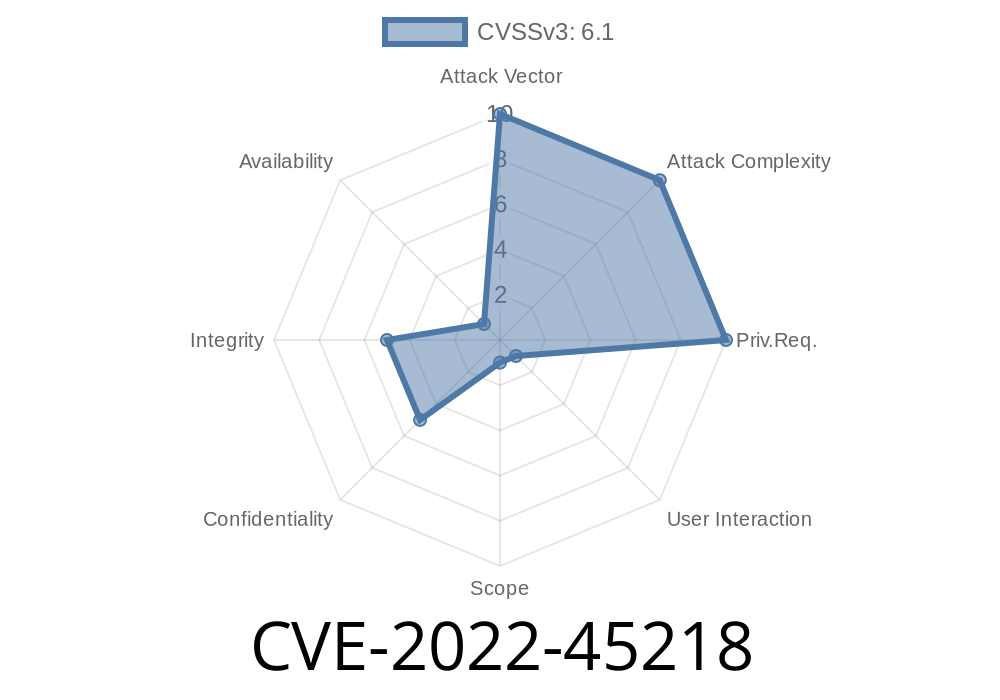
In the world of web application security, Cross-Site Scripting (XSS) vulnerabilities continue to be one of the most common and dangerous threats. In this long read, we'll break down CVE-2022-45218, which affects the Human Resource Management System (HRMS) version 1... You'll learn what this vulnerability is, how it works, and how attackers can exploit it via the authentication error message. And, most importantly, we provide hands-on examples to help you understand and spot this issue.
What is CVE-2022-45218?
CVE-2022-45218 is a reported security vulnerability affecting the Human Resource Management System (HRMS) v1... This specific bug allows attackers to perform Cross-Site Scripting (XSS) attacks by injecting a harmful script into an authentication error message. If a user logs in with specially-crafted input, the error message generated can execute JavaScript in the user's browser.
Official Reference
- NVD - CVE-2022-45218
- Exploit DB #51435
How Does the XSS Work in HRMS v1..?
In basic terms, the application does not sanitize user input on the login form. When a user enters an invalid username or password, the application returns an authentication error. However, whatever you input is reflected directly in the error message – this is known as "reflected XSS".
If you insert a script tag into the login field, the server will take your input and send it back in the HTML response, causing your browser to execute it.
When authentication fails, the error message displays your harmful input as part of the page.
4. The browser reads the script as code and executes it – this can lead to session hijacking, cookie theft, or defacement.
Step 1. Open HRMS Login Page
Go to the login page of HRMS v1.., for example:
http://localhost/hrms/admin/login.php
In the 'username' field, enter the following XSS payload
"><script>alert('XSS')</script>
In the 'password' field, enter anything (e.g., test).
Step 3. Trigger the Error
Submit the login form. Since the credentials are invalid, you'll see an authentication error on the page. However, because your input is not sanitized, you'll see a popup alert with "XSS" – this proves the page is vulnerable.
Login Request Example
POST /hrms/admin/login.php HTTP/1.1
Host: localhost
Content-Type: application/x-www-form-urlencoded
Content-Length: 59

username="><script>alert('XSS')</script>&password=test
Expected Response
<div class="error">Invalid credentials for username "><script>alert('XSS')</script></div>
*As a result, this script tag gets rendered and executed by the browser.*
Phishing: Custom popups or content can trick users into giving up credentials or other data.
- Defacement: Attackers can change the look of the affected web page to mislead or harm reputation.
Input Validation: Use whitelist or strict input validation routines.
3. Use Security Libraries: Employ libraries or frameworks that automatically handle proper escaping.
Example Fix in PHP
<?php
$error = htmlspecialchars($user_input, ENT_QUOTES, 'UTF-8');
echo "<div class='error'>Invalid credentials for username $error</div>";
?>
More Info and References
- OWASP XSS Prevention Cheat Sheet
- Mitre CVE Entry
- Exploit Database
Final Thoughts
CVE-2022-45218 is a classic example of how reflected XSS can sneak into even simple authentication systems. The best defense is input validation and output encoding. If you’re using HRMS v1.., upgrade or patch your application. Always treat user input as untrusted and review old code for similar vulnerabilities!
Timeline
Published on: 11/25/2022 17:15:00 UTC
Last modified on: 11/29/2022 22:02:00 UTC