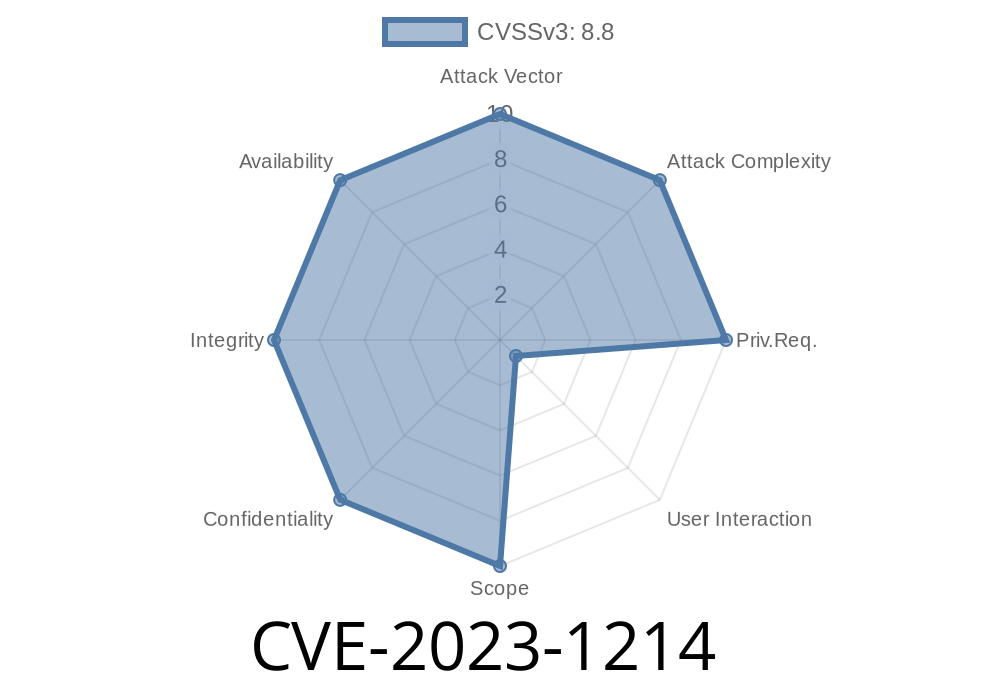
Google Chrome remains one of the world’s most-used browsers, loved for its speed and constant updates. But like any complex software, it sometimes contains dangerous bugs. One such bug, listed as CVE-2023-1214, affected Chrome before version 111..5563.64. This vulnerability, which lives deep inside the V8 JavaScript engine, exposes users to remote heap corruption attacks from simply visiting a malicious website. In this post, we’re diving into what this bug is, how it works, and how attackers can exploit it—all in clear, easy-to-understand language.
What is Type Confusion in V8?
V8 is Chrome's powerful engine that runs JavaScript. Its job is to take your code and run it safely and quickly. In languages like JavaScript, variables can change types at any time. The V8 engine tracks the type of each JavaScript object with internal structures called "maps." If something goes wrong and V8 gets confused about what kind of object it's handling, that's called "type confusion."
Type confusion can be dangerous because code may treat data as something it's not. This can lead to memory errors, and, especially in C++ (the language V8 is written in), eventually full control over the computer.
Details of CVE-2023-1214
This vulnerability was found in V8, Google's JavaScript engine, inside Chrome. According to the Chromium bug tracker report, this is a type confusion issue that attackers can exploit using JavaScript in a web page.
*Popular summary:*
> A remote attacker could exploit this to run malicious code simply by tricking you into visiting a booby-trapped website.
If successful, this can lead to heap corruption—rewriting bits of memory Chrome is using. This may crash your browser but, with skill, an attacker might leverage this to run code of their choice.
The Science: How Type Confusion Happens
Below, simplified, is what can go wrong. Imagine a function expects an Array, but is handed a TypedArray—the representation in memory is different, but code continues as if it’s the first kind, causing chaos.
Here’s a basic code snippet simulating type confusion
function confuse(arr, index, val) {
  // V8 predicts arr is always an Array.
  arr[index] = val;
}

let simpleArray = [1, 2, 3];
let typedArray = new Float64Array(4);

confuse(simpleArray, 1, 42); // normal
confuse(typedArray, 1, 13.37); // surprises V8!
In real attacks, this type confusion lets an attacker overwrite memory regions, opening the way for further exploitation (like achieving arbitrary read/write, hijacking code flow, etc.)
Heap grooming: Use JavaScript to make memory predictable.
2. Trigger confusion: Cause a function to access an object as the wrong type (using crafted arrays, buffers, or objects).
Achieve corruption: Overwrite parts of memory you shouldn't touch.
4. Leverage corruption: For example, gaining the ability to read/write any memory, or hijack execution (code execution).
A simplified code example (for educational, *non-exploit* purposes!) below
// Illustrative, not a working exploit!
let arr = [1.1, 2.2, 3.3];
let obj = {a: 1};

function trigger(arr, obj) {
    arr[] = 1.39064994160909e-309;   // fudge internal state
    obj.b = x41414141;               // arbitrary property
}

for (let i = ; i < 10000; i++) {
    trigger(arr, obj); // train V8's JIT
}

// Next, pass objects of different type...
trigger(new Float64Array(4), {});
With such a confusion, a skilled attacker can try to escape the browser’s sandbox.
Real Exploit: Public Example
While proof-of-concept (PoC) exploits for this specific CVE tend to be responsibly disclosed and not widely available, here are some references to similar exploitation chains:
- Google Project Zero – Exploiting Type Confusion in V8
- V8 bug report on Chromium Issue Tracker
- Official Chromium Release Notes
Mitigation and Patching
If you’re running Chrome older than version 111..5563.64, you’re at risk. The best fix? Update Chrome to the latest version!
Don’t visit suspicious links or download shady files.
The Chrome team patched this on March 7, 2023. Check your version via the “About Chrome” menu.
Conclusion
CVE-2023-1214 is a scary, but classic, example of how even top-tier browsers like Chrome can be tripped up by unexpected code paths deep inside their JavaScript engine. Type confusion bugs aren’t rare, and attackers love them because they can result in remote code execution. Staying safe is as simple as letting Chrome update itself.
References
1. NVD CVE-2023-1214
2. Chromium Issue 1415356
3. Chrome Release Blog
4. V8 Security Documentation
5. Project Zero – V8 Type Confusion Exploitation
*Stay informed. Your browser's security is the front line protecting your device from the whole internet.*
Timeline
Published on: 03/07/2023 22:15:00 UTC
Last modified on: 03/11/2023 02:40:00 UTC