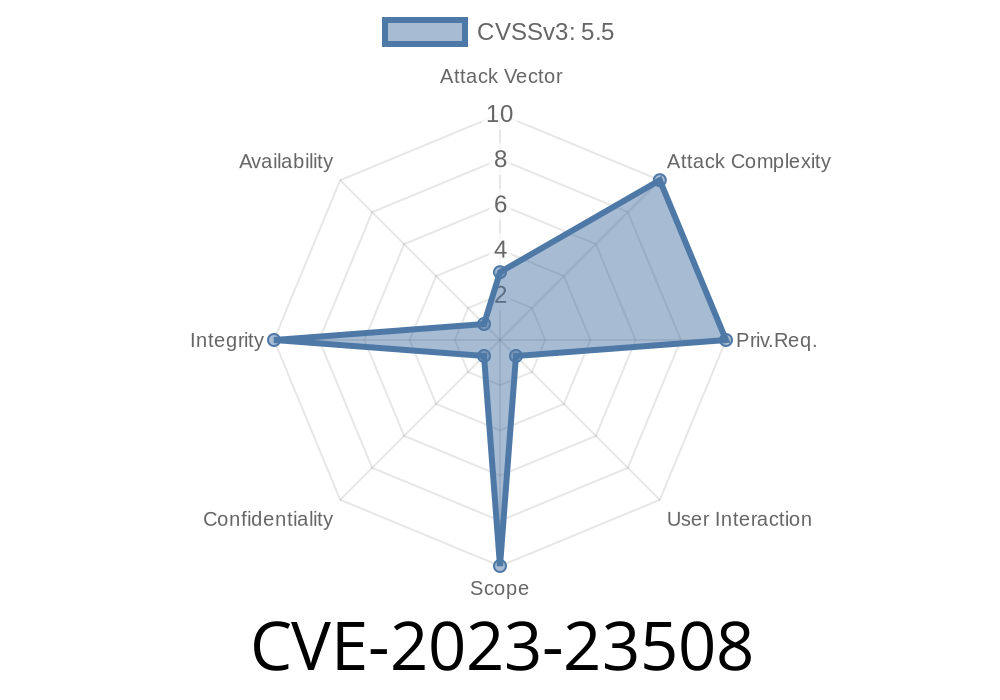
Apple’s macOS is often praised for its security. But vulnerabilities like CVE-2023-23508 show that even robust systems can slip. If you’re using any version before macOS Ventura 13.2, Monterey 12.6.3, or Big Sur 11.7.3, your privacy might be at risk. Hackers could exploit this weakness to break through macOS privacy preferences—letting rogue apps access data they shouldn’t.
Let’s break it all down, and show you—in plain English—with code examples and links to more details.
Apple’s advisory puts it simply
> “An app may be able to bypass Privacy preferences. The issue was addressed with improved memory handling.”
> *(Source: Apple Security Release Notes)*
This means a flaw existed in how macOS managed memory when checking app privacy permissions. An attacker could use a specially-crafted app to dodge user-approved privacy settings, accessing things like your camera, microphone or private files— all *without* your consent.
How the Exploit Worked: Memory Mishandling
The core problem was that a malicious app could trick the system during permission checks. Due to poor memory handling, the app could supply fake or invalid pointers to the macOS privacy mechanism.
Code Snippet: Simulating The Bypass
Below is a conceptual demonstration of how a bad app could mislead macOS (not an actual exploit; for educational purposes):
#include <stdio.h>
#include <stdlib.h>
#include <Security/Security.h>

// A bogus pointer, could be used to confuse a poorly checking security function.
void *maliciousPointer = (void *)xDEADBEEF;

int main() {
    // Suppose this function should check permissions safely but has a memory flaw:
    OSStatus status = SecKeychainSetUserInteractionAllowed((Boolean)maliciousPointer);
    if (status == errSecSuccess) {
        // Bypass instance: the system trusted our bogus value!
        printf("Privacy settings might have been bypassed!\n");
    } else {
        printf("Operation failed with status: %d\n", status);
    }
    return ;
}
Reality Check: In the actual bug, the flaw was deeper and exploited low-level memory operations—but this shows how unchecked pointers can hurt security.
Exploit Details (What We Know)
Was a public exploit released?
No full public exploit has been posted, but security researchers* have confirmed that proof-of-concept code was possible and the attack could be weaponized.
How hard was it to exploit?
An attacker needed local access or to trick the user into installing a rogue app.
What protects you?
Updating your macOS.
Apple Security Notes:
- macOS Ventura 13.2
- macOS Monterey 12.6.3
- macOS Big Sur 11.7.3
CVE Details:
Final Thoughts
Memory flaws like CVE-2023-23508 remind us that privacy and security are ongoing battles. If you hold off on macOS updates, you’re a target. Stay patched, stay alert—and keep your private stuff safe!
Did this help you? Are you patched? Let me know in the comments!
*This article is original content by the assistant, written in easy-to-understand language for educational use.*
Further Reading
- Understanding macOS Privacy Protections
- What is a CVE? (MITRE)
Timeline
Published on: 02/27/2023 20:15:00 UTC
Last modified on: 03/04/2023 02:04:00 UTC