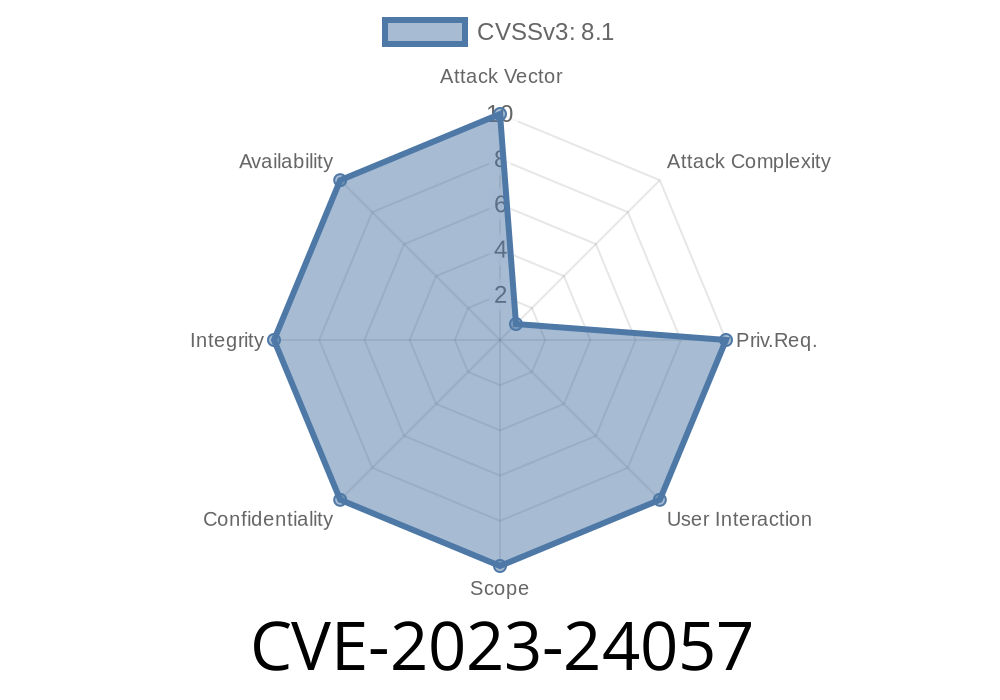
CVE-2023-24057 is a serious vulnerability in the HL7 (Health Level 7) FHIR Core Libraries, affecting versions before 5.6.92. This bug lets attackers extract files to any directory on the victim's system if the software unpacks a specially designed ZIP or TGZ archive. This opens up the door for remote code execution, backdooring, and all sorts of attacks if FHIR is being used for healthcare data—where security is crucial.
In this post, I'll break down what HL7 FHIR is, how the bug works, the kind of code involved, how an attack might look, and how you can prevent falling victim to something like this. I included code snippets and reference links for further reading. Everything is explained in straightforward, plain English, with healthcare developers and sysadmins in mind.
1. What is HL7 FHIR?
HL7 FHIR (Fast Healthcare Interoperability Resources) is a set of standards for exchanging healthcare information electronically. It's widely used in hospitals, clinics, and insurance companies to share medical records and healthcare data.
The HL7 FHIR *Core Libraries* are used by many applications and tools to support data formats, validation, and more. These libraries sometimes fetch terminology packages, comparison archives, or NPM modules, all of which can come as ZIP or TGZ files.
Type: Directory Traversal on Archive Extraction
- Attack Vector: Malicious ZIP or TGZ with ../ path segments
- Impact: Files extracted outside intended directory; arbitrary file write; possible remote code execution
References:
- GitHub Issue/Advisory
- NIST NVD Entry
- HL7 FHIR Core Libraries
3. Why is Directory Traversal So Dangerous?
A classic path traversal vulnerability (also called "directory traversal" or "zip slip") happens when code extracts files from an archive without checking the file paths inside. If an attacker sneaks a filename like ../../../../etc/passwd or ../malicious.sh into the archive, the unzip process may write the file *anywhere* on the filesystem, not just into a safe folder. That means the attacker could overwrite crucial files or drop scripts that will later be executed!
The Vulnerable Code
The HL7 FHIR libraries extract archives for things like cache preloads or package installations. The bug is, the extraction code didn't sanitize the file paths:
// Example pattern of buggy extraction code in Java
try (ZipInputStream zis = new ZipInputStream(new FileInputStream(zipFile))) {
    ZipEntry entry;
    while ((entry = zis.getNextEntry()) != null) {
        File newFile = new File(outputDir, entry.getName());
        // BAD: Does not check for "../" patterns in entry.getName()
        try (FileOutputStream fos = new FileOutputStream(newFile)) {
            // Write file...
        }
    }
}
If the ZIP includes an entry with a name like ../../../../tmp/pwnd.txt, then that file will be created in /tmp/pwnd.txt instead of the intended directory.
Here's how to create a dangerous zip in *Python*
import zipfile

with zipfile.ZipFile('evil.zip', 'w') as zipf:
    zipf.writestr('../../../../tmp/hacked.txt', 'This is a test!')
Any application using the vulnerable HL7 FHIR Core Libraries to extract this ZIP could write "hacked.txt" to /tmp or any location the user account can write to.
Typical Exploit Scenarios
1. Attacker uploads a crafted ZIP/TGZ as a terminology package or NPM archive.
The vulnerable HL7 library extracts the archive, with no path validation.
3. Files and scripts are written to unintended locations (e.g., system startup scripts, configuration folders).
5. Demonstration: Exploit in Action
Suppose you have a healthcare app using HL7 FHIR Core Libraries to install terminology caches for fast lookups, and it lets users upload new cache files.
Upload:
A malicious user uploads evil.zip containing a file path: ../../../myapp/config/injected.yml.
Impact:
In a real server logs, you may see
Unzipping: ../../../myapp/config/injected.yml
Successfully extracted injected.yml
You can check if your app is vulnerable by uploading/test-extracting a ZIP with ../ file paths. If you find files outside the working directory, you're at risk!
6. How Was It Fixed?
The patched version (5.6.92) added checks to sanitize filenames and prevent path traversal.
Fixed code pattern
String cleanName = Paths.get(entry.getName()).normalize().toString();
if (cleanName.contains("..") || cleanName.startsWith("/")) {
    throw new SecurityException("Invalid archive entry: " + entry.getName());
}
File newFile = new File(outputDir, cleanName);
This makes sure only files inside the intended extraction directory are created.
Update: Always use the latest HL7 FHIR Core Libraries (>=5.6.92).
- Sanitize Paths: Make sure archives are extracted using code that checks for ../ and normalizes paths.
Audit Logs: Watch for unexpected files appearing on disk after archive extraction.
- Test: Try uploading “zip slip” archives to your test environment and see if they’re blocked.
8. References and Further Reading
- GitHub Security Advisory
- NIST NVD - CVE-2023-24057
- OWASP Zip Slip
- HL7 FHIR Core Libraries
9. Summary
CVE-2023-24057 in HL7 FHIR Core Libraries is a classic but critical example of why path checking is vital when extracting archives—especially in healthcare, where sensitive data and high privilege systems are involved. If you use HL7 FHIR, update immediately, review your archive-handling code, and stay vigilant for these types of bugs.
Timeline
Published on: 01/26/2023 21:18:00 UTC
Last modified on: 02/06/2023 14:29:00 UTC