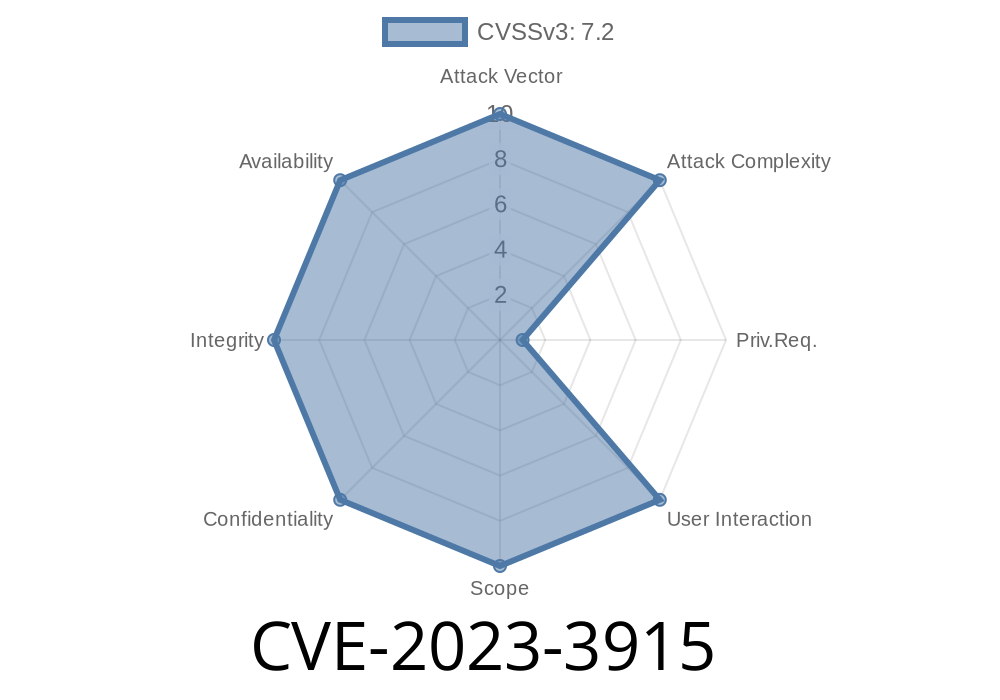
In the ever-evolving landscape of software vulnerabilities, keeping up with the latest issues is a full-time job. In September 2023, GitLab published a security update around a vulnerability tracked as CVE-2023-3915. This flaw allows privileged *external users* to escalate their access rights in certain GitLab Enterprise Edition (EE) versions, potentially breaching the boundaries established by internal project protections.
In this breakdown, we’ll explain how the bug works, show a simplified exploit technique, examine affected versions, and point you to official references for further reading.
The Issue in Simple Terms
External users in GitLab are supposed to have limited visibility and access. They typically can't interact with restricted (internal or confidential) projects or data. However, if such a user somehow gains the "Owner" role within any group (which can happen in organizations with loose invite policies), an unexpected privilege escalation path opens up.
Root Cause
Owners in a group can create *service accounts*. These are typically for automation or integrations — but service accounts aren’t marked as external. When an external owner creates a new service account in their group, it inherits full internal access rights, not those of the external owner.
Create a service account with internal access
- Use that new account to get into *internal* projects group-wide, even those they couldn’t touch with their original external account
GitLab EE 16.3.
Fixed in:
16.1.5, 16.2.5, and 16.3.1
1. Become an External Owner
The attacker needs to be an external user with "Owner" rights on some group. This requires either an invite or social engineering.
2. Create a Service Account
Using GitLab’s APIs or the web interface, the external owner creates a new service account within that group.
API Example
curl --header "PRIVATE-TOKEN: <attackers-token>" \
     -X POST "https://gitlab.example.com/api/v4/groups/<group-id>/service_accounts"; \
     --data "name=malicious-service-account"
3. Use New Credentials
Now, the new service account is not treated as “external.”
Use the generated credentials for the service account to access restricted APIs or internal projects.
Sample Git operation
git clone https://gitlab.example.com/internal-group/secret-project.git
# Authenticate as the service account
If internal access is not blocked by project-level restrictions, data exposure or lateral movement can now happen.
Groups with sensitive “internal”-type projects and loose owner policies
Standard Users, Admins, and External Users with only "reporter," "developer," "maintainer" rights are NOT directly at risk UNLESS they’re promoted to Owner.
Official References and Further Reading
- 🔗 GitLab Security Advisory for CVE-2023-3915
- 🔗 GitLab CVE Database Entry
- 🔗 GitLab Documentation: User Types
- 🔗 API: Create a Service Account
Lessons & Conclusions
This bug highlights the unexpected risks posed by internal/external user separation — especially when automated accounts skip those labels. Organizations must strictly control “Owner” assignments, especially when collaborating with external parties.
If you use GitLab EE and haven’t upgraded beyond the affected versions, patch now.
*Stay secure, and always audit who holds the keys to your code repositories!*
Timeline
Published on: 09/01/2023 11:15:00 UTC
Last modified on: 09/01/2023 21:14:00 UTC