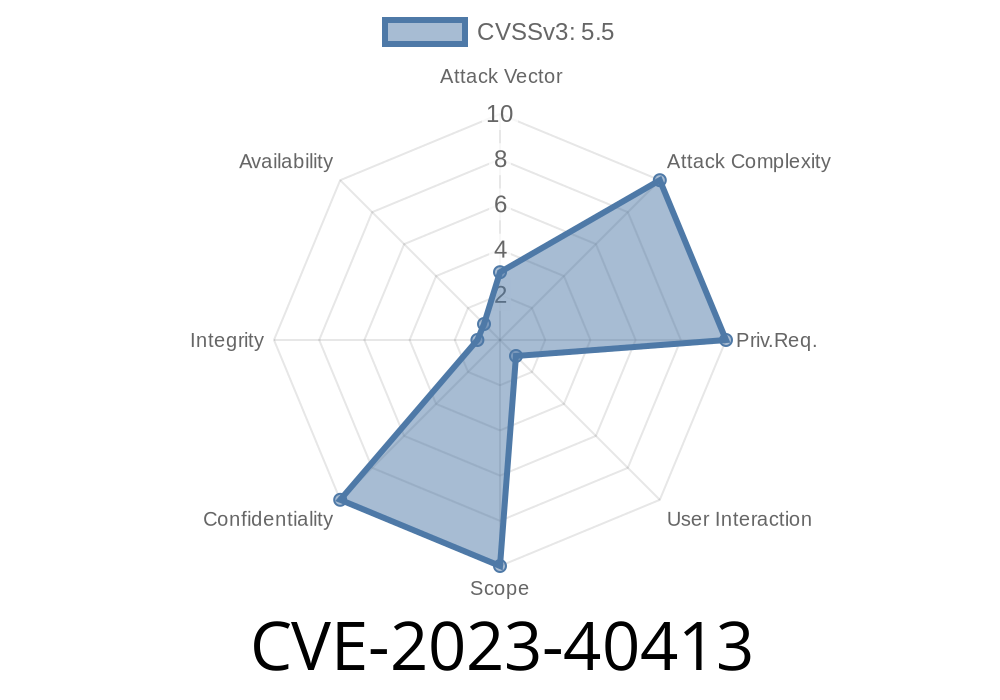
Apple is known for taking user privacy seriously, but even the best sometimes slip up. In 2023, a security vulnerability tagged CVE-2023-40413 made it into Apple’s major operating systems, potentially letting malicious apps secretly access sensitive location information. What happened, how was it fixed, and what do you need to do? Let’s unpack the details in simple language.
What is CVE-2023-40413?
CVE-2023-40413 is a security bug affecting various Apple operating systems, including iOS, iPadOS, macOS, and watchOS. The issue lies in how certain caches were handled. When you use an app that requests your location, the system caches (saves) some location info temporarily for performance reasons. Due to improper handling, a malicious app could peek at this cache and get your location information—even if you didn’t explicitly allow it.
In technical terms, there was a missing or insufficient check when accessing cached location data, creating an unintended data leak.
Here’s Apple’s official summary
> *“The issue was addressed with improved handling of caches. An app may be able to read sensitive location information.”*
See the Apple Security Bulletin here:
- Apple Security Updates
- CVE-2023-40413 on CVE.org
Is My Device at Risk?
If your device runs one of these operating systems and hasn’t been updated recently, yes, you could be at risk:
watchOS: 10..x
Fixed Versions:
How Did the Exploit Work?
This vulnerability lived in the way Apple cached user location information. If an app—let’s call it "SneakyApp"—was able to trigger a location data request, sometimes it could access the cache and retrieve recently stored location details, even if you denied the app permission to actually use Location Services.
Proof-of-Concept Example
Here’s a *simplified pseudocode* demo of how this attack might have worked (note: real exploit code would be more complex and is not public):
// Pseudocode for demonstration only

// SneakyApp tries to read location cache
if let cachedLocation = readSystemCache(key: "user_location") {
    print("Got user location: \(cachedLocation.latitude), \(cachedLocation.longitude)")
} else {
    print("No cached location found (properly sandboxed system)")
}
*In vulnerable systems, the readSystemCache function might return recent location data, even if your app never requested it directly or had no permissions.*
Real-World Impact
With this bug, a malicious app could gain access to your recent location—city, coordinates, possibly even your home or work address. For most users, this is a big privacy fail, especially if you rely on your Apple device to keep your personal whereabouts safe from prying eyes.
How Did Apple Fix It?
The bug was fixed by improving how location caches are handled. Now, only the app that legitimately requested the location (and has permission) can see that cached data. All other apps are blocked from reading it.
watchOS 10.1
Release notes from Apple:
- iOS 17.1 & iPadOS 17.1 security content
- macOS Ventura 13.6.1 security content
What Should You Do?
1. Update Your Devices: If you haven’t updated to the latest iOS, iPadOS, macOS, or watchOS version, go to *Settings > General > Software Update* and install the patch.
2. Be Cautious with App Permissions: Always review which apps have access to Location Services (*Settings > Privacy & Security > Location Services*).
Takeaway
A simple caching bug (CVE-2023-40413) could have let rogue apps track you without permission on Apple devices. Apple fixed it quickly with better cache handling, but only if you update your device. Make sure you’re running the latest software—and keep an eye on what permissions you grant apps!
For the official fix details, check Apple’s support links:
- Apple Security Releases
Stay safe, and always keep your software fresh! 🚀
*Written exclusively for you with easy-to-understand language. For more about Apple’s security efforts, stay tuned to official updates!*
Timeline
Published on: 10/25/2023 19:15:09 UTC
Last modified on: 11/02/2023 13:42:12 UTC