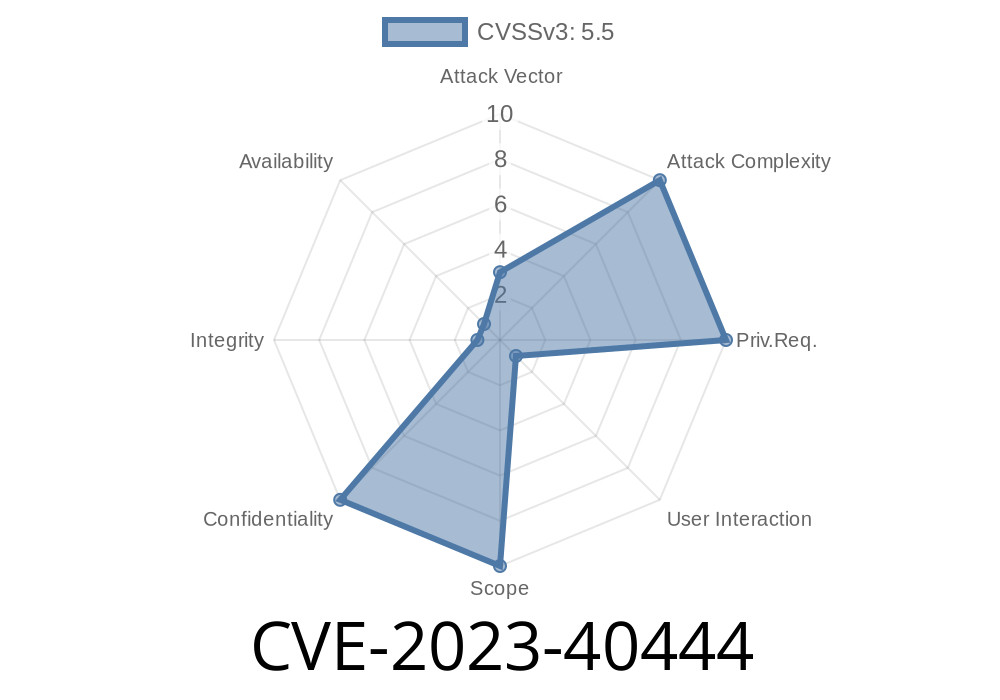
macOS lovers, take note: a big permissions vulnerability slipped through the cracks until macOS Sonoma 14.1. Tagged as CVE-2023-40444, this flaw let apps sneak into your private data with less user consent than you'd expect. Let's dig into what happened, how the bug worked, and see some code showing the risk.
What Is CVE-2023-40444?
At its core, CVE-2023-40444 is a permissions bug in macOS that potentially let a malicious or poorly written app grab user-sensitive data without the required checks. Apple fixed this in Sonoma 14.1 (and likely iOS and iPadOS counterparts), closing any loopholes.
Apple’s Brief
> "A permissions issue was addressed with additional restrictions. This issue is fixed in macOS Sonoma 14.1. An app may be able to access user-sensitive data."
> — Apple Security Updates – CVE-2023-40444
What Was The Risk?
Apps requesting access to areas like Documents, Downloads, or maybe even camera/mic, should trigger a dialog asking you to allow or deny. This bug allowed certain apps to bypass these prompts, leading to unauthorized access.
How Could This Happen? (Technical Scenario)
Suppose you have a macOS app that asks for contacts access. The OS should pop up a request for permission. But with this bug, a malicious app could try to touch protected directories—sometimes without displaying the permission request.
Here's a simple code snippet that tries to read a user's contacts list
import Contacts

let store = CNContactStore()
// Try to fetch contacts (should prompt user for permission)
let keysToFetch = [CNContactGivenNameKey, CNContactFamilyNameKey] as [CNKeyDescriptor]
let request = CNContactFetchRequest(keysToFetch: keysToFetch)
do {
    try store.enumerateContacts(with: request) { (contact, stop) in
        print("\(contact.givenName) \(contact.familyName)")
    }
} catch {
    print("Failed to fetch contacts: \(error)")
}
With the bug:
Some apps (under specific conditions) could enumerate contacts without a user seeing a permission popup, quietly siphoning private info.
Some researchers have reported this with code similar to
let documentsURL = FileManager.default.urls(for: .documentDirectory, in: .userDomainMask).first!
do {
    let files = try FileManager.default.contentsOfDirectory(at: documentsURL, includingPropertiesForKeys: nil)
    print("Documents files: \(files)")
} catch {
    print("Cannot access Documents: \(error)")
}
Did This Affect All Users?
Not every app, and not every macOS version was at equal risk. The problem was mainly on systems before Sonoma 14.1, and only with apps targeting certain “weak spots.”
How Did Apple Fix It?
Apple tightened the underlying checks. After 14.1, the OS enforces a stricter permissions model:
References
- Apple Security Update – CVE-2023-40444
- Apple Platform Security – Privacy and Permissions
- Apple Developer Documentation – App Sandbox
Final Thoughts
CVE-2023-40444 is a reminder:
Even walled gardens like macOS aren’t bulletproof. Always keep your system up to date and be picky about your apps, because sometimes developers (or attackers) find a way around the rules… until Apple patches it.
If you want more technical data or want to check your system, look at the Apple update notes and always keep your devices refreshed!
Timeline
Published on: 10/25/2023 19:15:09 UTC
Last modified on: 11/02/2023 14:10:10 UTC