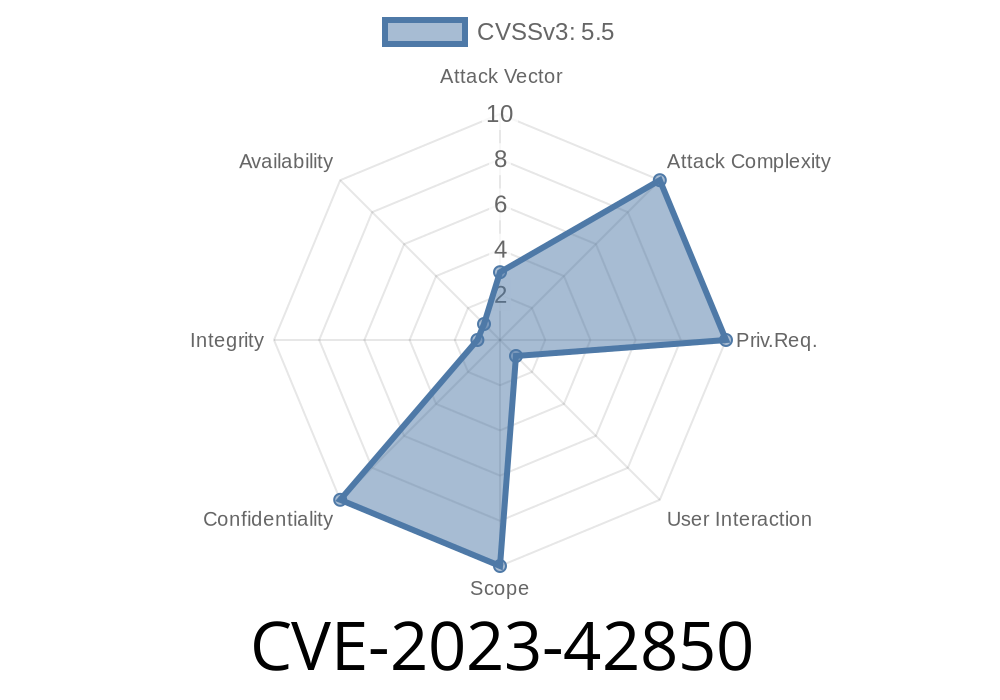
Apple takes privacy seriously—but, like any complex system, even macOS can slip up. In October 2023, security researchers and Apple announced CVE-2023-42850, a permissions logic bug that exposed sensitive user data to apps that shouldn’t have access. This vulnerability affected multiple macOS versions and was fixed in the macOS Sonoma 14.1 update. Here’s an exclusive deep dive into what happened, how an attacker could have exploited it, and how Apple responded.
What Was CVE-2023-42850?
In simple terms:
CVE-2023-42850 was a flaw in the way macOS handled app permissions. If exploited, a malicious app could bypass user settings and grab sensitive data, like Documents, Downloads, or even Photos, without asking.
Apple’s advisory said:
> “An app may be able to access sensitive user data. This issue was addressed with improved permissions logic.”
In practice, without this fix, a bad app could quietly scoop up far more information than it was allowed.
How Did This Happen?
macOS uses a security layer called TCC (Transparency, Consent, and Control) to protect personal data areas—like your calendar, contacts, and files. When an app tries to access these, you see a pop-up asking for permission. The bug was in the logic that checked whether an app really had that permission.
Here’s a simplified online overview:
The logic that checked “is this allowed?” sometimes said YES when it should have said NO.
If a developer discovered this, they could write an app that loaded your private files even if you denied it access.
Example Fake Exploit (Proof of Concept)
*For demonstration purposes only. Do not use this snippet to harm anyone or violate user privacy.*
This faux-Python snippet illustrates how an app could try to read your Documents folder. On a vulnerable macOS, this could have worked even if you hadn't approved it.
import os

def steal_documents():
    home = os.path.expanduser("~")
    docs_path = os.path.join(home, "Documents")
    try:
        files = os.listdir(docs_path)
        print("Documents directory contains:", files)
    except PermissionError:
        print("Access denied to Documents folder.")

# Try to read Documents folder (should pop permission dialog, or fail if denied)
steal_documents()
*On macOS before Sonoma 14.1, clever attackers could bypass TCC protections and access files without triggering the permission dialog.*
Upload it to a website, App Store, or share directly.
2. Access sensitive folders or data (like Documents/Downloads/Photos) silently.
Email them out or upload to a server.
Because TCC permissions appeared to be obeyed, users might never know.
The Fix: Improved Permissions Logic
Apple fixed this bug in macOS Sonoma 14.1, as you can see in their release notes. The core change? Apple hardened the logic that checks if apps are allowed to read protected files.
Now, even if an app tries to bypass TCC, it gets blocked—and the user gets a permission pop-up.
Update macOS:
If you’re using macOS, install Sonoma 14.1 or later as soon as possible. How to update
References
- Apple Security Update Details for Sonoma 14.1
- NVD CVE-2023-42850 Entry
- TCC (Transparency, Consent, and Control) Overview
Conclusion
CVE-2023-42850 serves as a reminder: No operating system is immune to flaws. Thanks to Apple’s quick response, this dangerous data leak vector is closed—for now. Always keep your system updated, and think before you click “Allow” on those permission requests.
Timeline
Published on: 10/25/2023 19:15:10 UTC
Last modified on: 11/02/2023 18:25:04 UTC