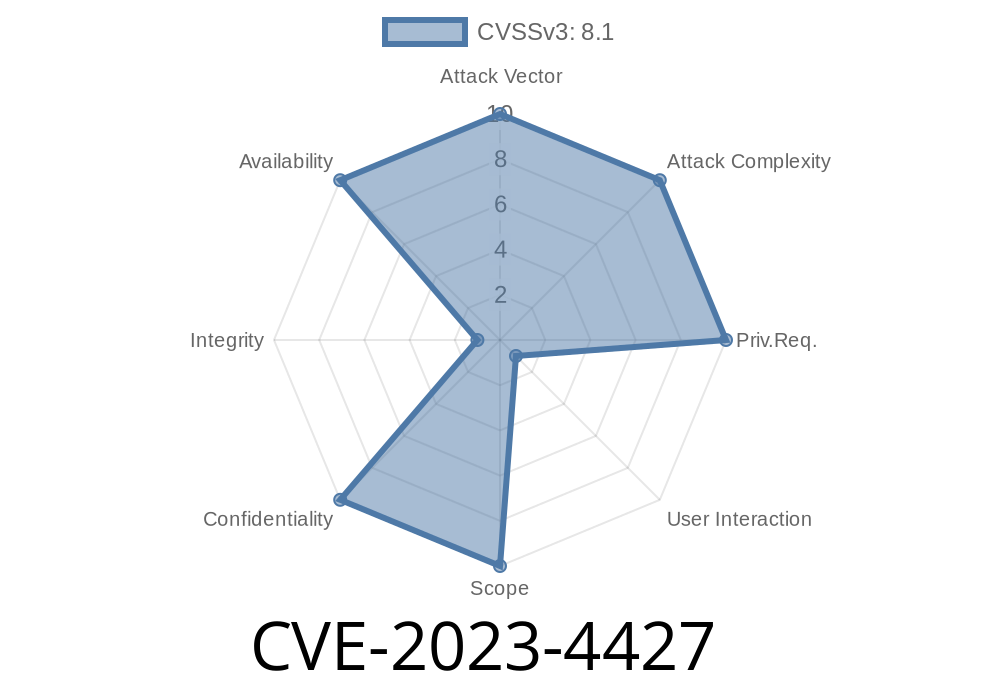
Google Chrome is one of the most widely used web browsers, trusted by millions every day. But even the most secure software can have holes—which hackers are happy to find. CVE-2023-4427 reveals just such a hole: a high-severity vulnerability inside Chrome’s V8 JavaScript engine. Let’s break down what happened, how someone could exploit it, and what you need to stay safe.
What Is CVE-2023-4427?
On August 16, 2023, Google patched a serious bug classified as CVE-2023-4427. The flaw affected versions of Chrome before 116..5845.110. The problem? Out-of-bounds memory access in V8, Chrome’s JavaScript engine. With a carefully crafted HTML page, a remote attacker could read information from memory *they should never be able to access.*
Severity: High
Impact: Data leaks and possible further attacks
Affected Product: Google Chrome (before 116..5845.110), and derivatives (Chromium, Edge, etc.)
The True Threat: Out-of-Bounds Reads
To understand how scary this gets, you need to know how code runs in your browser. The V8 engine compiles JavaScript you see on web pages, and usually puts up strong walls around your data. With a bug like this, an attacker can sneak over those walls.
What Is Out-of-Bounds Access?
Programs store data in arrays (just lists of things). Out-of-bounds means code is allowed to look at or change pieces of memory right next to that list—sometimes leaking secrets like password tokens or browser data.
Imagine a hotel guest in room 104 peeks into 105. In memory terms, that means a bad actor can read private information.
Vulnerability Details
The root cause, according to the Chromium issue tracker, is an *out-of-bounds* read in V8. With evil JavaScript, a hacker builds a special HTML page. When you visit it, JavaScript in V8 tricks the engine into reading memory it shouldn’t.
Impact:
Attackers could read data in Chrome’s process memory, possibly revealing sensitive info.
- Could be chained with other bugs for remote code execution (RCE), though no RCE exploit was reported for this one.
Exploit Example (Simplified)
Here is a *simplified and illustrative example* of the kind of out-of-bounds read vulnerabilities that have hit V8, using typed arrays and deliberate confusion in JavaScript. This code is educational, not a working exploit.
// WARNING: This is for educational purposes ONLY

// Crafty use of arrays and buffers to trick V8's memory layout
let oobArray = [1.1, 2.2, 3.3, 4.4];
let victimArray = [1, 2, 3, 4];
let float64 = new Float64Array(1);

function triggerOOB(arr) {
    // V8 bug could lead arr.length to be miscomputed
    for (let i = ; i < 10000; i++) {
        arr.push(1.1);
    }
    // Hypothetically, arr now has out-of-bounds access
    return arr[10001]; // This should be undefined!
}

console.log(triggerOOB(oobArray)); // In a buggy V8, could leak memory
Real attackers use far more sophisticated techniques—this shows just the concept: *Accidentally* reading past the end of an array.
Official References
- CVE-2023-4427 on NVD
- Chrome Stable Channel Update 116..5845.110
- Chromium Bug Tracker (restricted)
- V8 Project
Update Chrome!
Make sure your browser is running at least version 116..5845.110. Go to chrome://settings/help to check for updates.
Be Wary of Suspicious Links:
This vulnerability is triggered by visiting a booby-trapped webpage. Don’t click unknown or shady links, especially in emails or messages.
The Big Takeaway
CVE-2023-4427 is a potent reminder: even tiny JavaScript mistakes can have big consequences. Google’s patch blocked this out-of-bounds read, helping keep your information safer. Always keep browsers up to date and stay informed about high-severity bugs like this one!
Further Reading
- Google’s Security Blog: How we respond to security vulnerabilities
- Understanding Out-of-Bounds Vulnerabilities
Timeline
Published on: 08/23/2023 00:15:00 UTC
Last modified on: 08/28/2023 19:55:00 UTC