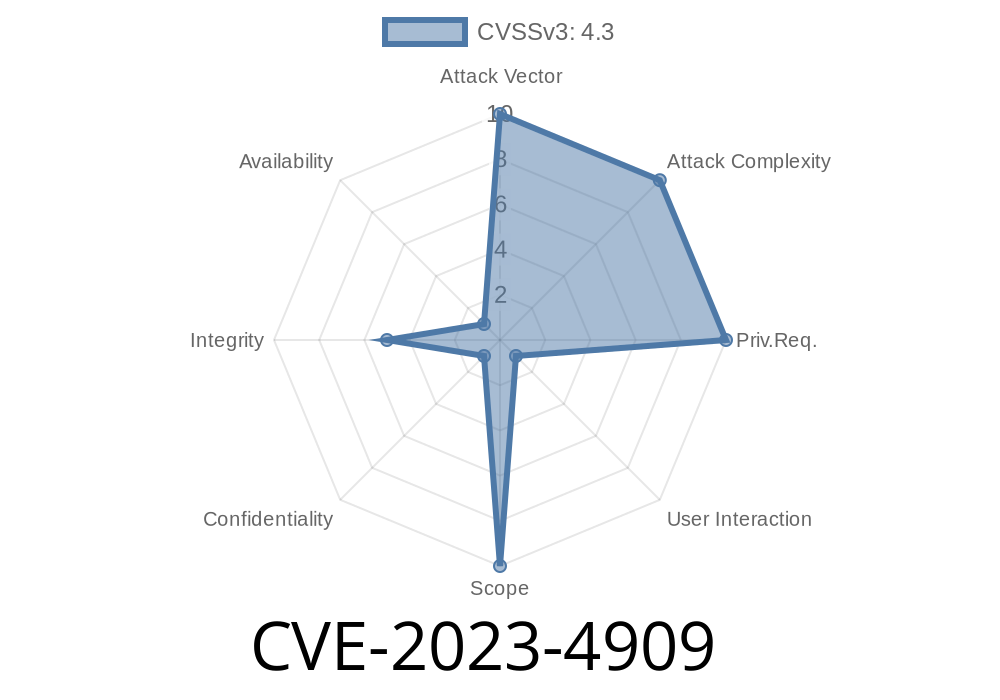
When browsing the web, one key element that keeps users safe is the browser's security interstitial—those prominent warning pages that pop up if a site is dangerous, like when there's a suspicious certificate or phishing attempt. Google Chrome is known for its strong security practices around these warnings. But what if these interstitials themselves can be tricked, letting a malicious webpage hide the true threat?
This is what CVE-2023-4909 is all about: an inappropriate implementation in Chrome's interstitial, which, before version 117..5938.62, allowed a remote attacker to obfuscate the security UI using a specially crafted HTML page. Let's break it down, see how this works, and how attackers might abuse it.
What Is CVE-2023-4909?
CVE-2023-4909 addresses a vulnerability in Google Chrome's interstitials (warning pages) that allowed an attacker, through a specially crafted HTML page, to trick or hide the security warning UI. This bug was considered Low severity but still noteworthy, as obfuscating security UIs is a classic trick in phishing attacks.
Issue: Interstitial UI obfuscated by crafted HTML page
- Root cause: Inappropriate handling of web content overlapping/interfering with the security warning interstitial
- Reference: Chromium Issue 1480698
How Was Chrome Vulnerable?
Normally, Chrome shows interstitial warnings (like "Deceptive site ahead" or SSL errors) in a privileged user interface. One of the main goals is to guarantee trust—the attacker shouldn't be able to cover, imitate or hide these warnings.
But in this CVE, attackers found a way to display website content above or overlapping this UI, using advanced HTML, CSS, and JavaScript tricks. This could confuse users or trick them into ignoring the warnings.
Exploit Details & Example Code
Let's look at a simplified version of how such an attack could be performed. The exact technical details and reproduction steps are usually kept private, but based on the bug's history, here's a conceptual example.
Here's a sample, not actually dangerous, but it demonstrates the obfuscation idea
<!DOCTYPE html>
<html>
<head>
  <title>Legit Looking Page</title>
  <style>
    /* This style makes the overlay cover the whole browser window */
    #cover {
      position: fixed;
      top: ; left: ; right: ; bottom: ;
      background: white;
      z-index: 99999;
      pointer-events: auto;
      text-align: center;
      padding-top: 200px;
      font-size: 28px;
    }
  </style>
</head>
<body>
  <script>
    // Wait a bit, then add a full-window overlay
    window.onload = function() {
      let overlay = document.createElement('div');
      overlay.id = 'cover';
      overlay.innerText = "Safe & Secure: Continue Browsing";
      document.body.appendChild(overlay);
    }
  </script>
</body>
</html>
Note: On vulnerable Chrome versions, variants of this trick could be timed or styled so they appeared above the genuine interstitial popup, effectively tricking users into thinking they’re not in danger, or inviting them to "click through" warnings that are actually still there—but hidden.
Rapid redirect loops
Malicious actors could make the browser show both *the warning* and *their own content* at the same time but layered cleverly to hide the true risk.
Demo Video & Further Reading
While proof-of-concept code isn't openly published (to avoid giving attackers a roadmap), you can read more in these official sources:
- Chrome Stable Release 117..5938.62
- Chromium Issue 1480698
How Was It Fixed?
After reporting, Google updated Chrome's handling of interstitial pages in version 117..5938.62. They made sure no web content could ever overlap or hide the warning UI, even with tricky timing, rendering, or window manipulation.
If you’re running an older version:
Update Chrome immediately to stay protected!
Final Thoughts
CVE-2023-4909 may seem "low severity," but such UI obfuscation tricks can make phishing and abuse easier and more deceptive, especially for less technical users. The bug didn’t allow attackers to break into devices, but it *did* let them interfere with Chrome's safety warnings—an important security line. As always, stay up-to-date, and remember: never click through browser warnings without caution.
References
- Chrome Stable Update Notes
- Chromium Bug Tracker Issue 1480698
- Official CVE Record
Timeline
Published on: 09/12/2023 21:15:09 UTC
Last modified on: 10/17/2023 20:14:06 UTC