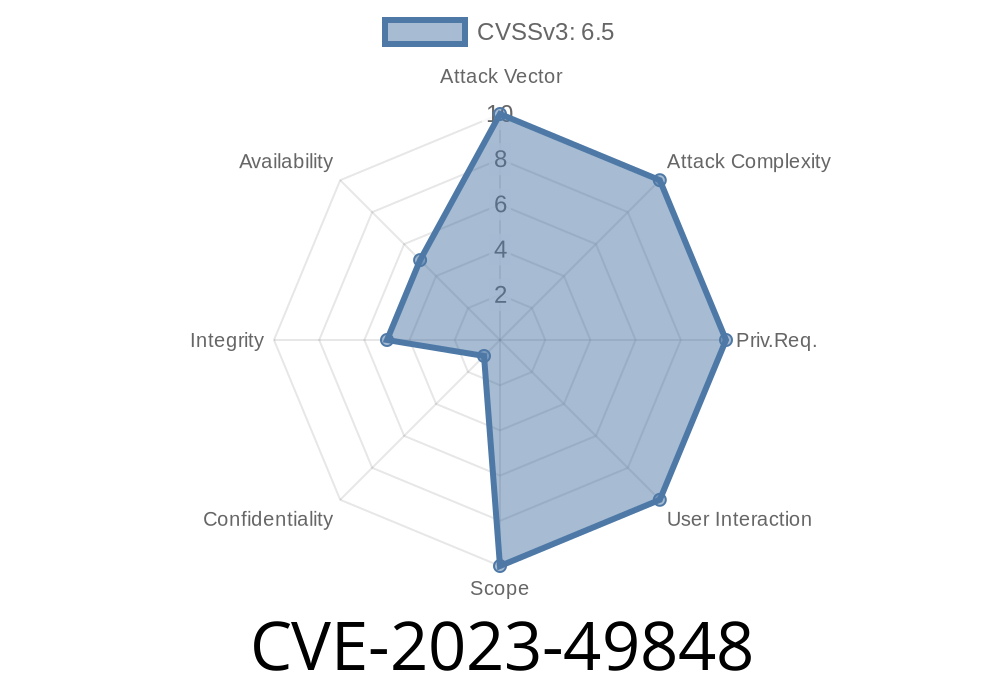
If you’re running an online store, you always want the data safe — not just your stuff, but also to keep intruders from poking around. Unfortunately, a vulnerability called CVE-2023-49848 proves not every plugin developer treats security with the care it deserves.
In this post, I’ll explain how a “Missing Authorization” flaw in Sharkdropship — a popular WooCommerce dropshipping plugin that handles product imports from AliExpress, eBay, Amazon, and Etsy — can let an attacker do way more than they should. I’ll break it down with simple language, show you what’s behind this vulnerability, and include some code to help you understand the exploit. Let's get started!
What Is CVE-2023-49848?
CVE-2023-49848 is a vulnerability in the WordPress plugin Sharkdropship Dropshipping for AliExpress, eBay, Amazon, Etsy. Security researchers discovered that from its initial release up to version 2.1.1, this plugin doesn't properly check who is allowed to access some of its functions. That means anyone (not just site admins) can execute sensitive actions — a clear case of Missing Authorization.
Type: Missing Authorization (Access Control)
- CVE: CVE-2023-49848
- CWE: CWE-862: Missing Authorization
How Does It Work?
WordPress uses something called capabilities to control what each user can do. A plugin is supposed to check if the current user is an admin (or has the right permission) before running actions that change data.
Sharkdropship doesn’t fully do this. In several AJAX (background HTTP) actions, the plugin does not check if the user is logged in or has the right permissions before allowing tasks like importing new products, updating products, or deleting items. This is what is called "missing authorization".
Mess up your store’s catalog
- Potentially perform supply chain attacks (by adding links to malicious items or inject XSS in product content)
If your store only lets vetted staff handle product management, that design is broken if this flaw exists.
Attack Scenario and Exploit Example
Scenario: An attacker knows (or guesses) you are using Sharkdropship. They make a specially crafted HTTP request to the plugin’s AJAX endpoint, telling it to import or change a product. Your store processes the request as though it was coming from an authenticated admin – but it’s not!
Typical Insecure Handler (in the plugin source)
add_action('wp_ajax_save_product', 'sharkdropship_save_product');

function sharkdropship_save_product() {
    // MISSING: current_user_can('manage_woocommerce') or similar check

    $product_data = $_POST['product_data'];
    // code to save product to database...

    // respond with success
    wp_send_json_success(array('message' => 'Product saved successfully.'));
}
What’s wrong?
There is no check to see if the user is logged in, or if they are an administrator. Anyone can invoke this!
Suppose your site is example.com. Here’s a simple exploit using curl
curl -X POST "https://example.com/wp-admin/admin-ajax.php"; \
  -d "action=save_product&product_data={\"name\":\"EvilProduct\",\"price\":1.99}"
This will create (or update) a product as specified, without requiring you to log in first.
## How to Fix / Protect Your Store
The plugin developer needs to add proper permission checks in every action handler.
Here’s how that fix might look
function sharkdropship_save_product() {
    if ( ! current_user_can('manage_woocommerce') ) {
        wp_send_json_error(array('message' => 'Unauthorized'), 403);
        exit;
    }
    // ... rest of the code
}
What if you’re stuck with this version?
Disable the plugin until it’s patched.
- Consider firewalling or using security plugins (e.g., Wordfence / Sucuri) to block untrusted POSTs to admin-ajax.php.
More References
- NVD entry for CVE-2023-49848
- Sharkdropship on WordPress.org (check for updates)
- OWASP - Broken Access Control
- CWE-862: Missing Authorization
Summary
CVE-2023-49848 is a widespread “missing authorization” bug in the Sharkdropship plugin. It lets any user (even unauthenticated visitors) perform actions only administrators should. If you use this plugin (up to version 2.1.1), review your store for unauthorized changes, disable the plugin or upgrade ASAP, and always keep your plugins secure!
Timeline
Published on: 12/09/2024 13:15:37 UTC