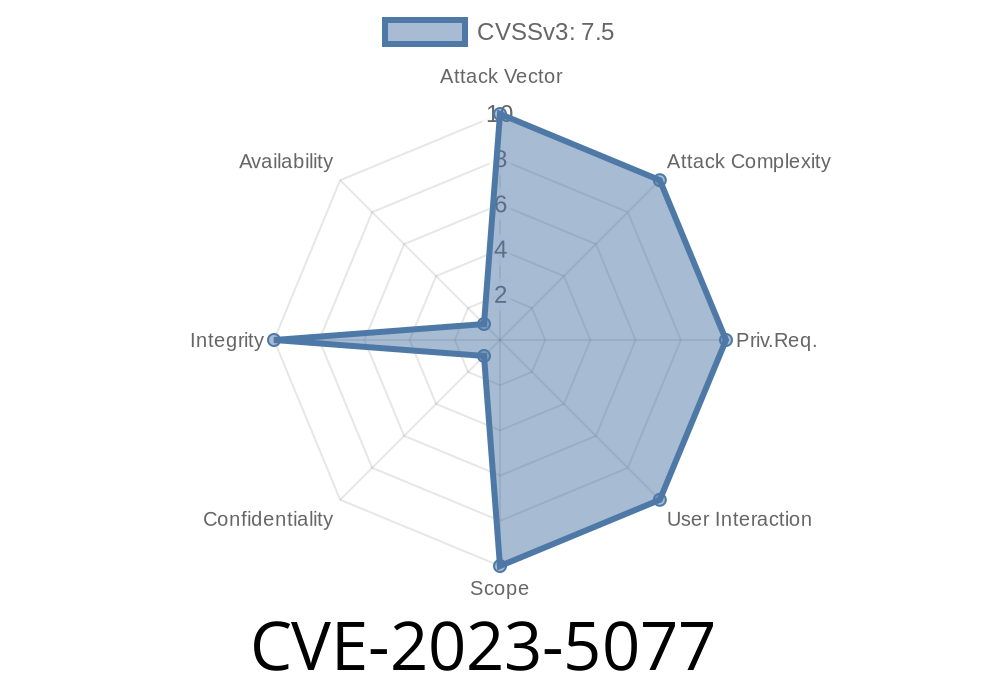
In late 2023, a security flaw — CVE-2023-5077 — was found in HashiCorp Vault, a popular secret management tool. This bug was pretty serious for any team that uses Vault’s Google Cloud (GCP) secrets engine to dynamically manage access to GCP resources.
Simply put, Vault didn't keep Google Cloud IAM Conditions intact when you created or updated Vault rolesets. By accident, existing permission rules (conditions) could be dropped or replaced, potentially giving out broader access than you wanted. This problem was fixed in Vault 1.13. (and Vault Enterprise).
In this post, we’ll break down what happened, walk through code snippets from real-life Vault usage, show how the exploit could happen, and link to more resources for a deeper dive.
What Are Vault and IAM Conditions?
HashiCorp Vault helps you manage secrets (API keys, credentials, tokens) securely.
Google Cloud IAM conditions let you create finely-tuned access rules — like only during business hours, or only for specific resources.
For example, a simple IAM policy with a condition might look like this
{
  "role": "roles/compute.instanceAdmin.v1",
  "member": "user:alice@example.com",
  "condition": {
    "title": "RestrictByLocation",
    "expression": "resource.location == 'us-central1'"
  }
}
What’s the GCP Secrets Engine and Rolesets?
Vault can be configured to manage short-lived GCP credentials by using its GCP secrets engine. To do this safely, you set up a roleset — a template for the permissions Vault will hand out to clients.
A simplified example of a roleset config
path "gcp/roleset/my-roleset" {
  roles = [
    "roles/storage.objectViewer"
  ]
  bindings = <<EOT
  [
    {
      "role": "roles/storage.objectViewer",
      "members": ["serviceAccount:my-app@my-project.iam.gserviceaccount.com"],
      "condition": {
        "title": "ExpiresSoon",
        "expression": "request.time < timestamp('2024-07-01T00:00:00Z')"
      }
    }
  ]
  EOT
}
What Went Wrong (CVE-2023-5077)
When using the Vault GCP engine, if you updated a roleset or created a new one with the same name:
- Vault overwrote the IAM policy in Google Cloud — dropping conditions or rules you had set earlier, possibly outside Vault.
Any existing IAM conditions that weren’t represented in your Vault config were simply lost.
- In the worst case, this could make previously limited access much broader, violating security boundaries.
Let's say you had this IAM policy in GCP before
{
  "role": "roles/secretmanager.secretAccessor",
  "member": "user:bob@example.com",
  "condition": {
    "title": "TemporaryAccess",
    "expression": "request.time < timestamp('2025-01-01T00:00:00Z')"
  }
}
Now, you create or update a Vault roleset
path "gcp/roleset/bob-secret-access" {
  roles = [
    "roles/secretmanager.secretAccessor"
  ]
  # No condition set here
}
What happened? Vault would overwrite the existing IAM policy, dropping the "condition" part, and granting the access *without the time limit*. Bob would keep access forever, not just until 2025!
An attacker doesn’t need to be admin; this happens just by using Vault’s documented behavior to
1. Update a roleset with roles that overlap existing GCP IAM bindings — but with fewer or different conditions.
2. Or, create a new roleset with the same name/role — again, without setting all previous conditions.
After the next Vault sync, the IAM policy on GCP loses the conditions and becomes much more permissive.
This is not a traditional “hack”, but a logic bug that lets even well-meaning users cause permissions to balloon.
Shell snippets
# Step 1: Manual IAM condition
gcloud projects add-iam-policy-binding my-project \
  --member="user:alice@example.com" \
  --role="roles/secretmanager.secretAccessor" \
  --condition="expression=request.time < timestamp('2025-01-01T00:00:00Z'),title=ExpiresSoon"

# Step 2: Vault roleset (no condition)
vault write gcp/roleset/alice-roleset roles=roles/secretmanager.secretAccessor

# Step 3: Trigger credential generation (causes sync)
vault read gcp/key/alice-roleset

# Step 4: GCP bindings now have NO conditions.
Fix and Mitigations
HashiCorp fixed this in Vault 1.13. (and in Vault Enterprise release notes).
- The GCP secrets engine now preserves existing conditions on the IAM roles, instead of overwriting them blindly.
- See the official advisory.
More Resources
- CVE-2023-5077 on NVD
- HashiCorp advisory (HCSEC-2023-37)
- Vault 1.13. Release Notes
- Google Cloud IAM Conditions docs
- Example exploit flow on GitHub Gist *(for demo only)*
Conclusion
CVE-2023-5077 shows that even trusted tools like Vault can have logic bugs that quietly weaken your cloud security. If you rely on Vault for GCP secrets, upgrade fast and double-check your conditions. Permissions aren’t just about who and what — but also how, when, and under what conditions.
Timeline
Published on: 09/29/2023 00:15:00 UTC
Last modified on: 10/02/2023 20:04:00 UTC