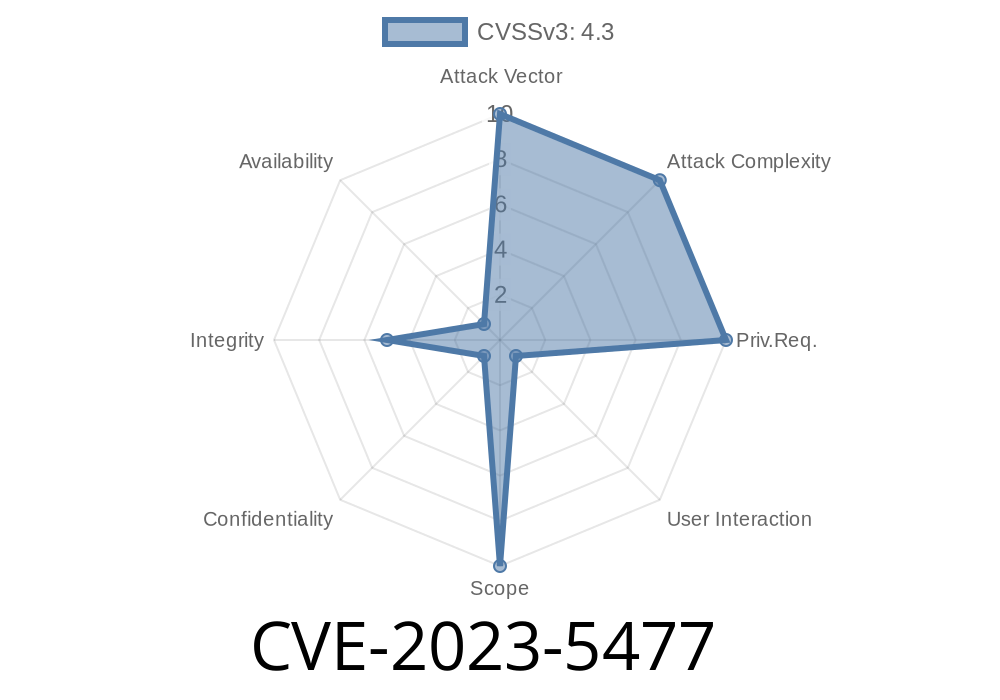
In October 2023, a security advisory was published for a low-severity vulnerability in Google Chrome's Windows installer, tracked as CVE-2023-5477. The flaw exists in versions prior to Chrome 118..5993.70, and while it may not rank among the year's most dangerous bugs, it still presents a real risk: a crafty local attacker could bypass some file and directory access controls on your system. This post breaks down what happened, shows a proof-of-concept, and shares official references for further reading.
What is CVE-2023-5477?
To summarize, CVE-2023-5477 is an issue in the Chrome Installer, not the browser itself. The problem is due to an inappropriate implementation of how the installer sets or respects permissions (called *discretionary access control*, or DAC) on certain files or directories while Chrome is being installed or updated.
The vulnerability could allow a local attacker (someone with an account on your machine, not just a remote hacker) to run a command or script in a way that changes or bypasses access permissions, potentially slipping their own code or settings into a protected spot.
> Chromium rated this a "Low" severity issue, meaning it’s unlikely to be abused on its own, but it can be a puzzle piece for more complex attacks.
How Does The Vulnerability Work?
The Chrome Installer for Windows is responsible for creating folders, permissions, and setting up the app. Ideally, only trusted processes *and* the current user should be able to write or modify files in Chrome's install directories.
However, before version 118..5993.70, there was a flaw: if an attacker anticipated when Chrome was being installed or updated, they could create a folder or file in a way that the installer wouldn't properly restrict, or they'd inject commands that get executed with installer privileges.
Proof-of-Concept (PoC) Example
Below is a simplified proof-of-concept in pseudo-code for demonstrating the type of action an attacker could take. (Note: Actual exploit details can depend on system configuration and may require specific timing or tools.)
:: Malicious local user prepares directory
:: Suppose Chrome installer will place something at C:\Program Files\Google\Chrome\Application\Helpers

md "C:\Program Files\Google\Chrome\Application\Helpers"
icacls "C:\Program Files\Google\Chrome\Application\Helpers" /grant Everyone:F

:: Now, if Chrome’s installer doesn't correctly re-check/re-apply permissions,
:: attacker drops a malicious file or link in the directory:
copy evil.dll "C:\Program Files\Google\Chrome\Application\Helpers\trusted_helper.dll"

:: When installer runs, it may load the attacker's "trusted_helper.dll" instead of the legitimate version,
:: executing attacker-controlled code with elevated privileges.
> Note: The specifics (such as file names and DLL hijacking chances) will vary, but the idea is to weaken the expected permissions and insert a payload.
Official Fix
The Chrome team addressed the issue by improving how the installer verifies and applies access permissions, ensuring pre-existing directories or files don't escape proper lockdown.
Patched in: Chrome 118..5993.70 and above
- Recommendation: Always keep your browser AND its installer up to date, especially on systems with multiple users.
More Resources
- Chromium Blog: Chrome 118 Security Fixes
- CVE-2023-5477 on NIST
- Chromium Security Advisories
Conclusion
Although CVE-2023-5477 is not a doomsday vulnerability, it serves as a reminder: even the simplest installer logic can be a point of leverage for attackers. Local privilege escalations might sound boring, but they're frequently chained with other weaknesses for bigger attacks! If you manage a Windows environment with several users or use Chrome in a business, check that you’re up to date.
Stay safe, and always double down on permissions—especially during software installations!
Timeline
Published on: 10/11/2023 23:15:00 UTC
Last modified on: 10/13/2023 02:15:00 UTC