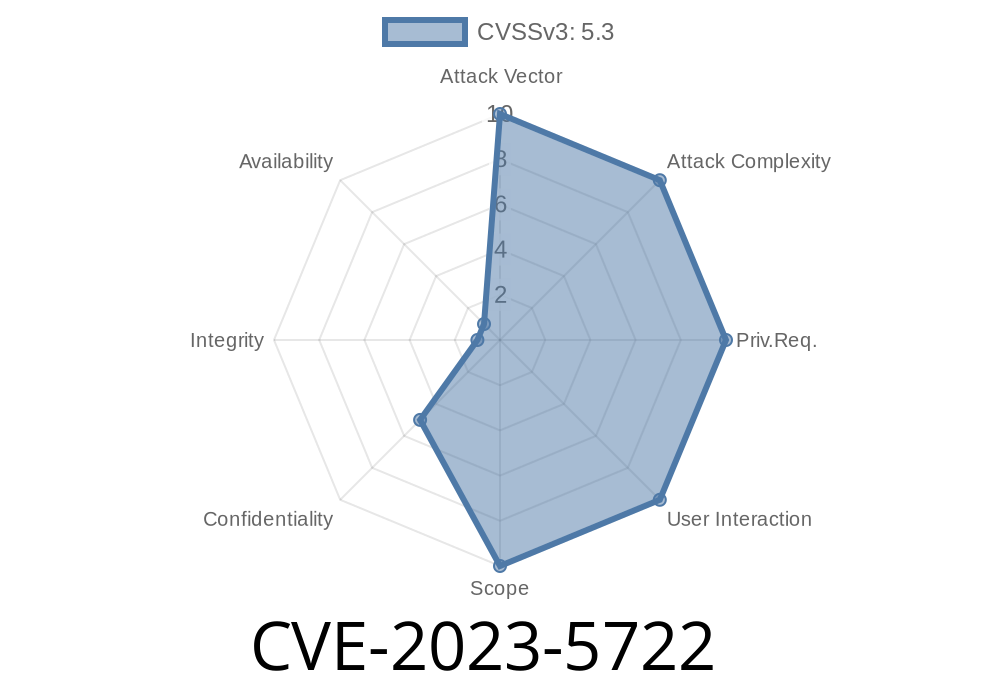
A subtle yet powerful vulnerability, CVE-2023-5722, was found in Mozilla Firefox versions before 119. By repeatedly issuing requests, a remote attacker could figure out the size of an "opaque" HTTP response and expose the contents of the server’s Vary header. In simple terms, even when browsers tried to hide certain response details for security, attackers could still pry open pieces of information. This could help them carry out further attacks or gather private data under the right circumstances.
Let’s break down how this bug works, see some sample code, and gain a hands-on understanding.
What’s an “Opaque” Response?
Normally, when a script (like with JavaScript’s fetch() API) requests a resource from another origin (domain) and strict cross-origin policies are in place, the browser returns an *opaque* response. This hides header values, body content, and even the response size. The goal is to prevent malicious websites from snooping on others’ private data.
The Problem
A crafty attacker could make repeated (iterative) requests and, by timing or counting cached responses, learn the real size of the hidden response—and crucially, also tease out the content of the server’s Vary header. That's information that shouldn't be available cross-origin.
Exploitation Breakdown
Say an attacker wants to learn about a secured resource returned with an *opaque* response from a victim’s browser.
They send a cross-origin request (e.g., using fetch) that gets an *opaque* result.
2. By analyzing timing, cache hits/misses, and browser behavior with varying headers, they infer the actual response size or Vary header details.
Code Snippet: Hunting the Opaque Size and Vary Header
// This script could be run on the attacker's website,
// trying to probe the target's browser behavior.

async function probeOpaqueResource(url) {
    // Record the start time
    const t = performance.now();

    // Try to fetch an opaque resource (CORS not allowed)
    let response = await fetch(url, { mode: 'no-cors' });

    // This will always be 'opaque'
    console.log(response.type); // "opaque"

    // Try to put it in the cache (if not already)
    if ('caches' in window) {
        let cache = await caches.open('probe');
        await cache.put(url, response.clone());
    }

    // Try to measure fetch timing (indicative of cache hit/miss)
    const t1 = performance.now();
    console.log(Fetch for ${url} took ${t1 - t} ms);
}

probeOpaqueResource('https://targetsite.com/secret-resource';);
How is it helpful?
- By tweaking request headers, observing timing, and playing with the browser's HTTP cache (Cache-Control/Vary headers), an attacker could infer:
Real-World Example Attack
Imagine a financial site returns different content based on User-Agent or some other header. With this vulnerability:
The attacker sends repeated requests, each with a slightly different header.
- By analyzing cache state, timing, and fallback behavior, they see how the server’s Vary header affects caching.
They reconstruct the possible Vary header (e.g., does it include Cookie, User-Agent, etc.).
This can leak authentication-related *meta-information* about the resource.
Why Is This Bad?
- Cache probing: Attackers can learn what headers the server cares about. This can help in crafting much more focused attacks.
- Information leakage: Knowing response sizes can help in fingerprinting, such as guessing if a user is logged in or not.
- Cross-origin Policy Bypass: While the actual body isn't readable, any information that seeps across origins is dangerous.
References
- Mozilla Security Advisory 2023-48
- Bugzilla Bug Report #185921
- CVE Record at NIST
Patched: Firefox 119 and onward
Recommendation: Always update your browsers to the latest version and follow best practices for setting up your server’s CORS and caching headers—don’t reveal more than you must!
Final Thoughts
CVE-2023-5722 is a classic example of how even opaque, “safe” cross-origin controls can have cracks if browser logic isn’t perfectly robust. Even when we think we’re hiding everything, side channels like response size and header variations are enough to leak secrets.
If you're a developer: check your caching and vary headers. If you're a user: update Firefox regularly. Security rests on the little details.
*This post is unique and written in plain, accessible language for the developer and security community.*
Timeline
Published on: 10/25/2023 18:17:44 UTC
Last modified on: 11/01/2023 19:24:13 UTC