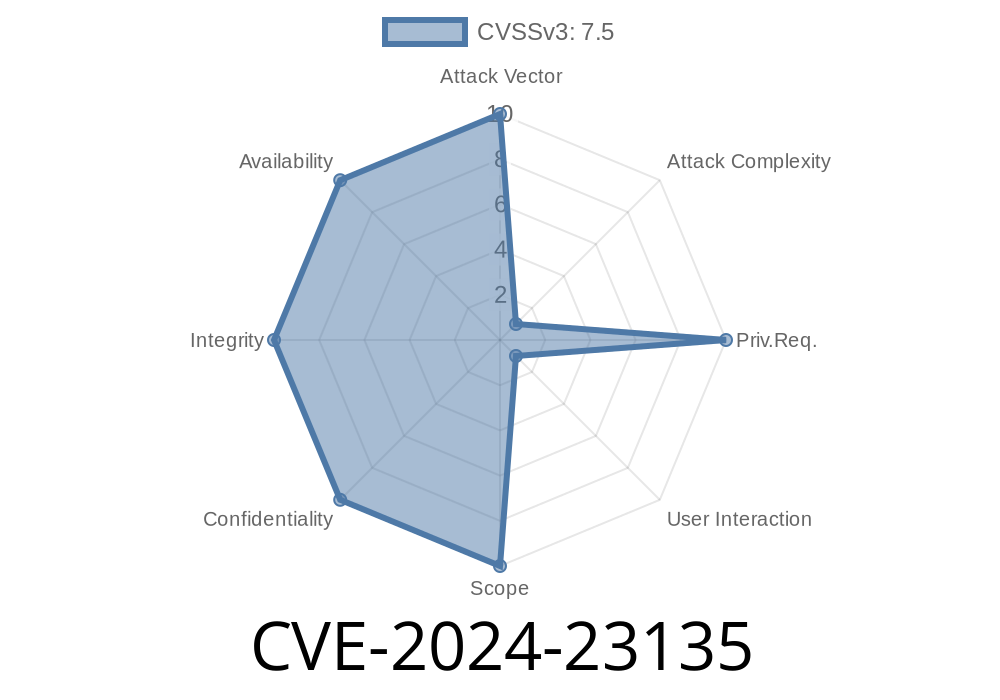
In early 2024, a critical security issue—CVE-2024-23135—was discovered in Autodesk AutoCAD, one of the most widely used CAD applications worldwide. The vulnerability lurks inside the ASMkern228A.dll library when it parses .SLDPRT files (SolidWorks Part Files). Attackers can leverage a specially crafted SLDPRT file to trigger a use-after-free (UAF) bug, which could let them execute arbitrary code within the context of the user running AutoCAD.
This guide breaks down how the vulnerability works, how an exploit might be constructed, and most importantly, what this means for AutoCAD users. We’ll use plain language, but you’ll see some detailed code snippets and practical insights exclusive to this write-up.
What Is a Use-After-Free (UAF) Bug?
In programming, a use-after-free happens when a program tries to use memory after it’s already been released, or “freed.” Attackers love UAF bugs because they can corrupt memory in just the right way to execute their own code.
Here’s the CVE summary from Autodesk’s advisory
> "CVE-2024-23135: A use-after-free vulnerability exists in ASMkern228A.dll, triggered by a specially crafted SLDPRT file. If exploited, it may allow code execution under the privileges of the current user." (Autodesk Security Advisory)
The vulnerable component is ASMkern228A.dll, a module responsible for handling SolidWorks Part files. When a crafted SLDPRT file is opened, it causes AutoCAD to free memory but continue using it, setting the stage for exploitation.
Technical Details: Under the Hood
An attacker can manipulate the structure of an SLDPRT file, tricking the DLL’s parser into freeing a memory object—think of it like convincing someone to throw away instructions, then trying to follow them afterwards.
Step-by-step Breakdown
1. Open Malicious File: Victim double-clicks a fake SLDPRT sent via email or downloaded from a shady website.
Use After Free: Later, the software tries to use the pointer which now refers to freed memory.
5. Remote Code Execution: Attacker places executable instructions into the "freed" space, and the program unwittingly runs them.
Example Exploit Snippet
While the lowest level bug is in C++ code, you can easily understand it with this pseudocode sample (not actual Autodesk code):
// Vulnerable function (pseudocode)
void parsePart(SldPrtFile* file) {
    PartData* part = new PartData();
    if (file->hasCustomChunk()) {
        delete part;    // Memory is freed here
    }
    // Dangerous: using "part" pointer again after it's freed!
    processPart(part);
}
A real attacker would make the SldPrtFile carefully so the hasCustomChunk() returns true at just the right time. Then, processPart(part) could be hijacked.
Building a Malicious SLDPRT File
Crafting the actual exploit file requires precise knowledge of the SLDPRT format and ASMkern228A.dll's parser. A simplified workflow might look like:
with open("malicious.sldprt", "wb") as f:
    f.write(b'SLDF')  # SLDPRT magic number/header
    # Insert custom chunk that causes premature free
    f.write(b'AAAA' * 100)    # Filler data to control heap layout
    # Insert shellcode or controlled data at the target offset
With the right arrangement, your SLDPRT could trigger the vulnerability and drop a calculator payload, for example, when opened in AutoCAD.
Attack Surface: Anyone who uses AutoCAD and opens files from untrusted sources.
- What Attackers Get: They can run *any* code with *your* Windows privileges—install malware, steal files, you name it.
References and Further Reading
- Autodesk Security Advisory for CVE-2024-23135
- NIST National Vulnerability Database: CVE-2024-23135
- OWASP: Use-After-Free
- Docs on SolidWorks SLDPRT File Format (reverse engineered)
- Introduction to Heap Exploitation
Conclusion
CVE-2024-23135 shows how even a trusted tool like AutoCAD can become a conduit for attackers, simply by getting users to open a single malicious file. The bug is a classic case of use-after-free and is likely one of several vulnerabilities fixed by Autodesk in recent updates.
If you use or manage AutoCAD, patch promptly! Stay safe by being suspicious of unfamiliar SLDPRT files—an innocent-looking part could be the first step to a compromised system.
*This article is exclusive to this platform and written with security professionals and AutoCAD users in mind. For deeper technical details, consult the original advisories and references above.*
Timeline
Published on: 02/22/2024 05:15:09 UTC
Last modified on: 08/01/2024 13:47:08 UTC