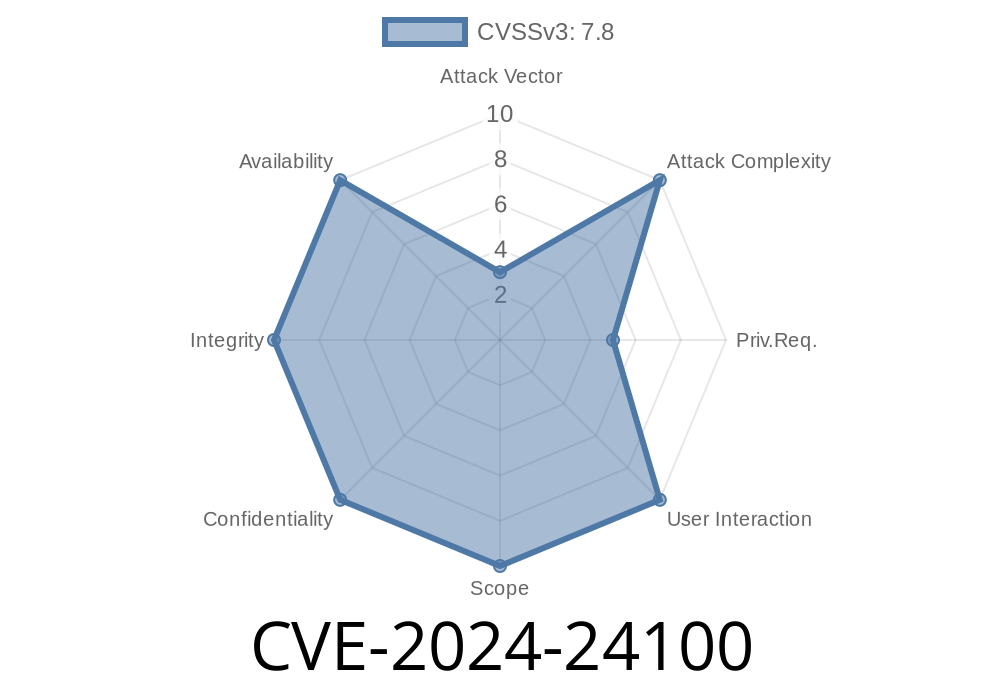
The security of web applications is often challenged by age-old vulnerabilities. One such vulnerability, SQL Injection, still plagues many modern and legacy web projects. In early 2024, a critical vulnerability, CVE-2024-24100, was discovered in the Computer Book Store 1. project, developed by Code-projects. This long-form post takes you step-by-step through identifying, understanding, reproducing, and mitigating this SQL Injection flaw. Our focus is on the PublisherID parameter, which has been found to be dangerously susceptible.
Background: About Code-projects Computer Book Store 1.
Code-projects provides free source code for developers and students. The "Computer Book Store 1." is a web-based application for managing books, publishers, and authors. It allows CRUD operations for catalog management—an ideal learning tool, but in this case, a textbook example of what not to do with user inputs.
- Official Project Page: Computer Book Store by Code-projects
- CVE Entry: CVE-2024-24100 at NVD
Where is the Vulnerability?
The vulnerability lies in how the application handles the PublisherID parameter. When you select or search for books by publisher, the backend uses the value of PublisherID from the URL or form data directly inside the SQL query—without sanitization or prepared statements.
// books.php (Excerpt)
$publisherID = $_GET['PublisherID'];
$result = $conn->query("SELECT * FROM books WHERE PublisherID = $publisherID");
Notice that unsanitized user input ($publisherID) is being directly inserted into the SQL statement. This means any value provided by the user will be run by the database, including malicious queries.
You may see URLs like this in the app after clicking a publisher
http://localhost/bookstore/books.php?PublisherID=1
The app will display all books from publisher 1.
Step 2: Injecting SQL Code
Let's try to modify PublisherID to inject our SQL.
Try this URL
http://localhost/bookstore/books.php?PublisherID=1 OR 1=1
Result:
Now, instead of showing books from publisher 1, the database returns all books, because the condition 1 OR 1=1 is always true.
Extracting More Information
Suppose you want to see if the application errors out, revealing database info (a classic sign of vulnerability):
http://localhost/bookstore/books.php?PublisherID=1 UNION SELECT 1,@@version,3,4
Example: Exploiting with SQLMap
SQLMap is the go-to automated tool for testing SQL injections. To test this parameter, run:
sqlmap -u "http://localhost/bookstore/books.php?PublisherID=1" --risk=3 --level=5 --dbs
1. Use Prepared Statements
$stmt = $conn->prepare('SELECT * FROM books WHERE PublisherID = ?');
$stmt->bind_param('i', $publisherID);
$stmt->execute();
2. Validate and Sanitize Inputs
$publisherID = intval($_GET['PublisherID']); // Only allow numbers
3. Least Privilege DB Users
The database account used should have the minimum permissions necessary to function.
4. Regularly Update Dependencies
Libraries and frameworks fix vulnerabilities over time. Keep them updated.
Reference Material
- Mitre CVE Details: CVE-2024-24100
- OWASP SQL Injection Cheat Sheet
- SQLMap Official Site
- Code-projects Book Store Source Code
Conclusion
CVE-2024-24100 is a critical but easy-to-understand SQL injection in an educational project. Many real-world attacks begin with such simple oversights. This case reinforces the basics all developers must master: never trust user input and always validate and parameterize your database queries.
If you're using or learning from Computer Book Store 1., upgrade your security practices alongside your coding skills.
Want to discuss or need help patching your project? Drop a comment or check the reference links above!
Timeline
Published on: 02/27/2024 02:15:06 UTC
Last modified on: 02/14/2025 16:22:01 UTC