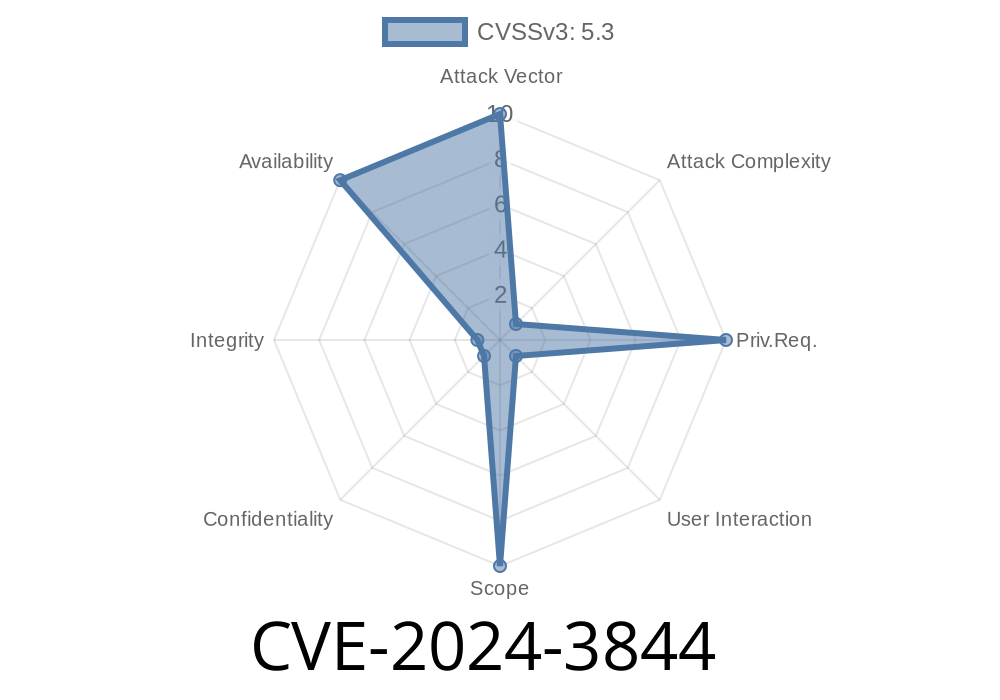
In April 2024, Google’s Chrome team patched a new security vulnerability tracked as CVE-2024-3844. This issue affects Chrome before version 124..6367.60 and is linked to the way Chrome Extensions handle UI elements. A remote attacker could exploit this weakness to perform UI spoofing, tricking users with rogue interface elements.
Let’s break down what went wrong, show a simplified code example, and walk you through the exploitation path—so you can avoid falling for similar tricks.
What is UI Spoofing?
UI spoofing is when a malicious actor manipulates what you see in an app’s interface. The goal? Make something look safe or trustworthy when it’s not—like fake warning dialogs, login prompts, or download windows—nudging you to click or enter sensitive info.
Severity: Low (chromium rating), but can be dangerous if used with social engineering.
Source:
- Chromium Security Update for April 2024
- CVE-2024-3844 at NVD
The Vulnerable Path
The problem came from how some Chrome Extensions could inject or overlay their own UI elements—like fake pop-up windows—on top of legitimate browser content. If a user trusts what they see, the attacker wins.
Example (Simplified Extension Background Script)
// background.js
chrome.browserAction.onClicked.addListener(function(tab) {
  chrome.windows.create({
    url: "popup.html",
    type: "popup",
    width: 400,
    height: 300,
    left: 100,
    top: 100,
    focused: true
  });
});
popup.html could display content that looks exactly like a Chrome warning or Google login—confusing users.
Malicious actor writes a Chrome Extension that injects misleading UI elements.
The HTML file mimics a Chrome "Session expired" message or a Google Account login screen.
https://ssl.gstatic.com/ui/v1/icons/mail/rfr/gmail.ico" style="width:32px;height:32px;">
Sign in to Google
Sign In
`
User is tricked into installing the extension (via phishing, fake store listing, etc.).
Trigger Spoofed UI:
The extension opens the popup.html when the user clicks its icon or automatically from code. User thinks this is a legitimate Chrome or Google prompt.
Real-World Impact
While this bug is marked "Low" severity by Chromium (since users still have to install the malicious extension and click the UI), this kind of spoofing is subtle and can be effective—especially if:
Google’s Mitigation
With version 124..6367.60 and up, Chrome tightened extension control over popups and UI overlays. Extensions now can’t spoof native browser prompts or system dialogs as easily.
References
- Chrome Stable Channel Update (Google, 2024)
- NVD Entry for CVE-2024-3844
- Chromium Extension Security Documentation
Final Thoughts
CVE-2024-3844 shows that even “low-severity” UI bugs in browsers can be gateways for social engineering. If you use Chrome extensions, keep your browser up-to-date, don’t install unknown add-ons, and always double-check pop-up dialogs before entering personal info.
Timeline
Published on: 04/17/2024 08:15:10 UTC
Last modified on: 07/03/2024 02:06:42 UTC